
This World Tamer v0.44 Full Gallery Save includes a general save and three repeatable scene saves for Lisa, Emily, and Rose.

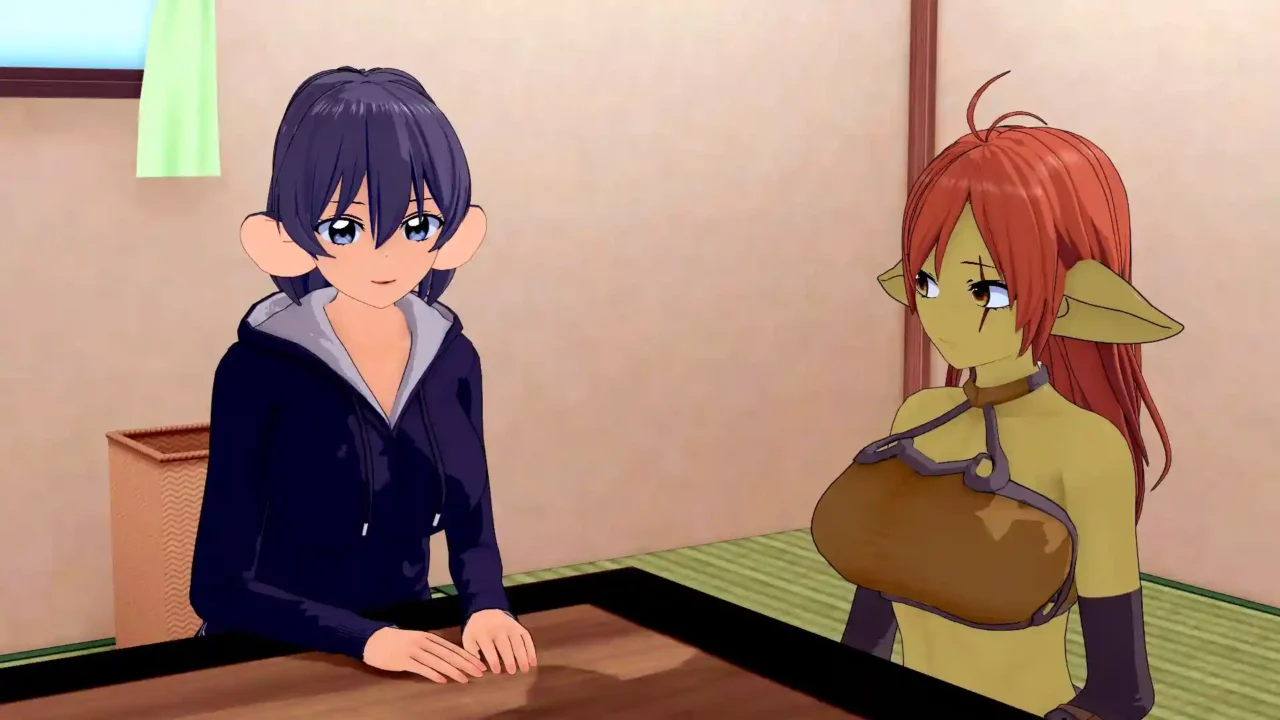

Save File Information
- Game: World Tamer
- Version: v0.44
- Save Type: Full Gallery Saves
- Platform: Windows PC
Download World Tamer v0.44 Save
Download the save archive below and extract it before installation.
Included Saves
- Slot 1-1: General Save
- Slot 1-2: Lisa Repeatable Scene
- Slot 1-3: Emily Repeatable Scene
- Slot 1-4: Rose Repeatable Scene
How to Install the Save
- Close World Tamer completely.
- Download and extract the ZIP archive.
- Press Win + R, enter the save location below, and press Enter.
- Back up your existing saves, then copy the contents of the extracted
savesfolder into this location. - Open the game’s installation folder. Copy the extracted
savesfolder itself into the game’sgamefolder, as instructed by the original save package. - Launch the game and load the save slot you need.
Windows Save Location
Game Folder Location
%APPDATA%\RenPy\WorldTamerGame Folder Location
World Tamer\game\savesIf the AppData save folder does not exist, launch the game once and close it before trying again. To find the installation folder, open the folder where World Tamer is installed and locate its game folder.
Compatibility: This save package is listed for World Tamer v0.44. Compatibility with newer game versions has not been confirmed. Back up your original save files before installing.