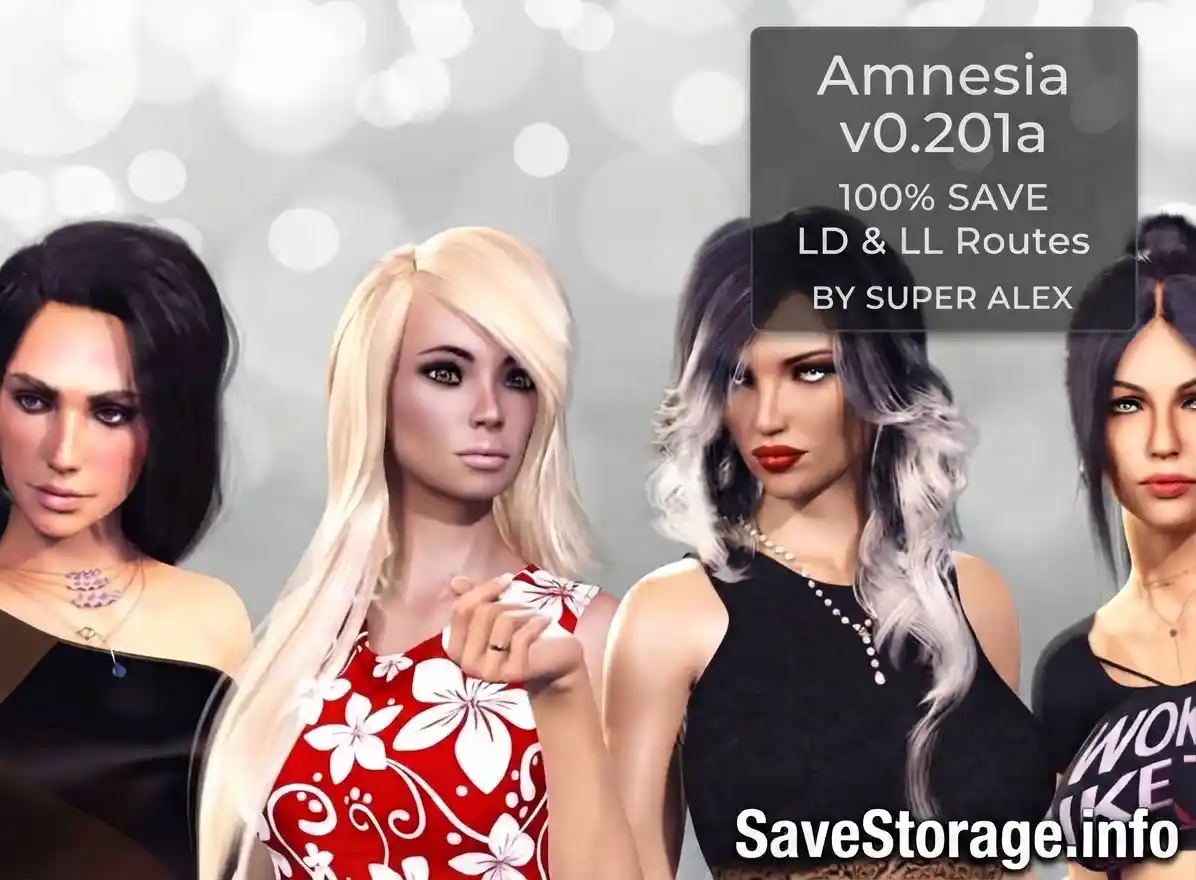
| Game Title | Amnesia |
| Developer | Super Alex |
| Version | v0.201a Patreon |
| Platform | PC |
| Contents | Chapter One Save + LD & LL Routes + Gallery & Sandbox Progress |
About This Save Game
If you are playing Amnesia v0.201a and don’t want to go through Chapter One again, these saves can help you jump straight into Chapter Two.
There are two different saves in the download, one for the Loyalty/Dominant (LD) route and one for the Loyalty/Love (LL) route.


Amnesia v0.201a Save Files
Version: v0.201a Patreon
Developer: Super Alex
Author: Ahchi
Save Progress: End of v0.109 / Chapter One
Archive: ZIP
What’s Included
The saves have Chapter One completed with the main Sandbox content already unlocked. The creator also completed the available tasks and galleries.
- All 0-Star, 1-Star and 2-Star Sandbox content unlocked
- All available tasks completed
- All galleries unlocked
- Five panties acquired
- Special renders unlocked
- End-of-version saves included
- Persistent files included
- No mods used
The two files follow different routes, so make sure you choose the one you want before starting Chapter Two.
LD & LL Routes
LD Save: Loyalty/Dominant route.
LL Save: Loyalty/Love route.
Both saves are from the end of v0.109 / Chapter One and are intended to work with Chapter Two v0.201.
How to Install the Save on Windows
- Close the game completely.
- Open this folder on your PC:
Extract the save files from the ZIP and copy them into this folder. You only need to use this one location — there is no need to copy the files to both folders.
If you don’t see the Amnesia folder there, open the game, make a new save, close it, and check the folder again. The game should create it automatically.
Mac & Linux
The save system can be different depending on the Amnesia build and operating system. If you are using Mac or Linux, the easiest way to find the correct folder is to start the game, make a new test save, close the game, and then look for the newly created save files.
Once you find the folder, back up the original files and replace them with the downloaded save files.