
Download the Satisfy Him v0.2.5 Save File with the full gallery unlocked. This save is intended for players who want to access the game’s gallery without unlocking every entry through normal gameplay.
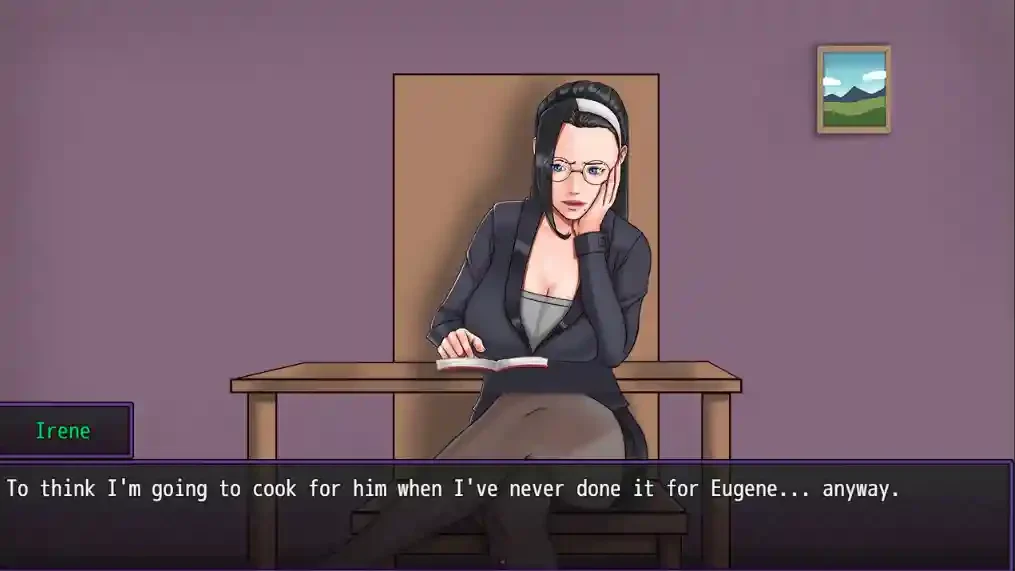
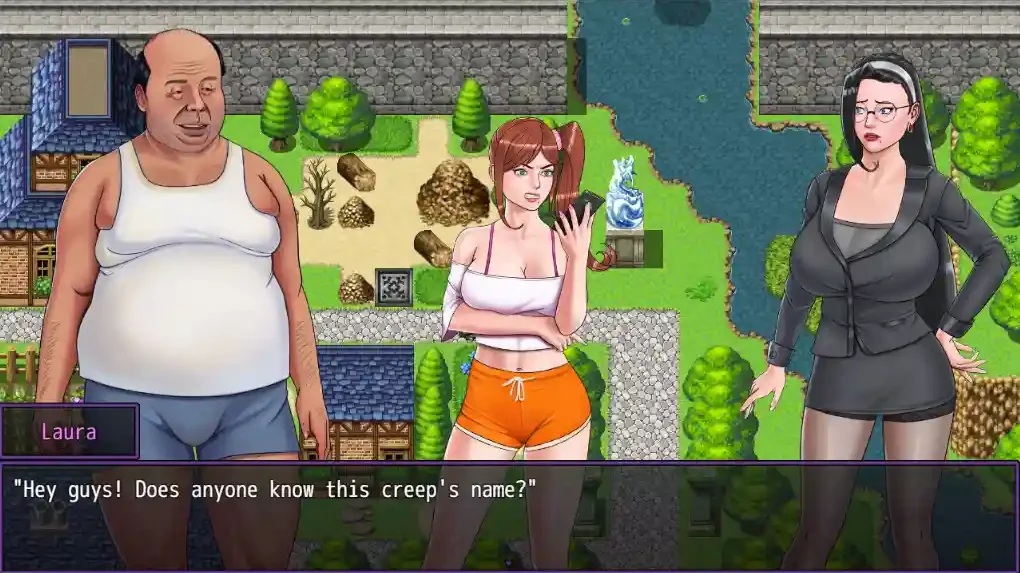
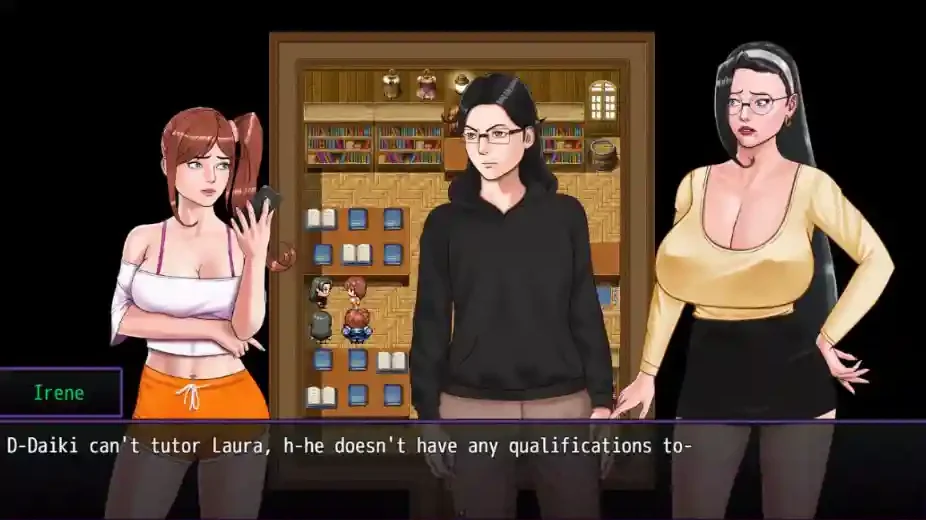
Save File Information
- Game: Satisfy Him
- Save Version: v0.2.5
- Save Type: Full Gallery Save
- Platform: Windows PC
Download Satisfy Him v0.2.5 Save
Use the download button below to get the save file.
How to Install the Save
- Close Satisfy Him completely.
- Download and extract the save archive.
- Open the game’s installation folder — the folder containing the game executable.
- Look for the
wwwfolder, then opensave. If there is nowwwfolder, check for asavefolder directly inside the game directory. - Back up your existing save files, then copy the files from the downloaded archive into the correct save folder. Keep their original filenames.
- Launch the game and check the available save slots and gallery.
Save File Location
Common Windows PC Location
Alternative Location
Game Folder\www\save\Alternative Location
Game Folder\save\How to find the folder: Open the folder where Satisfy Him is installed and check which of the paths above exists. Copy the save files into that folder rather than creating a new save directory.
Important: Back up your original saves before replacing any files. The exact save filenames and folder structure may differ between game releases. This download is listed as v0.2.5; compatibility with other versions has not been confirmed.