
| Game | Love & Sex: Second Base |
| Version | v26.8.0d |
| Save Progress | Almost 100% |
| Devloper | Andrealphus |
About This Save
This save is for Love & Sex: Second Base intended for players who want to continue from a nearly completed game.
The save information describes it as almost 100% complete. The Taming Harem is the part that has not been finished yet, so you can continue that content without having to replay most of the game.
No specific character or route list is included with the original save information, so the post does not claim individual routes are completed unless they are confirmed by the save itself.
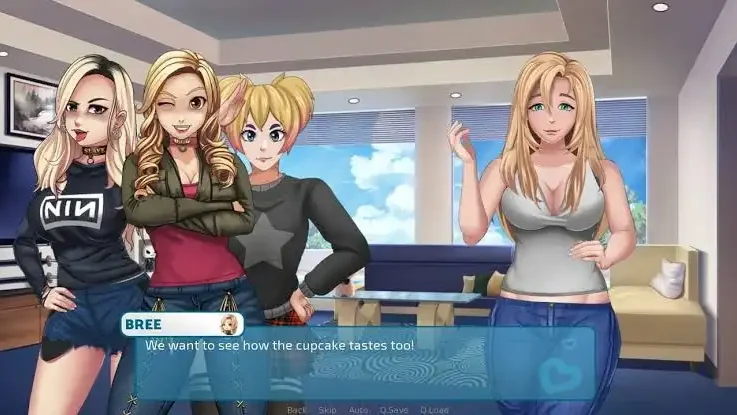

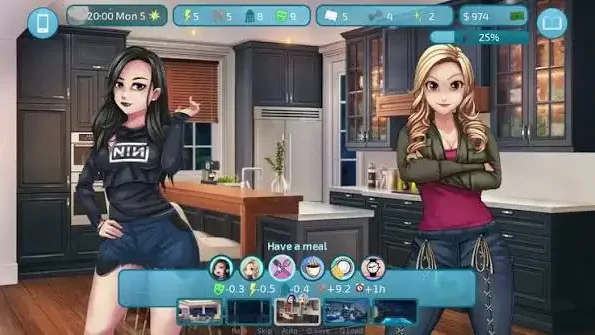
Save Details
Game: Love & Sex: Second Base
Tested Version: v26.8.0d
Progress: Almost 100%
Unfinished Content: Taming Harem
Platform: PC
The save is best used with v26.8.0d. Using it with another game version may cause compatibility problems if you tested pls comment it.
Save Slot: The numbers in the file name show where the save appears in the game. For 13-5-LT1.save, look for slot 13 save 5 when loading a save.
How to Install the Save
Close the game before copying the save. If you already have your own progress, make a backup of your current save files first.
Windows
- Download the save file.
- Extract the archive if it is provided as ZIP or RAR.
- Press Win + R.
- Enter %APPDATA%\RenPy\LoSe and press Enter.
- Copy the downloaded .save file into the folder.
- Launch Love & Sex: Second Base.
- Open Load Game and check for the imported save.
Windows save folder:
C:\Users\user-name\AppData\Roaming\RenPy\LoSe
macOS
- Download and extract the save file.
- Open Finder.
- Press Command + Shift + G.
- Enter ~/Library/RenPy/ and press Enter.
- Open the Love & Sex: Second Base save folder.
- Copy the .save file into that folder.
- Launch the game and check the Load menu.
macOS save location:
~/Library/RenPy/
Linux
- Download and extract the save.
- Open your Home folder.
- Enable hidden files if necessary.
- Open the .renpy folder.
- Find the Love & Sex: Second Base save folder.
- Copy the .save file there.
- Start the game and check the Load menu.
Linux save location:
~/.renpy/
Android
If you are using the Android version, the save location is different from the desktop versions. The developer’s save-location guide lists the Love & Sex: Second Base Android save location under the game’s Android data directory.
Documents/RenPy_Saves
Android versions can use a different save structure depending on where the game was downloaded, so make a backup of your existing saves before replacing anything.