Last Updated: November 7, 2026
This collection includes five GTA San Andreas saves for different platforms and editions. They cover the original PC game, the Android version, and GTA San Andreas: The Definitive Edition.
Check the edition listed for each save before downloading. A save made for the original PC game should not be treated as interchangeable with an Android or Definitive Edition save.
File Details
- Game: Grand Theft Auto: San Andreas
- Developer: Rockstar Games
- Platforms: Original PC, Android and Definitive Edition
- Collection: 5 different save files
- Progress: 100% completion and additional completed activities, depending on the save
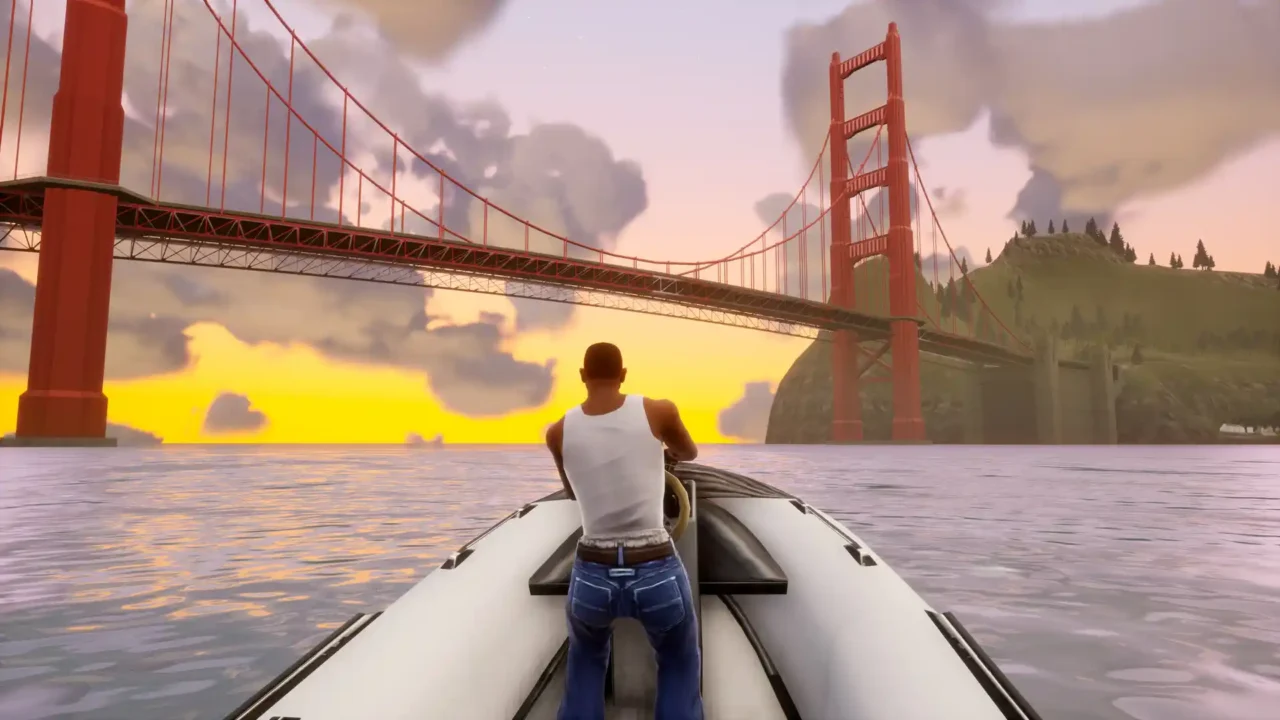
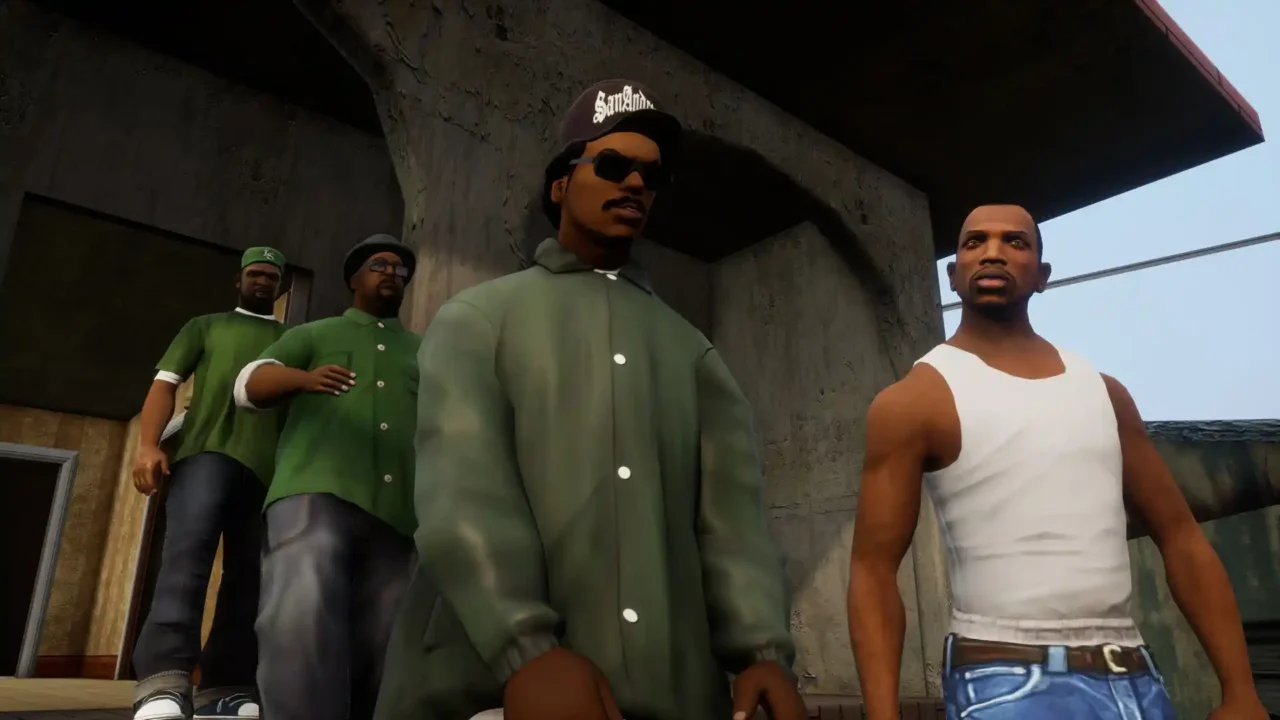
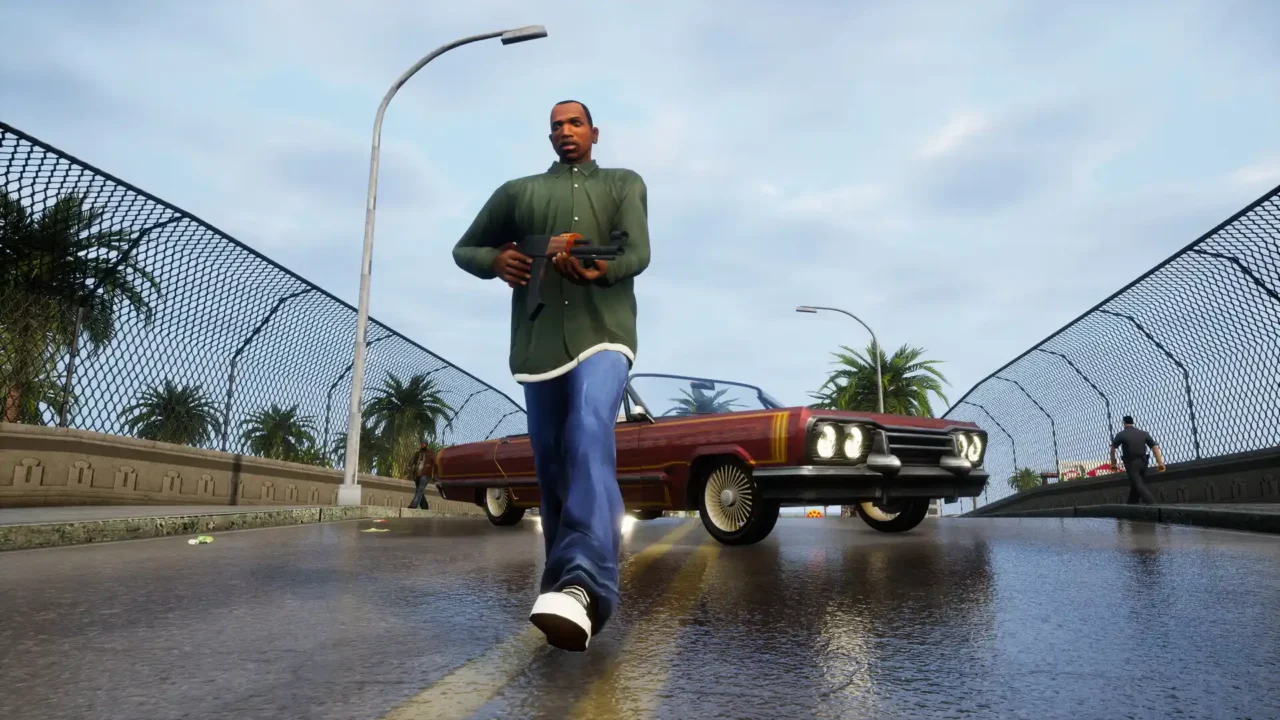
GTA San Andreas Save Files
1. GTA San Andreas 100% Save — CyberVortex
Platform: Original PC version, not the Definitive Edition
Author: CyberVortex
File size: 61 KB
This save covers the main storyline and a wide range of side activities, collectibles and challenges.
- Main storyline completed
- Ambulance, police, taxi and firefighter missions completed
- 100 graffiti tags, 50 snapshots, 50 oysters and 50 horseshoes collected
- 50 unique jumps completed
- Races and driving, flying and bike schools completed
- Gang territories reclaimed and properties purchased
2. GTA San Andreas Absolute 100% Save — zaraban
Platform: Original PC version
Author: zaraban
File size: 68 KB
This save goes beyond the usual completion checklist, with additional challenges, maxed-out skills and completed activities.
- Main storyline completed to 100%
- 70 unique jumps completed
- Thief mission completed
- 100% relationship with all girlfriends
- Clothes purchased from every store
- Lowrider Challenge completed
- All four schools completed with gold medals
- Arcade games completed with the highest scores
- Beat the Cock! triathlons completed
- Skills and gambling stats maximized
- All gang territories captured
- $999,999,999 in-game money
- King of San Andreas rating achieved
The author reports completing the save in around 65 hours on the original game, using Alexander Polyak’s build with fixes.
3. GTA San Andreas Complete Save — andropov_19
Platform: Original PC version
Author: andropov_19
File size: 2.2 MB
This save combines main-story completion with city service missions, collectibles, races, schools and other activities.
- All main missions completed
- Business and city service missions completed
- 100 graffiti tags, 50 snapshots, 50 oysters and 50 horseshoes collected
- All 70 unique jumps completed
- Thief mission completed
- 100% relationship with all girlfriends
- All clothes purchased
- Gold medals in all four schools
- All skills maximized
- All gang territories captured
- $999,999,999 in-game money
4. GTA San Andreas 100% Save — MaksumTor
Platform: Android
Author: MaksumTor
File size: 250 KB
This save is intended for the Android release of GTA San Andreas. It includes main-story progress, side missions, collectibles, races, schools and other activities.
- All main missions completed
- Business missions completed
- Taxi, police, medic, freight train, valet, trucker, pimp, quarry and firefighter missions completed
- 100 graffiti tags, 50 oysters, 50 horseshoes and 50 snapshots collected
- Stadium, street, air, bike and motorcycle races completed
- All properties purchased and schools completed
- All Ammu-Nation challenges completed
- Import/Export vehicle lists completed
- All combat styles learned
5. GTA San Andreas: The Definitive Edition — 100% Save
Platform: GTA San Andreas: The Definitive Edition for PC
Author: alik12345
File size: 23.81 MB
This save is specifically for the Definitive Edition. It includes 100% completion, with a checkpoint after each mission.
How to Install GTA San Andreas Save Files
Choose the instructions that match the save you downloaded. Close the game before copying any files, and back up your existing saves first.
Original PC Version — Saves 1, 2 and 3
- Download the save you want and extract the archive if it is compressed.
- Open File Explorer and enter the following path in the address bar:
- Copy the extracted save files directly into this folder. Do not put them inside another new folder.
- If Windows asks to replace an existing file, only confirm if you intend to overwrite that save slot.
- Start the original PC version of GTA San Andreas and choose Load Game.
If the folder does not exist, start the game and create a save first. Close the game, then return to the folder and copy the downloaded files.
Android Version — Save 4
- Download the Android save and extract the archive.
- Open your device’s internal storage and navigate to the standard Rockstar Android save directory:
- Copy the downloaded save files into the game’s existing save folder. Keep any folders included in the archive in their original structure.
- Open GTA San Andreas and check the Load Game menu.
Access to Android/data is restricted on some Android versions. If your file manager cannot open it, use a file manager with the required access or transfer the files using a computer. The package name or save directory may also differ if you use a different Android release of the game.
Definitive Edition — Save 5
- Download the Definitive Edition save and extract the archive.
- In File Explorer, open the following directory:
- Open the profile folder inside
Profiles. Its name is tied to your game profile. - Copy the extracted Definitive Edition save files into that profile folder. Do not place them in the original game’s
GTA San Andreas User Filesdirectory. - Launch the Definitive Edition and check the Load Game menu.
Before Replacing Existing Saves
Save compatibility can also depend on the specific game build. If a save does not appear in the Load Game menu, confirm that you installed it in the correct edition’s save folder and that the save format matches your game.