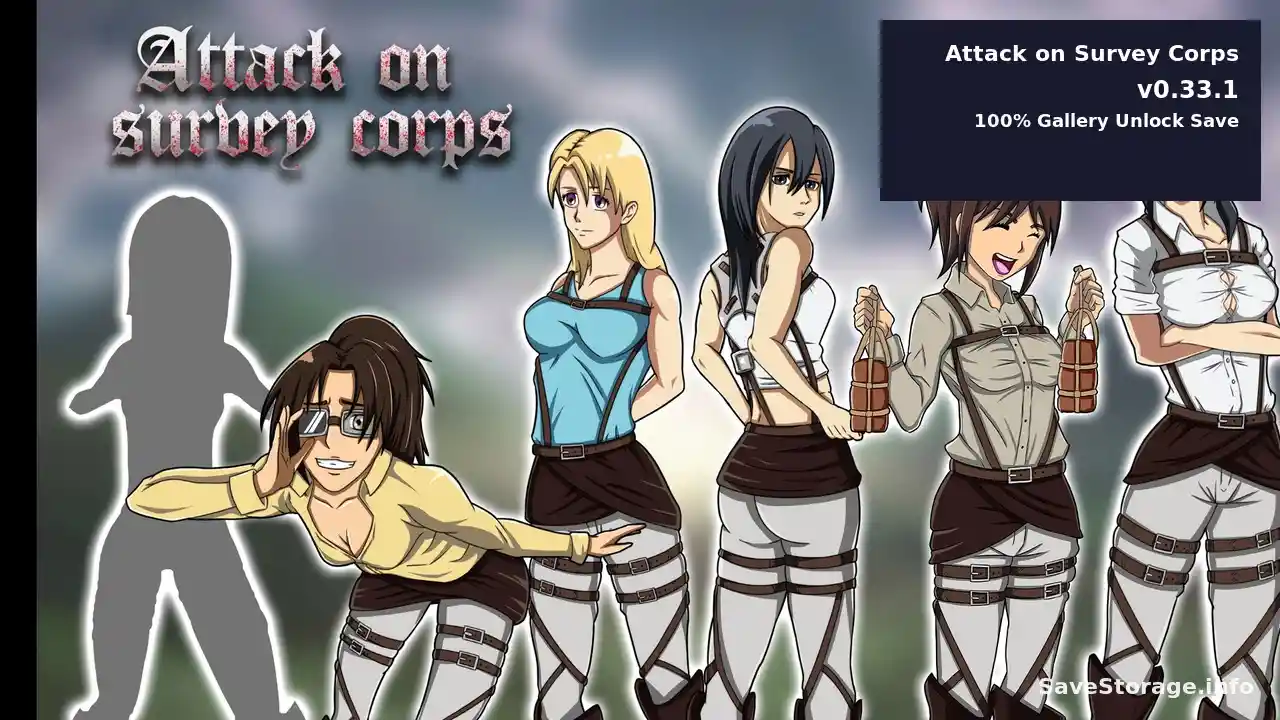
Game: Attack on Survey Corps
Developer: AstroNut
Version: v0.33.1
Platform: PC
Save Type: Gallery Unlock
Gallery: 100% Unlocked
Included File: Persistent
Archive: ZIP
About This Gallery Unlock
Unlock all gallery scenes in Attack on Survey Corps with this 100% Gallery Unlock file. It replaces your existing Persistent data to unlock every available scene up to game version v0.33.1.
This is a gallery unlock, not a 100% gameplay save. It may also work with future game versions unless the developer changes the save or security system.
Download Gallery Unlock
How to Install
Step 1 – Add the Verification Key
- Close the game and press Win + R.
- Open the following folder:
- Open security_keys.txt in Notepad. If it doesn’t exist, run the game once.
- Add this line at the very end as a new line and save:
Note: Do not modify or share any other lines, especially your private signing-key.
Step 2 – Install Persistent
- Extract the downloaded ZIP file.
- Press Win + R and open:
- Back up your existing persistent file.
- Copy the downloaded Persistent file into this folder and replace the old one.
- Repeat inside the sync folder if it exists.
- Launch the game, open Gallery, then quit using the in-game menu to save.
Troubleshooting
If the Persistent file shrinks to approximately 8 KB after quitting, the game rejected it. Check that the verification key was added correctly on a separate line. Restore your backup to recover your original data.
- Unlocks all gallery scenes available up to v0.33.1.
- Future compatibility depends on changes to the game’s save and security system.
- Always keep a backup of your original Persistent file.