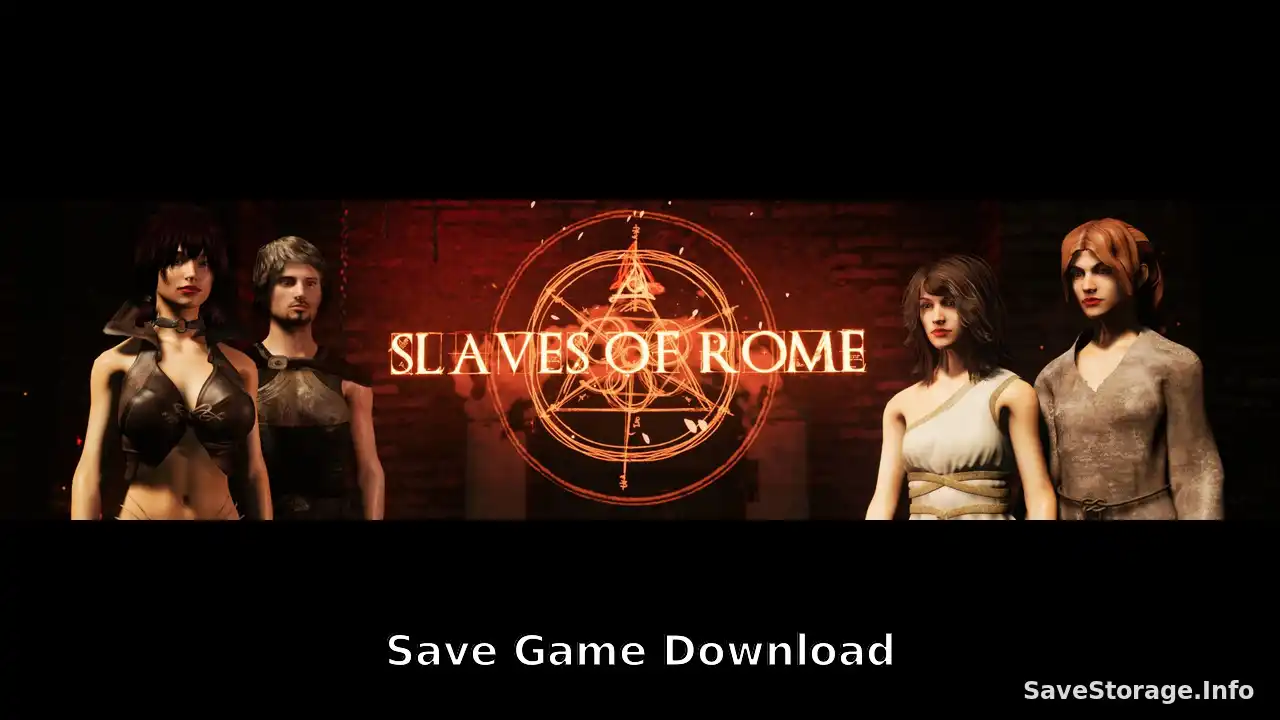
Looking for Slaves of Rome save games? This collection includes two different save files for players who want to start with plenty of money or continue from a completed game.
The first save provides 10 million Denari right at the beginning of the game, while the second features a completed game with extensive progression and customized characters.
Save Details
Game: Slaves of Rome
Game Version: v2.8.4 (based on the original post date)
Save Type: Starter Save & Completed Save
Number of Saves: 2
Platform: PC
File Format: SAV
Available Save Files
1. Starter Save – 10 Million Denari
Want to skip the early money grind? This starter save gives you 10 million Denari right from the beginning, allowing you to start your journey with a massive amount of money.
- 10 million Denari at the start.
- Designed for players who want an easier beginning.
- Start a new playthrough with a large financial advantage.
2. Completed Game Save
This save is intended for players who want to skip the main progression and continue with a completed game. It includes extensive progress and multiple customized characters.
- Completed game save.
- Extensive character progression.
- Customized characters.
- Additional character customization options are available in-game.
Character Customization Notes
According to the original contributor, you can customize your characters at these locations:
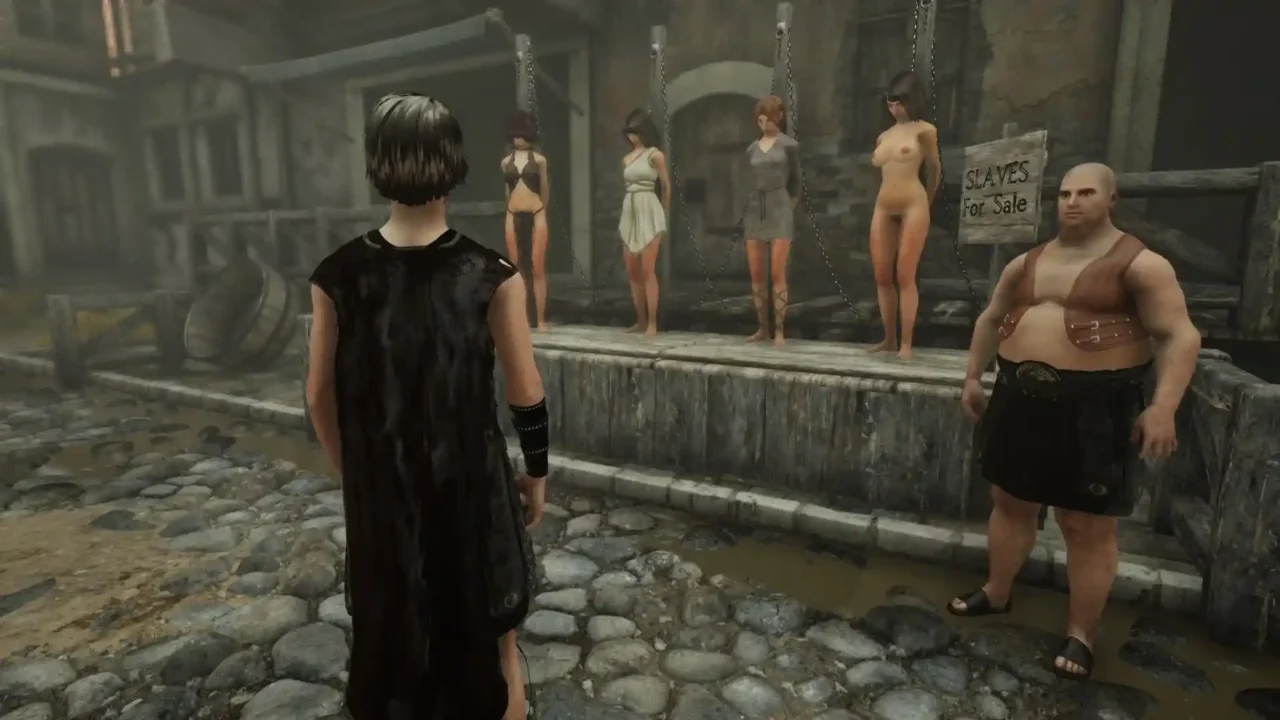
- Slave customization: Visit the central temple and use the desk on the right side.
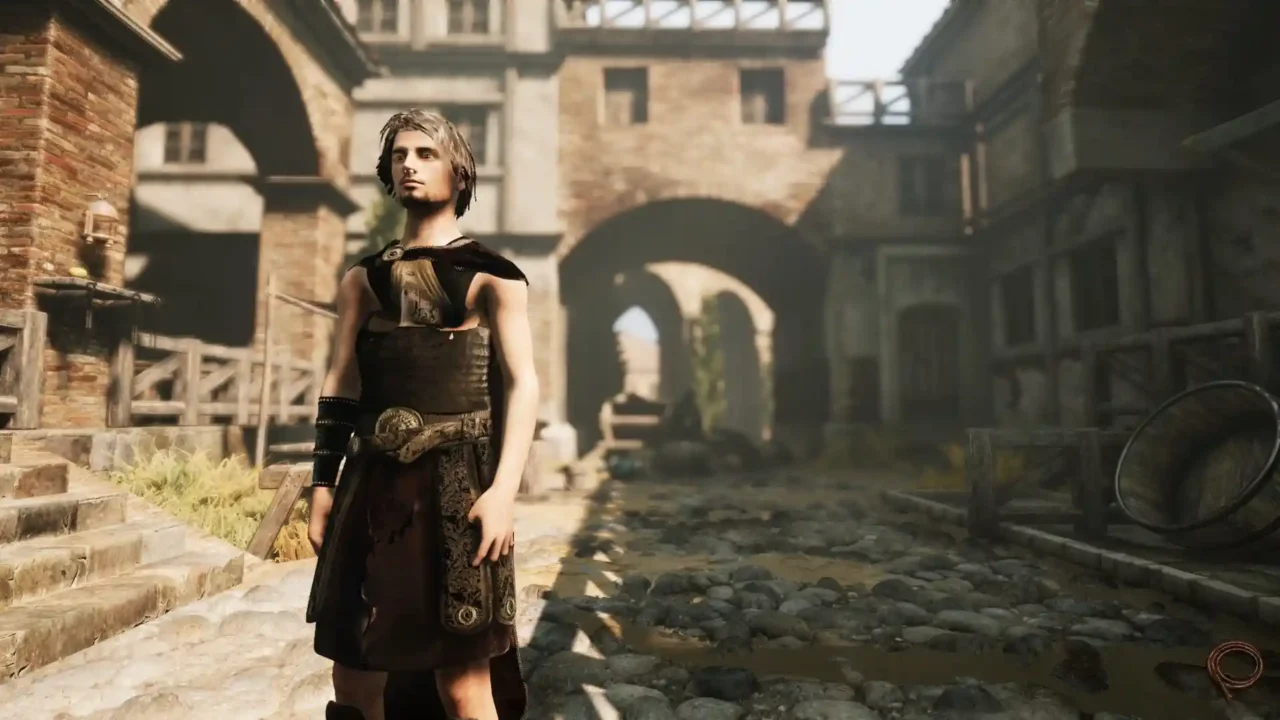
- Player appearance: Character appearance can be customized at your house.
How to Install Slaves of Rome Save Files
- Close Slaves of Rome before installing the save.
- Download your preferred save file.
- Extract the downloaded archive if it is compressed.
- Press Win + R and enter the following path:
- Back up your existing save files before making changes.
- Copy the downloaded save files into the SaveGames folder.
- Replace existing files if Windows asks for confirmation.
- Launch the game and check the available save slots.
Credits
Save files originally shared by a member of the F95Zone community.