| Game Title | Max Payne 3 |
| Developer | Rockstar Games |
| Platform | PC |
| Save Files | 2 Separate Saves |
| File Format | ZIP |
| Game Version | Max Payne 3 PC |
About These Save Games
There are two different Max Payne 3 saves in this post. The first one is a 100% save with Golden Weapons and all difficulty levels unlocked. The second save has the Old School and Hardcore difficulties unlocked.
The files are separate, so you can download the one you need without replacing your current save unless you choose to do so.
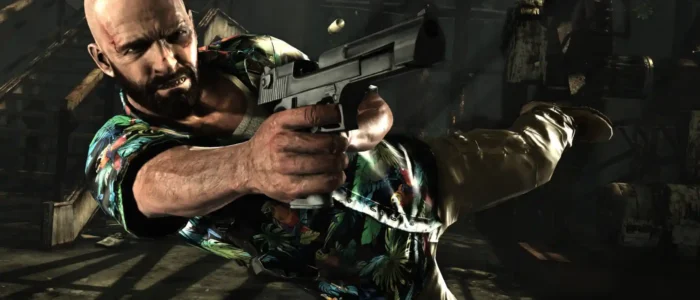
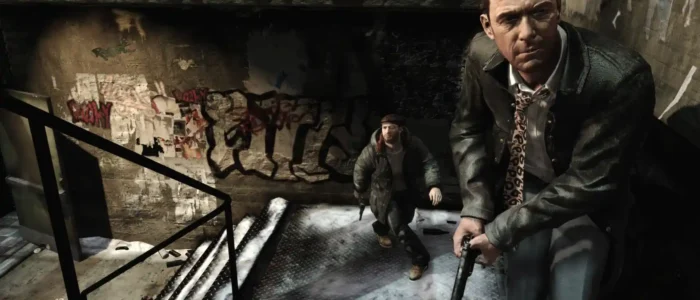

Max Payne 3 100% Save Game
Author: Alexandrovitch
Progress: 100%
Unlocked: Golden Weapons and all difficulty levels
File Size: 60 KB
Archive: ZIP
Max Payne 3 Old School + Hardcore Save
Author: HOHOL_22_RUS
Unlocked: Old School and Hardcore difficulties
File Size: 9.6 MB
Archive: ZIP
How to Install
Close Max Payne 3 before installing a save. Extract the downloaded ZIP file and make a backup of your existing save first.
- Open File Explorer.
- Go to the Max Payne 3 save folder:
- Copy the extracted save files into the appropriate profile folder.
- Start Max Payne 3 and open the Load Game menu.
If you already have save files in the folder, keep a backup before replacing them. The two downloads are separate, so install only the save you want to use.
Note: Save compatibility can vary between different game versions. If the save does not appear in the game, check that the files are in the correct profile folder.