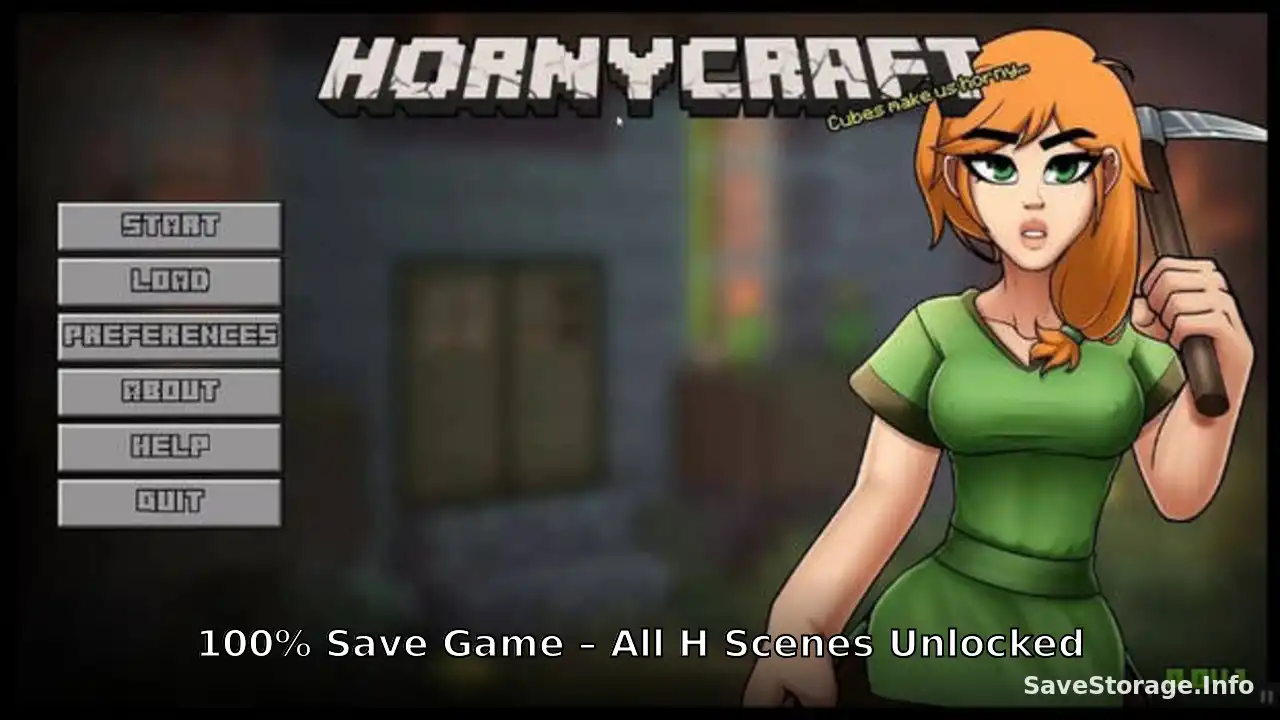
Download the HornyCraft 0.34 100% save game and unlock all H scenes. This save pack includes 7 save files and persistent data, allowing you to access completed game progress without starting from the beginning.
Save Game Information
Game: HornyCraft
Version: 0.34
Save Type: 100% save game and unlock all H scenes.
Save Files: 7
Included: Save Files + Persistent Data
Original Save Credit: Shadik
Download HornyCraft 0.34 Save Game
Click the button below to download the save game files.
How to Install HornyCraft Saves
- Download and extract the save game archive.
- Close HornyCraft if it is currently running.
- Press Win + R, enter the following path, and press Enter:
- Find the folder containing HornyCraft’s save data. If you cannot identify it, launch the game, create a temporary save, close the game, and check which folder was recently updated.
- Back up your existing save files before replacing anything.
- Copy the downloaded save files and persistent file into the game’s save folder.
- Launch HornyCraft and open the Load menu to select one of the available saves.
Note: Some Ren’Py games use a custom save location. If you cannot find the save folder under AppData, also check the game’s installation directory for a game/saves folder.
Important
This save pack is intended for HornyCraft version 0.34. Compatibility with future versions is not guaranteed. Updates that change the game’s internal files or save structure may cause older saves to stop working.
Always keep a backup of your original save files before installing a new save pack.