
| Game Title | Lust in Suburbs |
| Developer | eggsov |
| Version | v0.1.04 |
| Platform | PC |
| Contents | 100% Save + All Quests Completed |
About This Save Game
If you are playing Lust in Suburbs v0.1.04 and want to skip the complete playthrough, this save lets you continue with the game fully completed.
All quests are completed and the gallery is fully unlocked. The game was completed normally without using cheats or mods.
The save is located in Page 5, Slot 2 in the game’s Load Game menu.
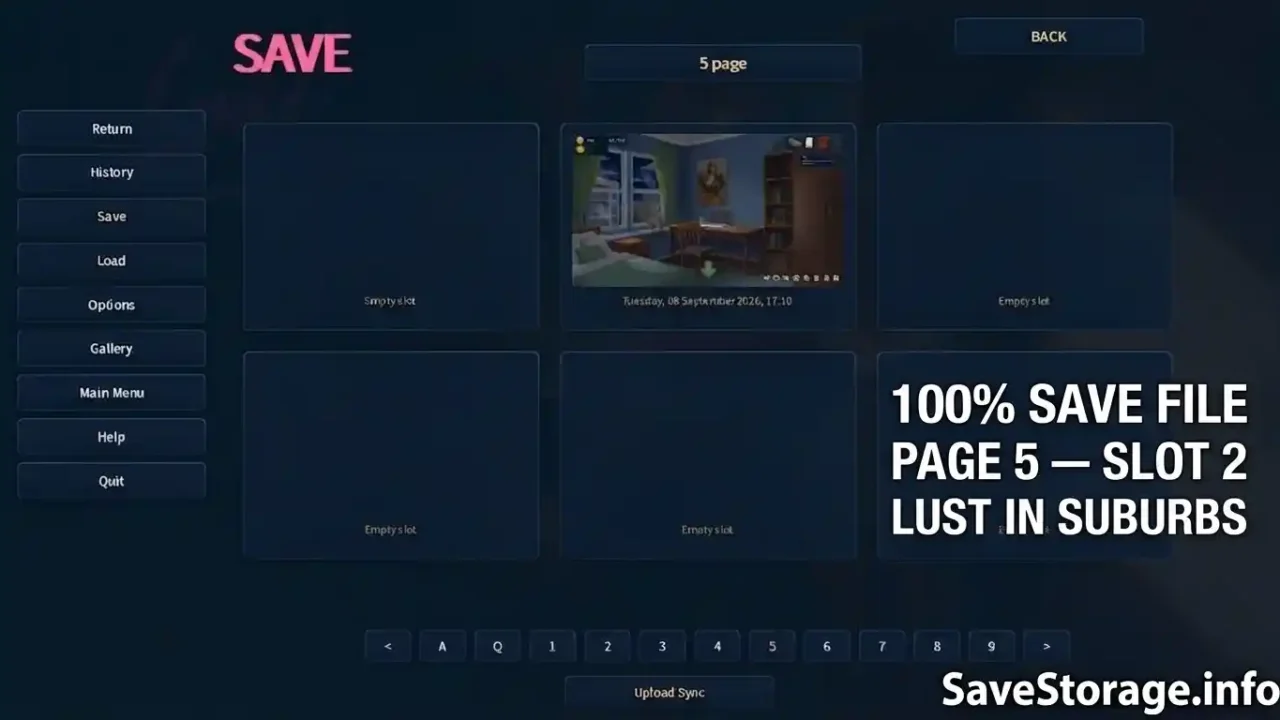

Lust in Suburbs v0.1.04 Save File
Version: v0.1.04
Developer: eggsov
Platform: PC
Save Progress: 100% Complete
Quests: All Completed
Gallery: Fully Unlocked
Cheats / Mods: Not Used
Save Slot: Page 5, Slot 2
Archive: ZIP
How to Use Lust in Suburbs Save
Follow these steps to install the save file:
- Close Lust in Suburbs completely before installing the save.
- Open the game’s installation folder.
- Go to game\save.
- Delete the existing contents of the save folder.
- Next, press Win + R, type %APPDATA%, and press Enter.
- Open the RenPy folder.
- Find the folder named Lust_in_suburbs_story_rework.
- Before making any changes, create a backup of the files in this folder.
- Delete the existing contents of the Lust_in_suburbs_story_rework folder.
- Copy the downloaded save files into this folder.
- Start the game and open Load Game.
- Go to Page 5 and select Slot 2.
Alternative path: The Ren’Py save folder is located at:
C:\Users\your id\AppData\Roaming\RenPy\Lust_in_suburbs_story_rework
Important: Back up your original save files before deleting or replacing them. The save is designed for Lust in Suburbs v0.1.04.
Save Slot Information
After installing the files, you do not need to look for a file named “Page 5” or “Slot 2” in Windows. Page 5, Slot 2 refers to the save position inside the game’s Load Game menu.