
Download Tail of Desire v2023.09.21 Full Save and Gallery Unlocker. This package includes a 100% community save with multiple save slots and a separate modification that unlocks all Memory CG scenes in the game’s gallery.

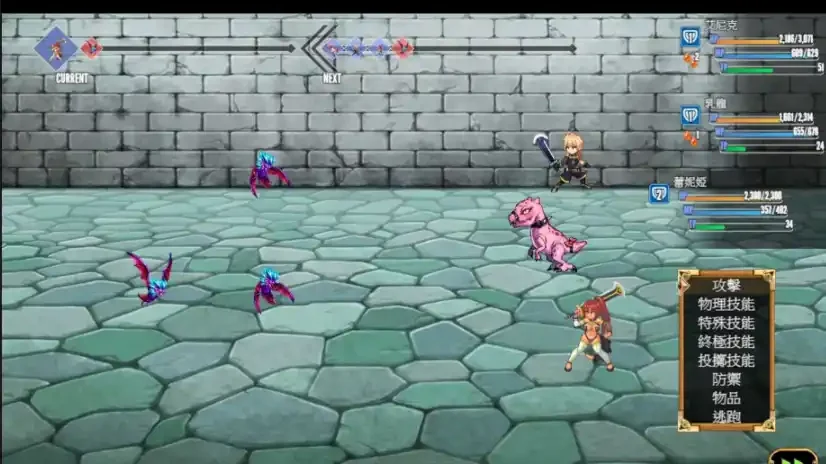
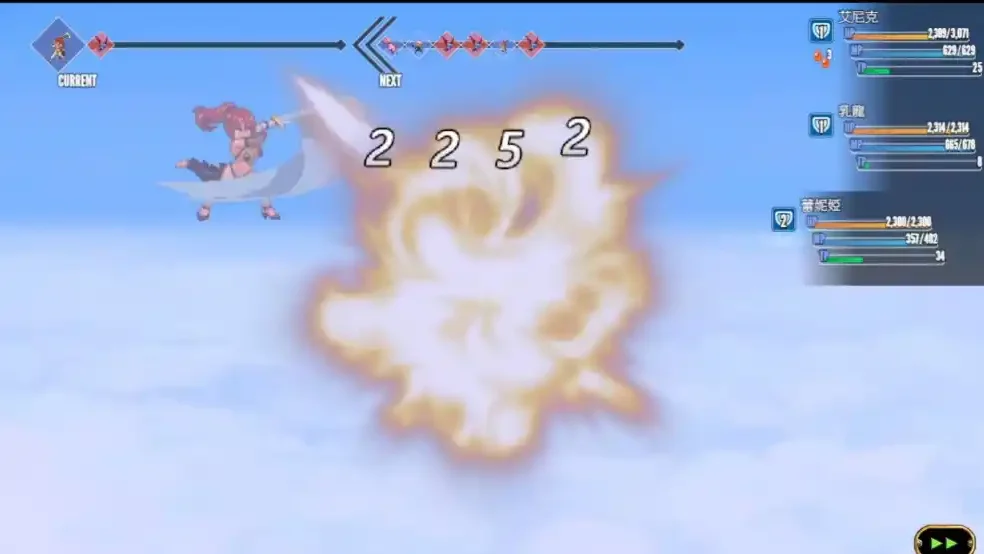
Developer: BlueBone
Game Version: v2023.09.21
Platform: Windows PC
Downloads: Full Save + Gallery Unlocker
Save Type: 100% Full Save
Tail of Desire v2023.09.21 Full Save Download
Tail of Desire – 100% Full Save
This save package includes two important save slots for accessing the completed content and Memories Room.
Full Save Details
- Save 14: Use this slot to access the Memories Room and obtain the special titles. The uploader recommends this save for a truly 100% completion.
- Save 15: Also marked as 100% complete, but it was saved before the ending scene.
- Collectible Cards: The game appears to have 22 cards. It is not confirmed whether collecting all of them is required for the special title.
- Treasure Map 5: The treasure is near the entrance of Temple Ruins, where the Elf Sword is obtained.
How to Install Tail of Desire Full Save
- Download and extract the save archive.
- Open the game’s save folder shown below.
- Back up your existing saves and copy the downloaded files into this folder.
- Launch the game and load Save 14 or Save 15.
Save File Location:
Game Folder\www\save\
Tail of Desire Gallery Unlocker Download
Gallery Unlocker – v2023.09.21
This modification unlocks all Memory CG scenes in the game’s original gallery. It does not change normal gameplay, allowing you to continue playing as usual.
File: TOD_Gallery_Unlocker_v2023.09.21.zip
File Size: 160.4 KB
How to Install Gallery Unlocker
- Download and extract the Gallery Unlocker ZIP file.
- Copy the extracted www folder into the game’s main directory, where game.exe is located.
- Merge the folders and replace files if prompted.
- Launch the game and open the Gallery.
Gallery Unlocker Installation Location:
Game Folder\ (the folder containing game.exe)
How to Access the In-Game Gallery
After installing the Gallery Unlocker, the game’s CG option can be accessed at these locations:
- Nitt’s House: Check the bed.
- Eleven City: Check the tent.
- Kirist House: Check the house for the CG option.
Version Compatibility
Both the Full Save and Gallery Unlocker are intended for Tail of Desire v2023.09.21.