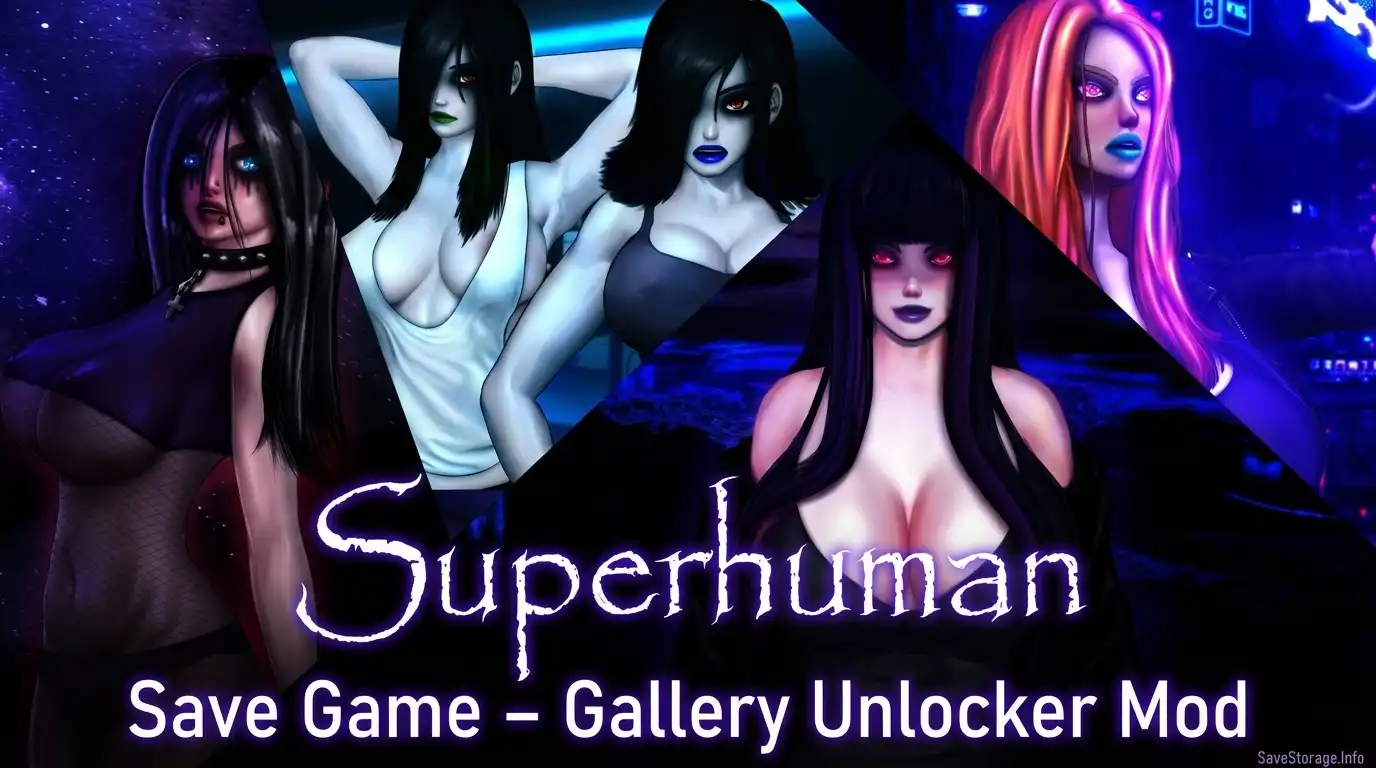
Download the Superhuman gallery unlock save file or the separate Gallery Unlocker mod.

Downloads
Gallery Unlock Save File
This persistent save file is intended to unlock the gallery. Updated for v0.999999 p1 beta.
Gallery Unlocker Mod
Updated for v0.95. It may work with newer versions unless the gallery system has changed.
How to Install the Save File
- Close the game and extract
Save.zip. - Press Win + R, enter the location below, and press Enter.
- Back up your existing
persistentfile, then copy the downloaded file into this folder. - Launch the game and check the gallery.
Save File Location
%APPDATA%\RenPy\Superhuman\How to Install the Gallery Unlock Mod
- Close the game and extract
GalleryUnlock.zip. - Open the Superhuman installation folder, then open
game. - Copy the extracted mod file into that folder and launch the game.
Mod Installation Location
Superhuman installation folder\game\Version Notes
- The save file is listed for v0.999999 p1 beta.
- The Gallery Unlocker mod is listed for v0.95.
- Compatibility with newer game versions has not been tested. Back up existing files before replacing them.