
Download the Living with Tsunade v0.42 Full Save. This save is intended for version 0.42 and lets you continue the game using the supplied save file.
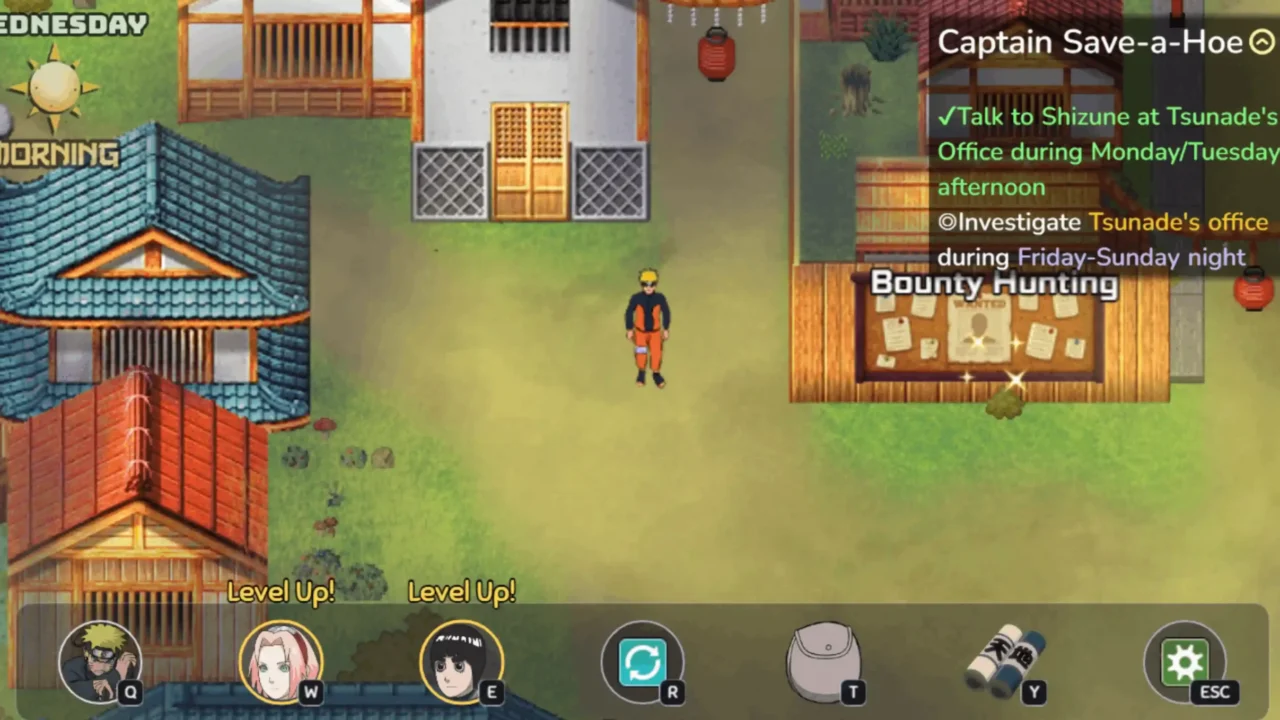


About Living with Tsunade
Living with Tsunade is an adventure and role-playing game by bitawastaken. The story follows Naruto and Tsunade as they are forced to live under the same roof and embark on an adventure together.
About This Save File
This download contains a Full Save for Living with Tsunade v0.42. Make sure you are using the matching game version before installing it.
Download
Download the save file using the button below.
How to Install Living with Tsunade Saves
1. Close the game before installing the save.
2. Extract the downloaded archive.
3. Open the main game folder and navigate to the save directory:
Living with Tsunade\www\save\
4. Copy the extracted save files into the save folder. If the archive contains a folder named save, copy its contents into this location.
5. Launch the game and load the save from the in-game menu.
Credits
Living with Tsunade is developed by bitawastaken. Visit the official game page for more information and updates.