| Game Title | Sunset Rose |
| Developer | Lewdlab |
| Version | v0.3 |
| Platform | Windows, Linux & Mac |
| Contents | v0.2 & v0.3 Saves + Gallery Unlocker |
About This Save Game
This Sunset Rose save is 100% completed and the gallery is unlocked. Saves for both v0.2 and v0.3 are included.
If you have already played the game and don’t want to start over after updating to a newer version, you can use these saves to continue without replaying the earlier content.
There is also a save on Page 5, Slot 2 named 5-2-LT1. This save can be loaded directly and may not require replacing your current save files.
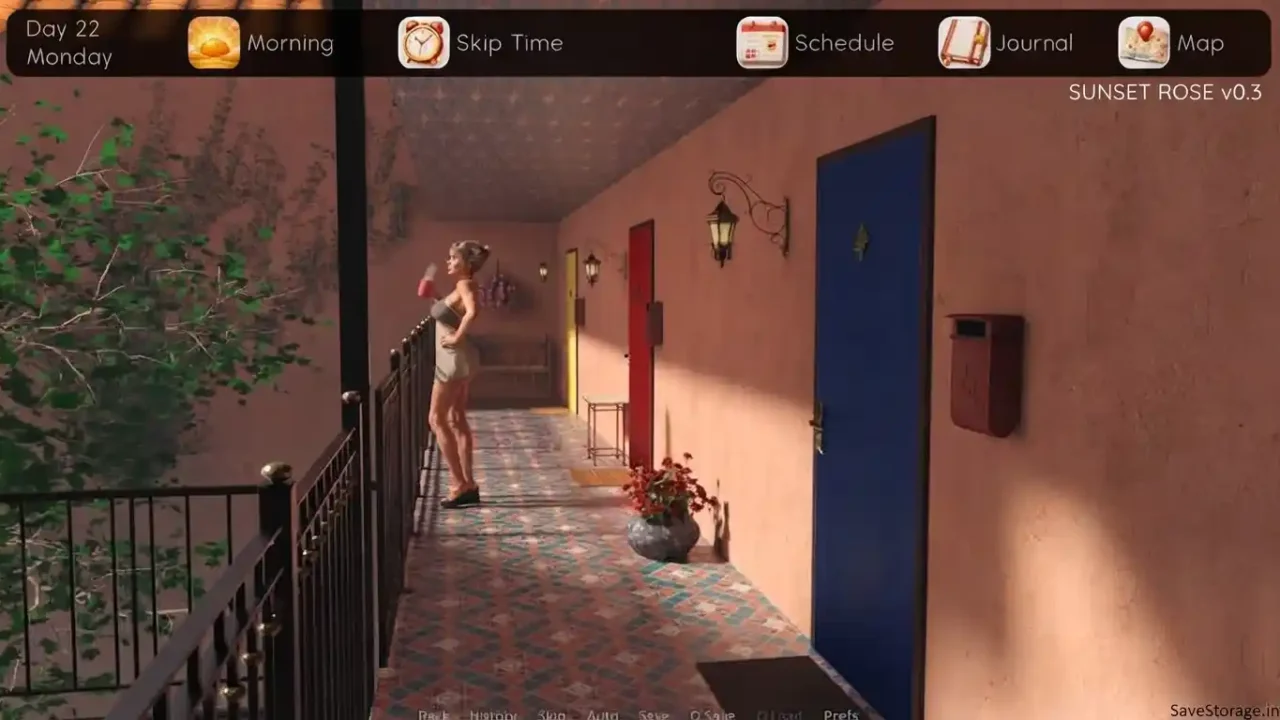

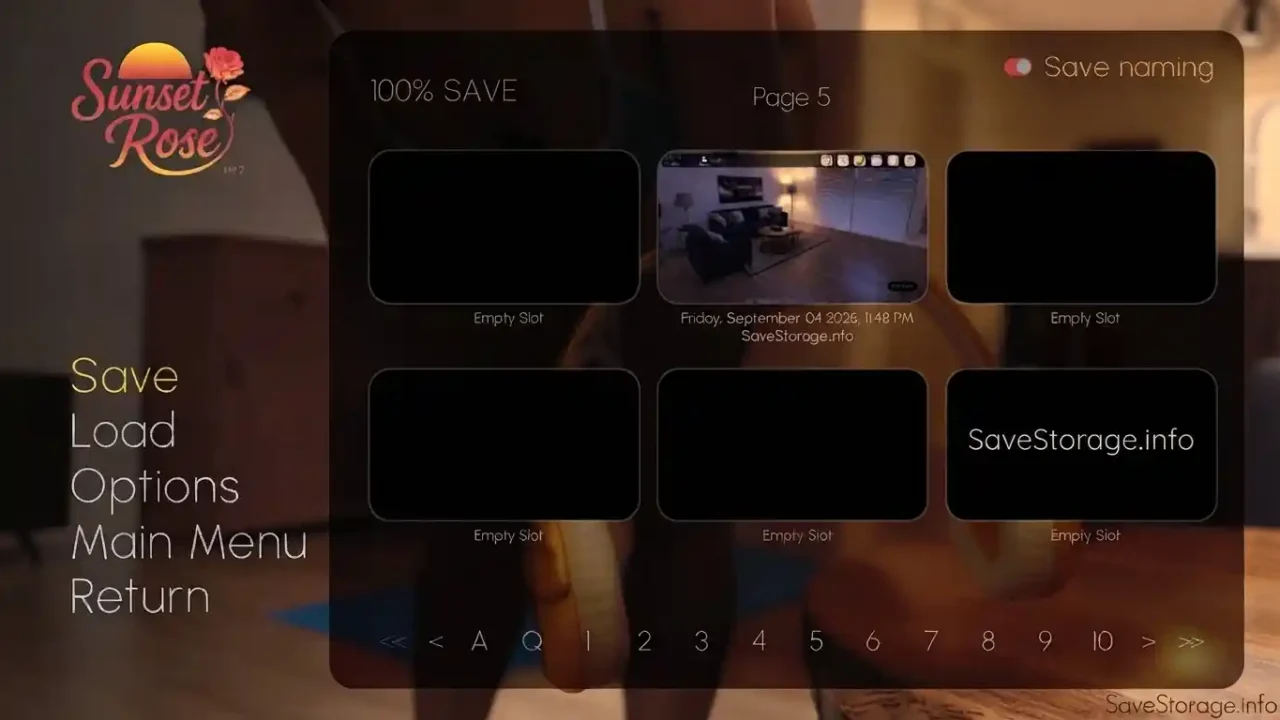
Sunset Rose v0.3 100% Save
Save: Made by me(SaveStorage)
Version: v0.2 & v0.3
Archive: ZIP
Gallery Unlocker
The Gallery Unlocker is useful if you only want to view the scenes without playing through the game again. It was made by DarkAssassin.
The same unlocker can also be used with future versions of Sunset Rose.
How to Install the Save
- First, download and extract the save archive.
- Next, open
SunsetRose-0.3-pc-\SunsetRose\game\savesand delete everything inside. - Afterward, go to
C:\Users\you id\AppData\Roaming\RenPy\SunsetRose. or other os same location - Make a backup of the files here first, then delete them.
- Finally, copy our save files into this folder.
- Now, launch the game and load your save!
How to Install the Gallery Unlocker
- Download the Gallery Unlocker.
- Open your Sunset Rose installation folder.
- Go to the following folder:
Copy the unlocker file into the game folder. If you update to a newer version of Sunset Rose later, copy the same unlocker file into the game folder of that new version as well.