
This Pure Onyx gallery save is listed for version v0.146.0 and unlocks the game’s gallery. It includes the Persistent2.save file and the AlphaProfiles folder.
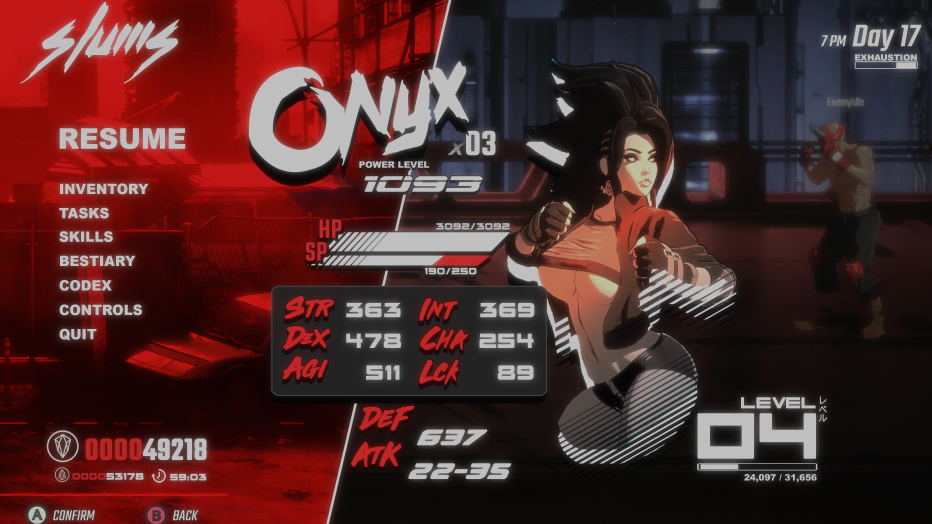
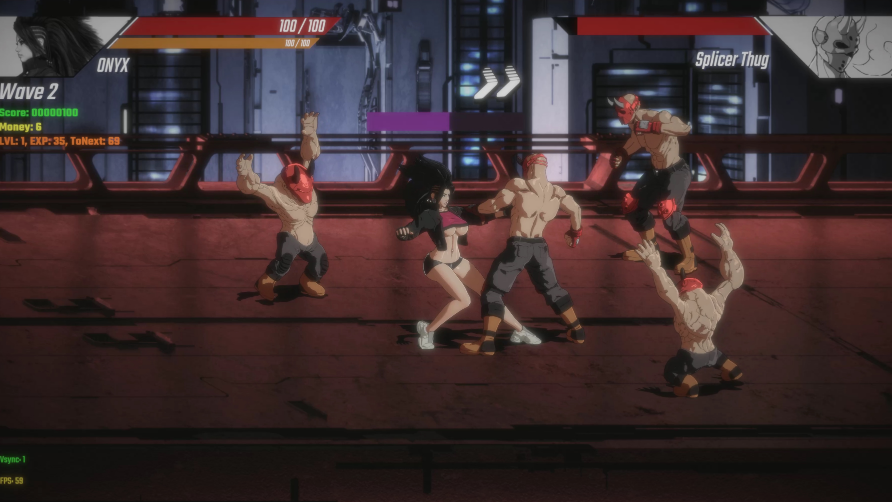
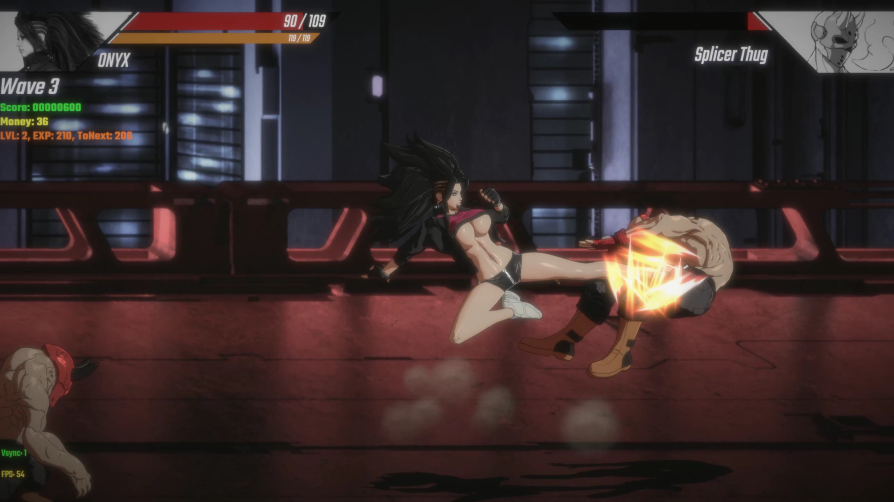
Game Version: v0.146.0
File: Gallery_save.rar
Save Type: Gallery save
File: Gallery_save.rar
Save Type: Gallery save
Download
Install Location
Gallery Save
Local Save Profiles
%USERPROFILE%\AppData\LocalLow\Eromancer\pure-onyx\SavesLocal Save Profiles
%USERPROFILE%\AppData\LocalLow\Eromancer\pure-onyx\Saves\AlphaProfilesHow to Install
- Close Pure Onyx.
- Extract
Gallery_save.rar. - Copy
Persistent2.saveinto the game’sSavesfolder. - Copy the included
AlphaProfilesfolder intoSaves, merging it with the existing folder if prompted. - Launch Pure Onyx and check the gallery.
Note: The provided attachment is described as a gallery save. No separate local save for the
AlphaProfiles folder was provided. Back up your current files before replacing anything.