
| INFORMATION | DETAILS |
|---|---|
| Game Title | Mystwood Manor |
| Developer & Publisher | Faerin |
| Save Developer | SaveStorage |
| Mod Developer | Exoplast Obsidian01 |
| Package Contents | 100% Save Game & Cheat Mod (Windows / Mac) |
Description
Mystwood Manor is a management and simulation game developed and published by Faerin. The game focuses on restoring and managing a large manor, including staff management, facility upgrades, and interactions with its characters.
This page includes a 100% save game created for Mystwood Manor, along with cheat mods by Exoplast Obsidian01 for Windows and Mac. The save provides completed progress, while the mods change several gameplay values such as cash and XP gains, energy consumption, upkeep, and guest satisfaction.

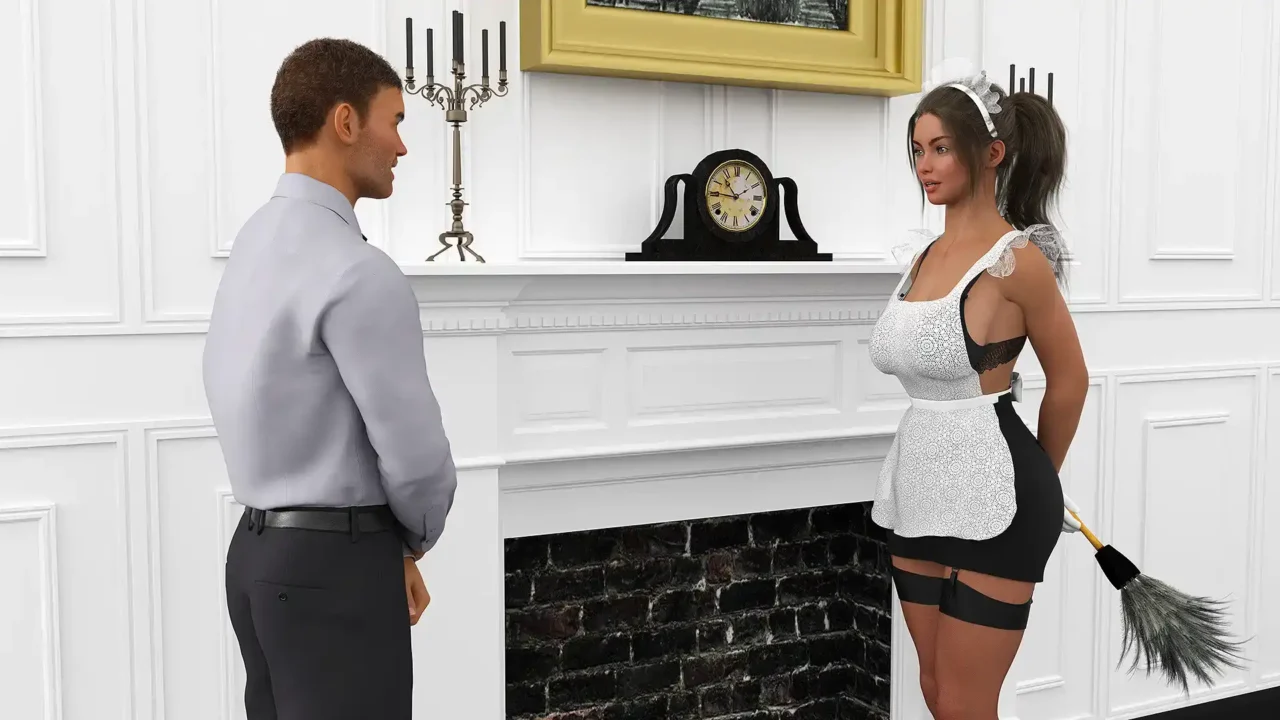

Mystwood Manor 100% Save Game
- 100% Progress: Completed save with advanced mansion progress and unlocked content.
- Maximized Progress: Save files contain developed stats and progressed mansion content.
- Easy Setup: The save can be extracted and placed in the game’s save directory.
How to Install the Save
- Download the save archive from the link above.
- Extract the archive using WinRAR or 7-Zip.
- Back up your existing save files before replacing them.
- Copy the extracted save file into the game’s save directory.
[Game Installation Directory]\saves\
Mystwood Manor Cheat Mod
The Mystwood Manor cheat mod changes several gameplay values. Separate downloads are provided for Windows and Mac.
- Cash & XP: Starting cash and XP gains are tripled.
- Energy: Working does not consume energy.
- Upkeep: Upkeep is reduced from 10 to 1.
- Satisfaction: Guest satisfaction is set to 100%.
- Strikes: Strikes do not count toward the game’s management system.
How to Install the Windows Mod
- Download the Windows mod archive.
- Extract the 7z archive using 7-Zip or WinRAR.
- Locate the included .dll file.
- Back up the original file before replacing it.
- Replace the existing file in:
Mystwood Manor_Data\Managed\
How to Install the Mac Mod
- Download the Mac mod archive.
- Extract the 7z archive.
- Locate the included mod file.
- Back up the original game file before replacing it.
- Replace the corresponding file inside the game’s package contents.