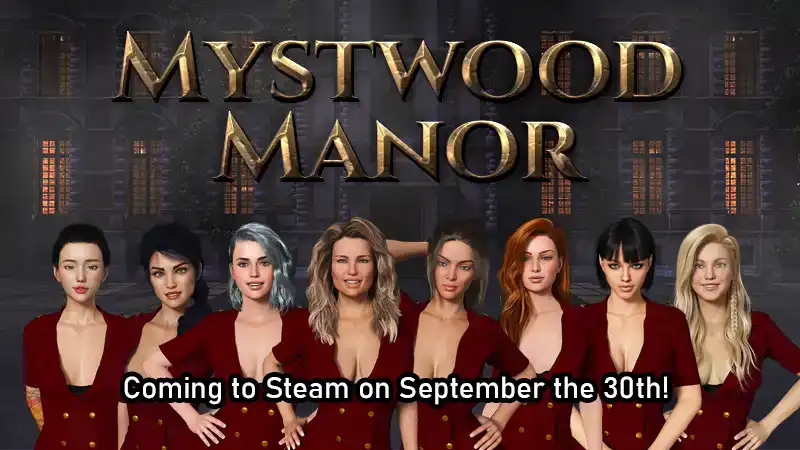
This page includes a 100% save game created for Mystwood Manor and separate cheat mods by Exoplast Obsidian01 for Windows and Mac. The save provides advanced game progress, while the mods adjust several gameplay values, including cash, XP, energy use, upkeep, and guest satisfaction.

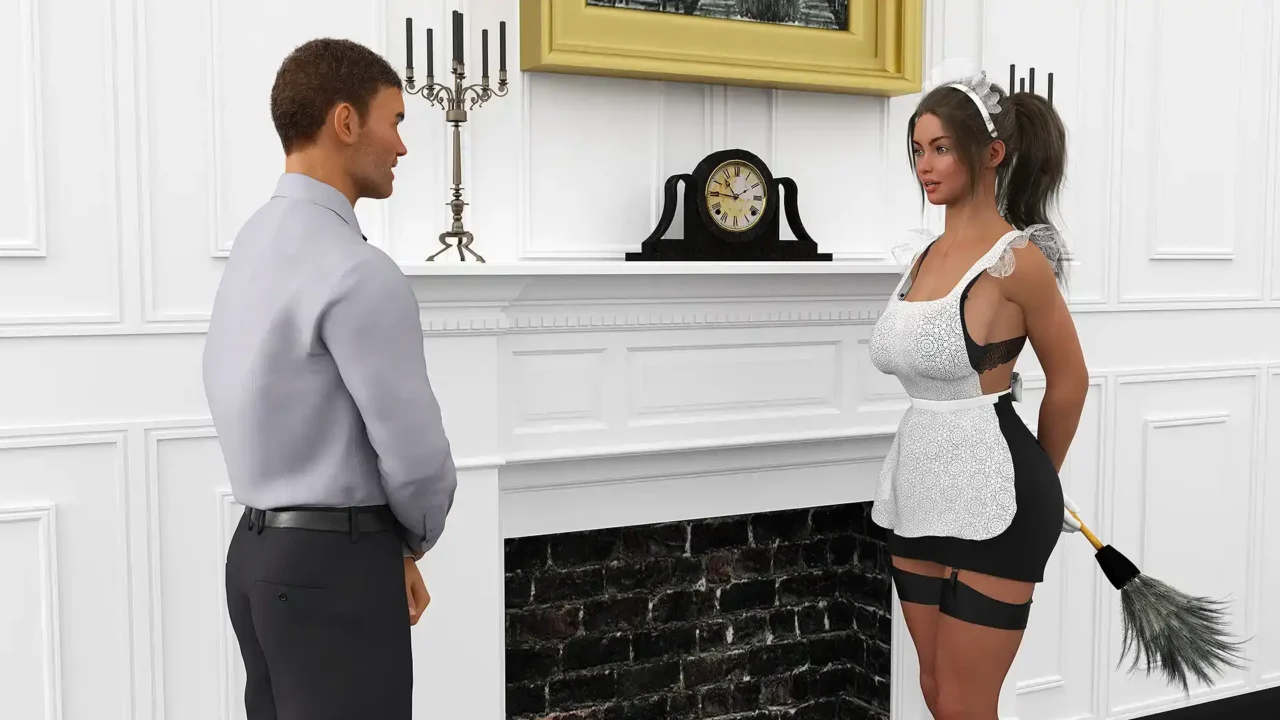

Mystwood Manor 100% Save Game
This save is intended for players who want to continue with completed progress instead of building up the manor from the beginning. It includes advanced progression and unlocked content.
Save File Details
- 100% progress
- Advanced manor progression and developed stats
- Unlocked content included in the save
- File size: 106 KB
How to Install the Save
- Download and extract the save archive.
- Back up your current save files.
- Copy the extracted save into the game’s save folder.
[Game Installation Directory]\saves\
Mystwood Manor Cheat Mods
The cheat mods adjust several management and progression values. Choose the download for your operating system.
Mod Features
- Cash and XP: Starting cash and XP gains are tripled.
- Energy: Working does not consume energy.
- Upkeep: Reduced from 10 to 1.
- Guest Satisfaction: Set to 100%.
- Strikes: Do not count toward the game’s management system.
Windows Cheat Mod
Windows mod download — 129 KB.
How to Install the Windows Mod
- Download and extract the 7z archive with 7-Zip or WinRAR.
- Locate the included DLL file.
- Back up the original file, then replace it with the modded file in the following folder:
Mystwood Manor_Data\Managed\
Mac Cheat Mod
Mac mod download — 129 KB.
How to Install the Mac Mod
- Download and extract the 7z archive.
- Locate the included mod file.
- Back up the original game file before replacing it.
- Replace the corresponding file inside the game’s package contents.
Before installing: Back up your original game files and save data. The save and mods are separate downloads; use the files that match your game installation.