Explore a fully developed Valheim world with over 100 days of gameplay, featuring a beautiful castle near the spawn point and a large estate on a separate island in the middle of the ocean.
This world save is ideal for players who want to explore an established world, visit a completed base, or continue playing with plenty of progress already made.
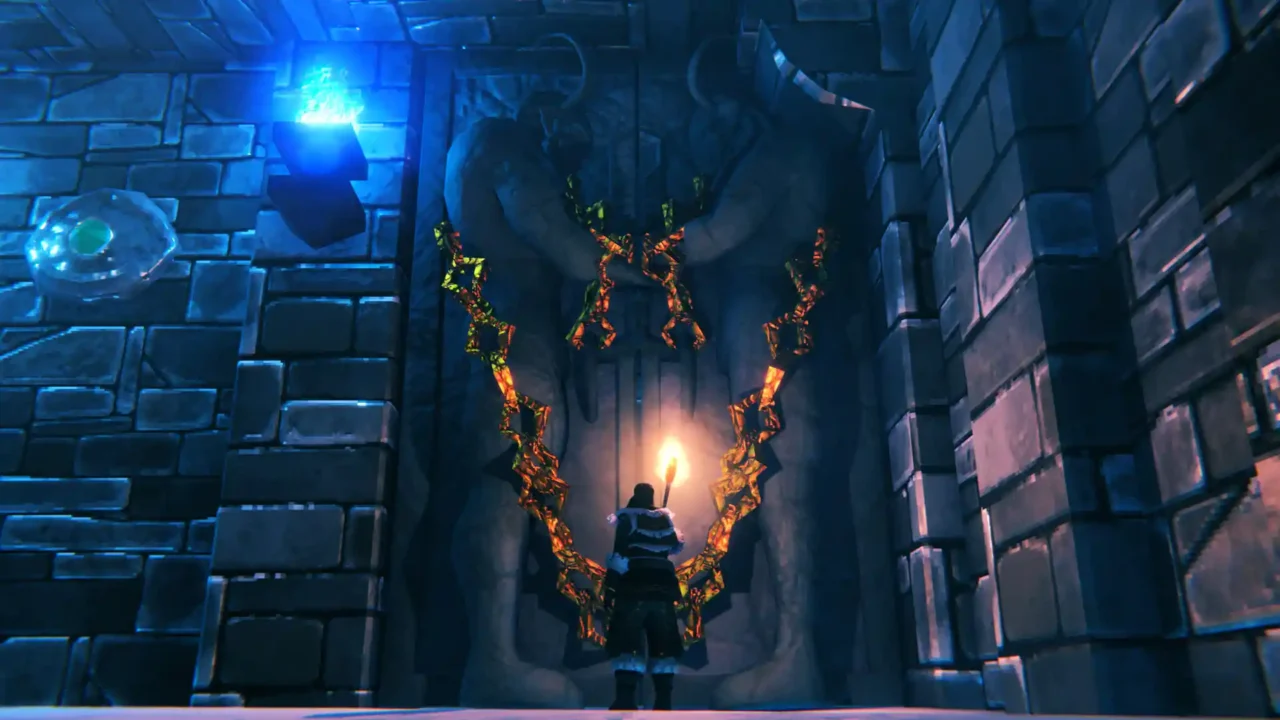
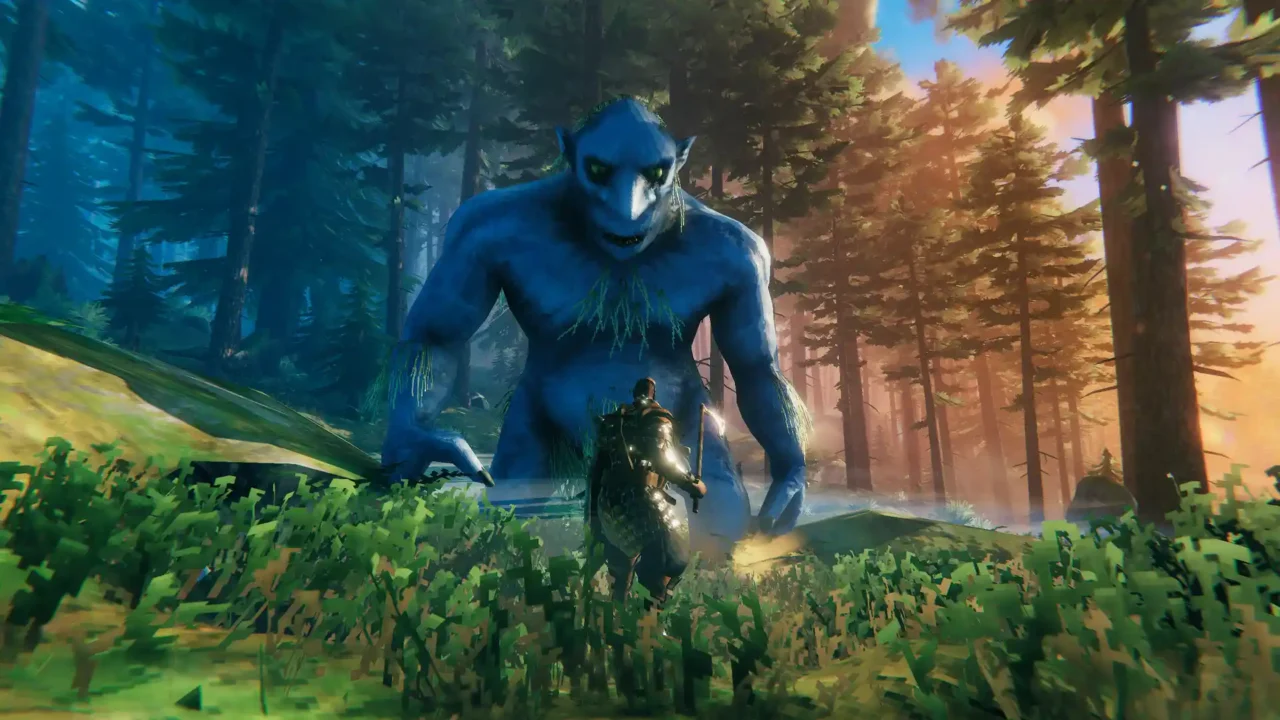
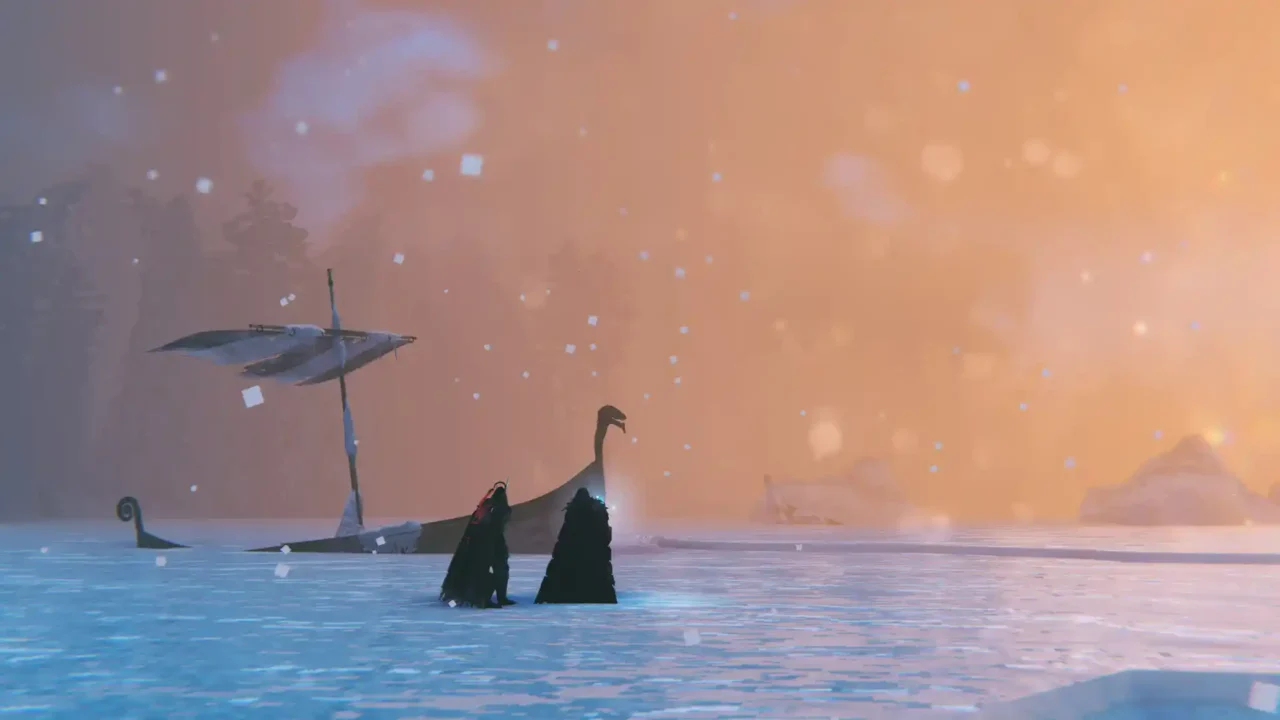
Save Details
Save Type: World Save
Progress: 100+ In-Game Days
Uploader: alexff99gtr
What’s Included
- Completed Dyrnwyn quest.
- Two Dyrnwyn swords, including the old and new models.
- Trophies from all bosses.
- Beautiful castle near the spawn point.
- Large ocean island estate with screenshots and portal directions.
- Fishing Hat with all fish types caught.
- Many skills leveled up.
- All Hildir quests completed.
- All workstations upgraded to maximum level.
- Cheat sword and hammer dealing 999,999 damage.
Download
Download the Valheim 100 Days World Save from the link below.
How to Install
- Close Valheim before installing the save.
- Extract the downloaded archive.
- Open the Valheim save folder using this path:
%USERPROFILE%\AppData\LocalLow\IronGate\Valheim\
- Back up your existing world and character saves before copying anything.
- Copy the folders from the extracted archive into the Valheim folder.
- Launch the game and check the world list.
Important: The original save was listed for an older Valheim build. Older worlds can be continued in Valheim 1.0, but the game may convert them to the newer save format when first loaded. Keep a backup before launching the world.
Original creator: alexff99gtr – Nexus Mods