Download the NTR Phone v0.49.0 Full Save Game for PC. This backup includes all completed routes and every image unlocked so far, allowing you to access the available story content and gallery without replaying the game.

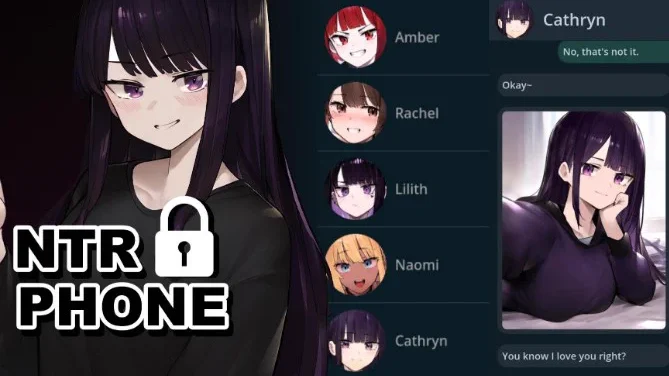
Save Game Information
- Game: NTR Phone
- Developer: Shybox
- Version: 0.49.0
- Save Type: Full Backup
- Story Progress: All Routes Completed
- Gallery Progress: All Available Images Unlocked
- File Name: NTR-Phone-backup-save.zip
- File Size: 526.2 KB
- Platform: PC
What’s Included?
- All available character routes completed.
- All images unlocked in the gallery up to version 0.49.0.
- Full backup of the shared game progress.
- Ready to import using the game’s built-in backup system.
Download NTR Phone Full Save
Download the ZIP backup file using the link below. Keep the archive compressed because it is imported directly through the game’s Blue App.
How to Install the Save Game
- Download NTR-Phone-backup-save.zip without extracting it.
- Launch NTR Phone and open the Blue App from the main menu.
- Select Create Backup File to preserve your current progress.
- Choose Load Backup from File.
- Locate and select the downloaded ZIP file.
- Confirm the import and return to the game to check your progress.
Important: Importing this backup may replace your existing progress. Always create a backup of your current save before installing it. This save is shared for version 0.49.0.
Credits
Save game provided by GallyGalley. Thanks for sharing this complete backup with the community.