Download a Phantom Blade Zero Cycle 10 Save Game featuring unlocked weapons, accessories, outfits, and items. This save also includes access to the challenging 66 Days mode.
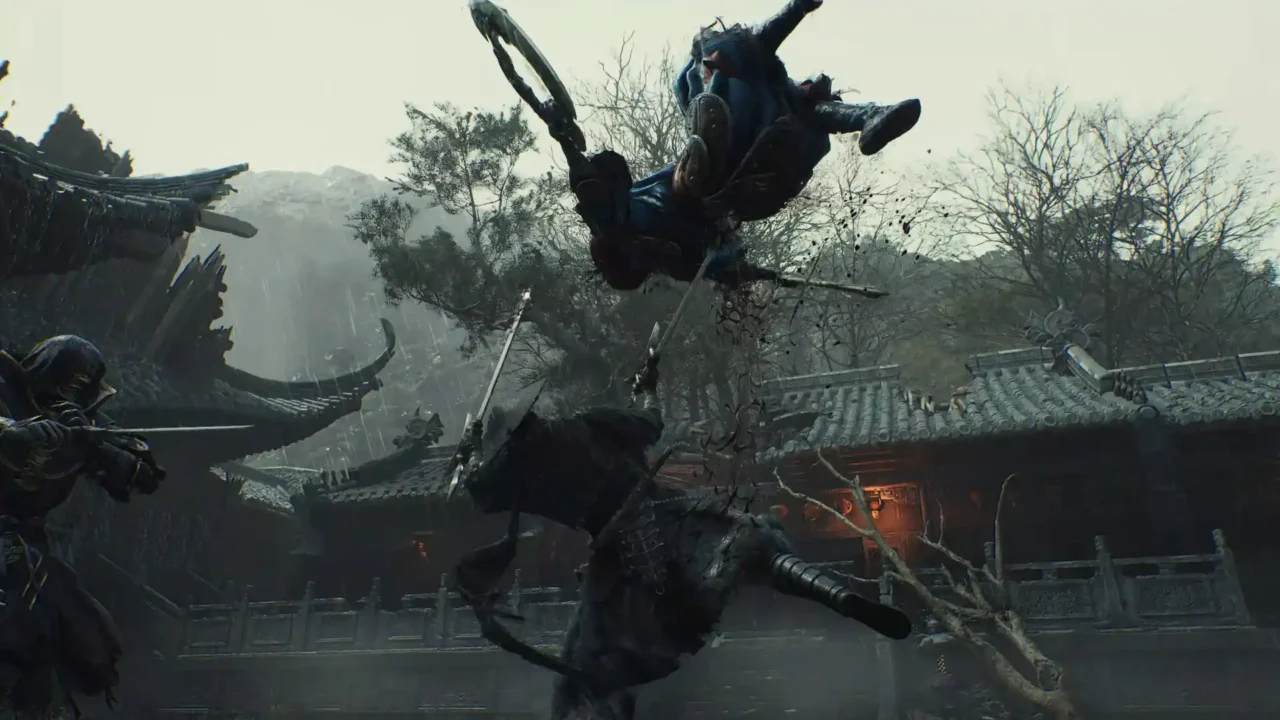
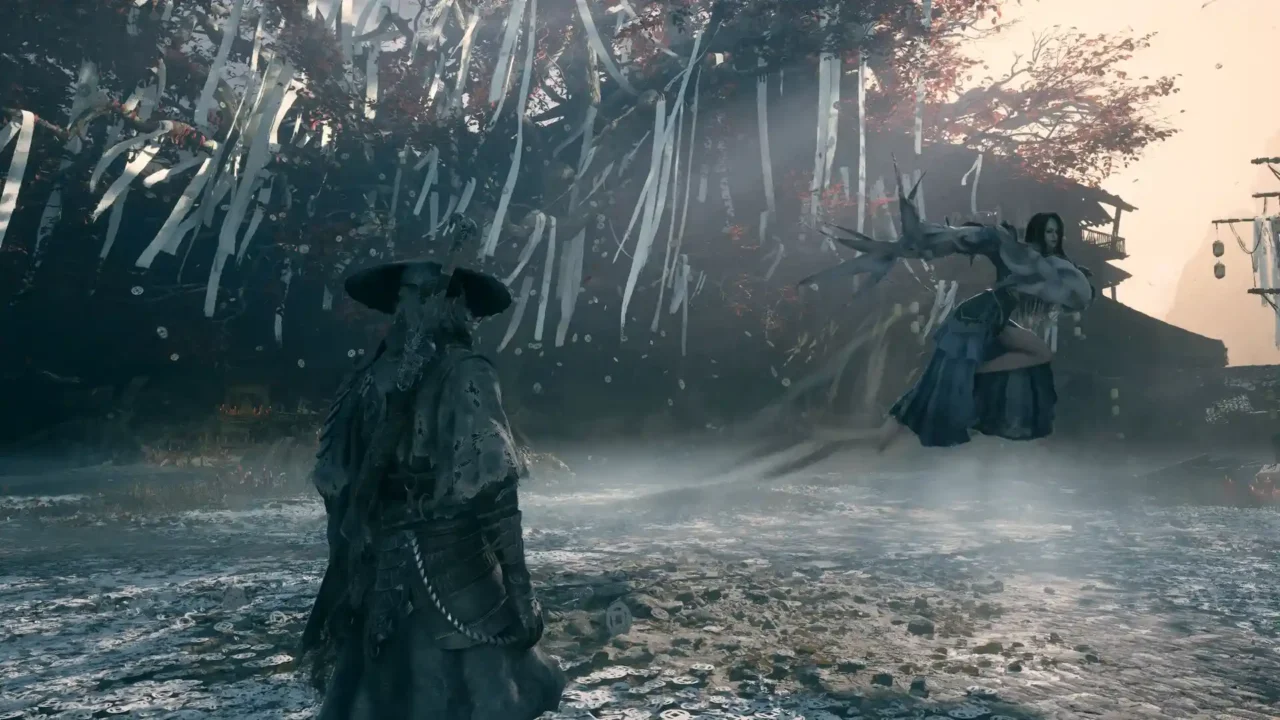
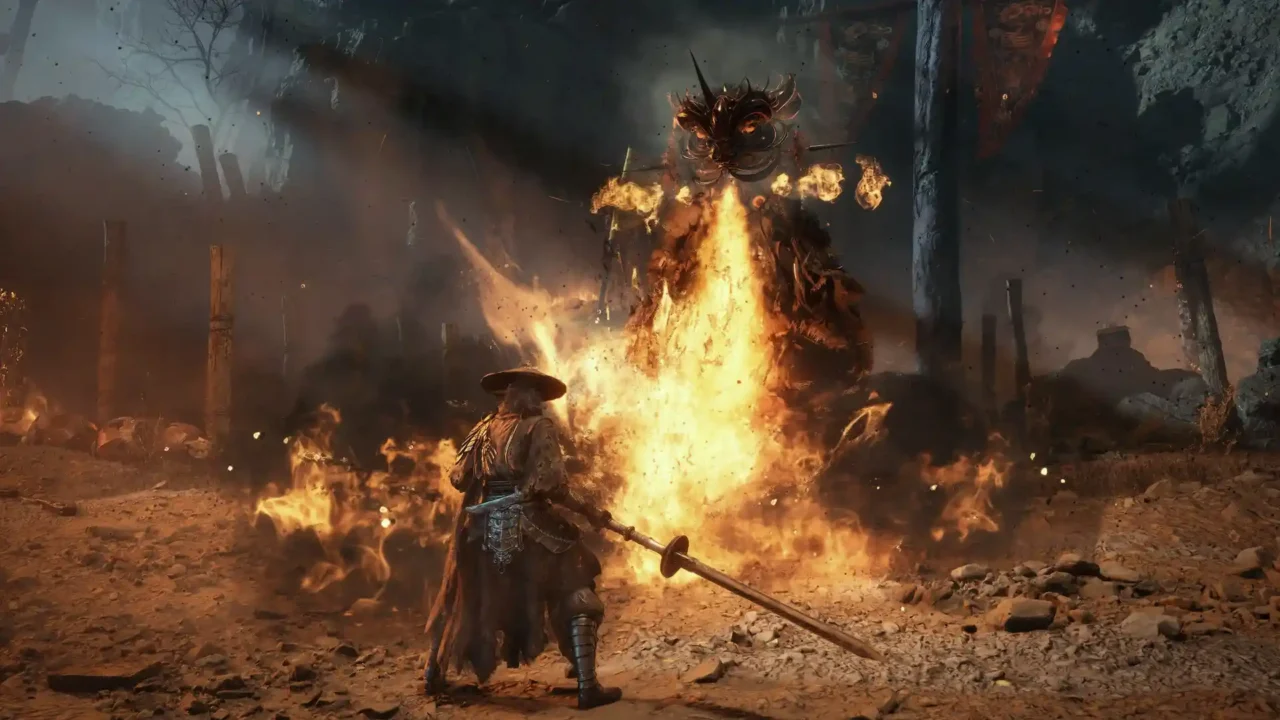
Save Game Information
- Game: Phantom Blade Zero
- Save Type: Cycle 10 / 66 Days Unlocked
- File Format: SAV
- File Size: 352 KB
- Platform: PC (Steam)
What’s Included?
- Cycle 10 progress.
- 66 Days mode unlocked.
- 33 Main Weapons.
- 27 Sha-Chi Armaments.
- 73 Accessories.
- 4 Outfits.
- Various unlocked items and equipment.
Download Phantom Blade Zero Save Game
Download the save file using the link below. Extract the archive to get the PBZSaveGame-Cycle10-66Days-352KB.sav file.
How to Install the Save Game
- Close Phantom Blade Zero completely.
- Open your Steam library, right-click the game and select Manage → Browse local files.
- Navigate to the following folder:
PBZ\ProjectPBZ\Saved\SaveGames\Steam\
- Open the folder containing your 17-digit Steam ID.
- Back up your existing save file before replacing it.
- Extract the downloaded file and rename it to PBZSaveGame.sav.
- Copy the file into your Steam ID folder and replace the existing file.
- Launch the game and load your save.
Important: Back up your original save before installing this file. Replacing it will overwrite your current progress. This save is intended for the Steam PC version.
Save Game Location
If you cannot find the save folder, use the full default Steam location below. Replace YourSteamID with your own 17-digit Steam account folder.
C:\Program Files (x86)\Steam\steamapps\common\PBZ\ProjectPBZ\Saved\SaveGames\Steam\YourSteamID\
If Steam is installed on another drive, open the game’s local files through Steam and follow the same folder structure.
Notes
- This save contains Cycle 10 progress with 66 Days mode unlocked.
- 66 Days is a challenging permadeath mode. Keep a backup before starting it.
- Always back up your existing progress before installing downloaded saves.