
| INFORMATION | DETAILS |
|---|---|
| Game Title | Straitened Times |
| Save Type | Completed / Full Save |
| Game Version | 70.1 |
| Platform | PC |


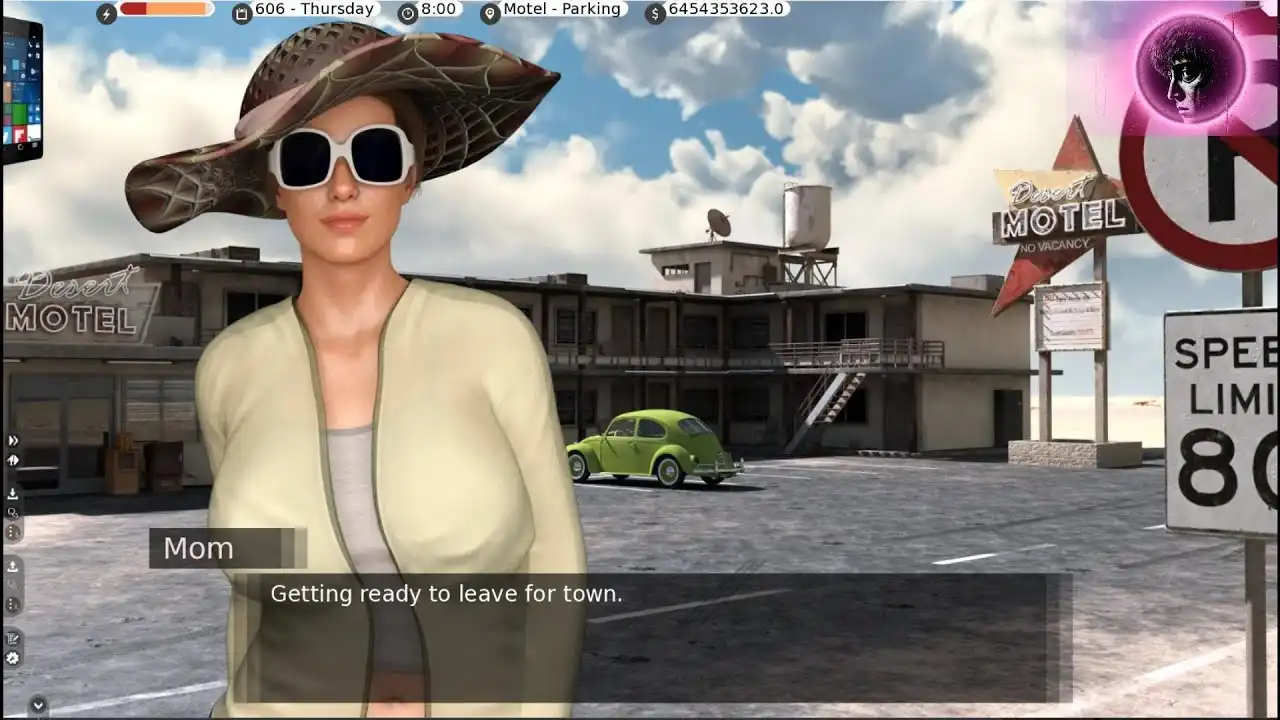
Straitened Times Full Save
This is a completed save for version 70.1. It can be useful if you lost your original progress or simply want to continue from a completed game and access the available scenes.
Save Slot Note: After installing the save, open the Load Game menu and go to page 92. The save is located in slot 3 on that page.
How to Install
Close the game before installing the save.
- Download and extract the save.
- Open the extracted folder and copy the .save files.
- Go to the game’s folder and open game → saves.
- Paste the save files there and replace the existing files if needed.
- Start Straitened Times and load the save.
📁 Save Path: StraitenedTimes-[Game Version]-PC\game\saves\
If you cannot find the game\saves folder, run the game once, create a new save, close the game, and check the game’s folders again. Ren’Py can also store saves in its user data folder depending on the build.
NOTE: This save is fully completed up to version 70.1. If a newer version of the game is released, you can still try using this save, but the progress is only complete through version 70.1.