
Download Lunar’s Chosen save files for multiple versions, with separate downloads for Episode 1 and Episode 2. The files are listed by their original filenames and version labels; the exact in-game progress inside each archive has not been independently verified.
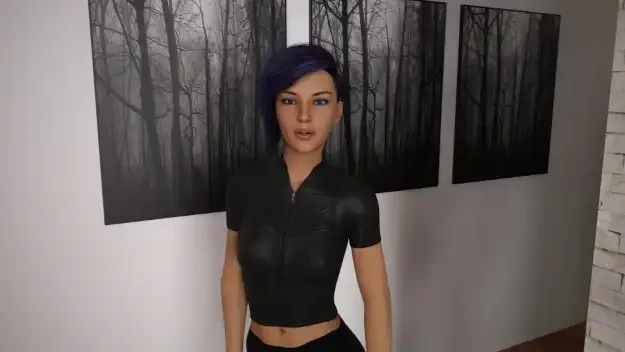


Save File Overview
Game: Lunar’s Chosen
Episode 1: Saves for v0.20, v0.21, v0.22, and end-of-version saves for v0.23–v0.26
Episode 2: End-of-episode saves for v0.1 and v0.2
Platform: Windows PC
Episode 1 Save Files
| Save File | Download |
|---|---|
| Full save for Episode 1 v0.20 | Download |
| Full save for Episode 1 v0.21 | Download |
| Full save for Episode 1 v0.22 | Download |
| End-of-version save for Episode 1 v0.23 | Download |
| End-of-version save for Episode 1 v0.24 | Download |
| End-of-version save for Episode 1 v0.25 | Download |
| End-of-version save for Episode 1 v0.26 | Download |
Episode 2 Save Files
| Save File | Download |
|---|---|
| End-of-episode save for Episode 2 v0.1 | Download |
| End-of-episode save for Episode 2 v0.2 | Download |
How to Install the Save Files
- Close the game and extract the downloaded ZIP file.
- Press Win + R, enter the matching folder path below, and press Enter.
Episode 1:
%APPDATA%\RenPy\PTGames\Lunars Chosen
Episode 2:
%APPDATA%\RenPy\PTGames\Lunars Chosen – Episode 2
- Back up the files already in that folder.
- Copy the extracted save files into the matching episode folder, preserving the archive’s folder structure.
- Launch the same episode and check the Load menu. Use saves that match your game version where possible.
Important: Episode 1 and Episode 2 use separate save folders. Do not place Episode 1 files in the Episode 2 folder or vice versa. Back up existing saves before replacing anything. Episode 2 is a separate game, so do not copy Episode 1 saves into its folder. The Episode 2 files listed here are for v0.1 and v0.2; they are old saves and compatibility with current builds has not been tested.