
This save file is for What a Legend! v0.7.05 on PC. If you want to continue from an existing save instead of starting a new game, download the file below and follow the installation steps.

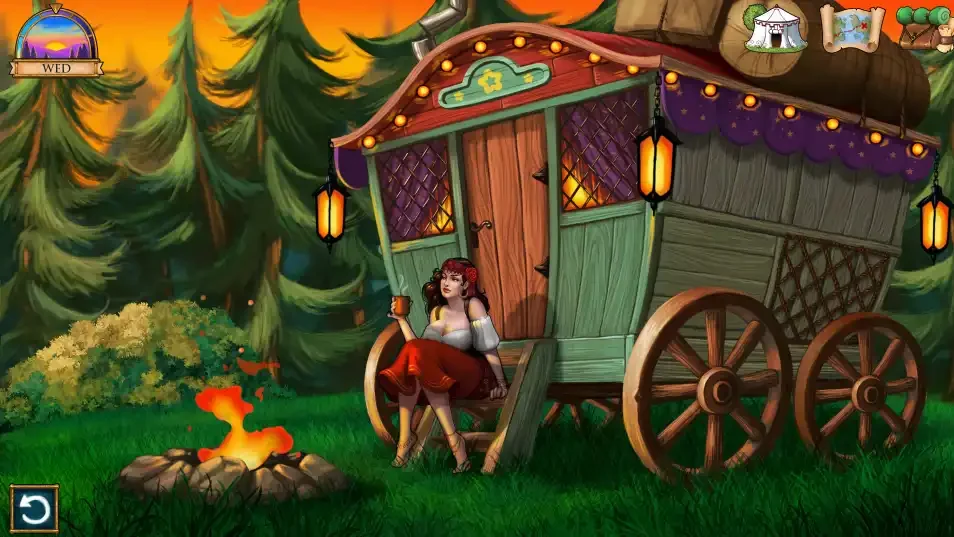

Save Information
- Game: What a Legend!
- Version: v0.7.05
- Platform: PC
Download
How to Install
- Extract the downloaded archive.
- Press Win + R, enter
%APPDATA%\RenPy, and press Enter. - Find the folder used by What a Legend! and back up your existing saves.
- Copy the downloaded save files into the correct folder.
- Launch the game and check the Load screen.
Save Location%APPDATA%\RenPy\What a Legend!
Note
This save may also work with future game versions, but compatibility has not been tested. Please check it with your installed version and keep a backup of your original saves.