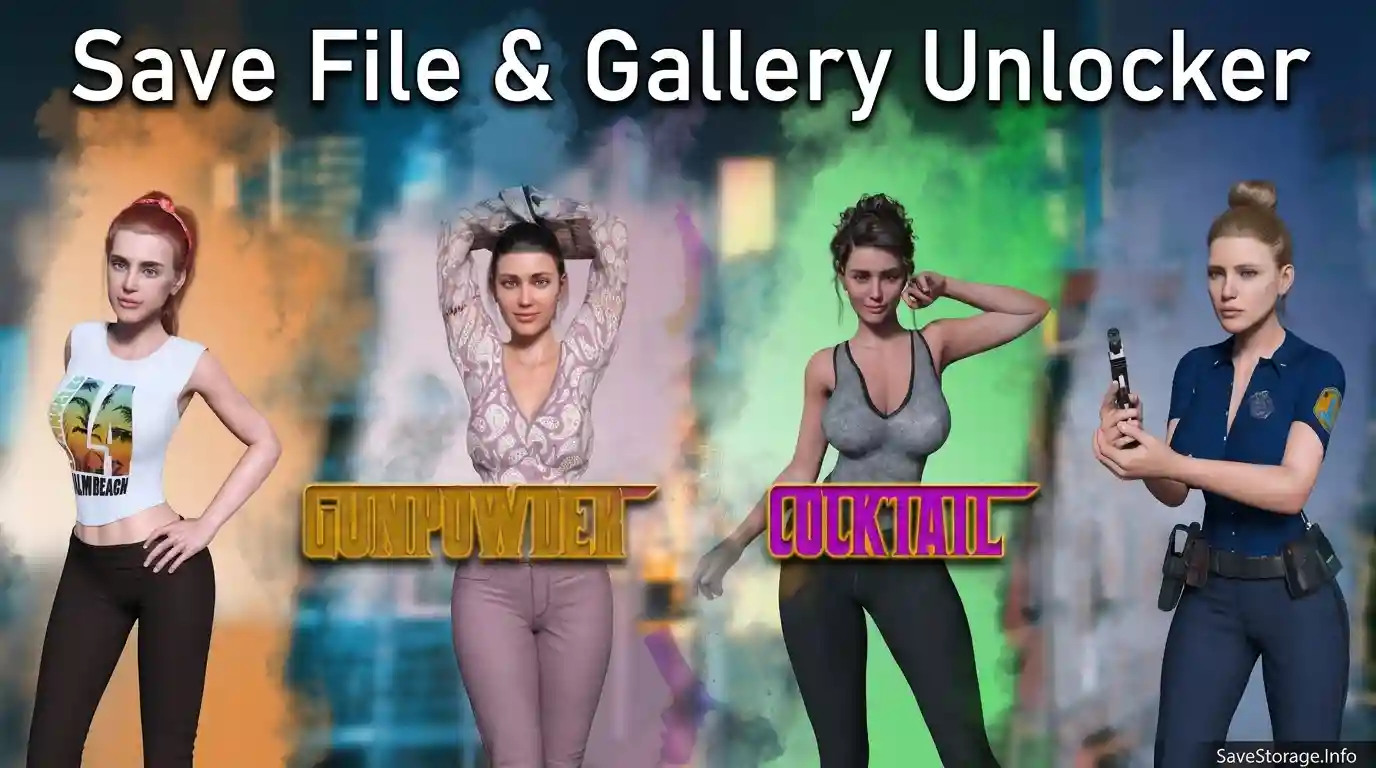
Lost your progress in Gunpowder Cocktail? Use the v0.7.3 save to continue without starting over, or install the gallery unlocker to access the gallery.
SAVE FILE
Gunpowder Cocktail v0.7.3 Save
This save is intended for players who lost their progress and want to continue from an existing save instead of starting over. It works with v0.8.0 according to the provided information, but content added after v0.7.3 must be played through manually.
Important: This save does not unlock the gallery. Download the separate Gallery Unlocker below if you want to unlock gallery content.
How to Install the Save
- Close the game and back up your existing save files.
- Delete or move your existing save files after backing them up. This helps avoid conflicts with the replacement save.
- Extract the downloaded archive.
- Copy the save files into both locations below, keeping the files in their appropriate folders.
Game Save Folder:
Gunpowder Cocktail/game/save
Ren’Py AppData Folder:
%AppData%\RenPy
The save may not work correctly if the required files are not copied to both locations. Preserve your backup so you can restore your original progress if needed.
GALLERY UNLOCKER
Gunpowder Cocktail — Gallery Unlocker
This separate file unlocks the game’s gallery. It has been tested with versions v0.7.3 and v0.8.0. It may also work with future versions as long as the game’s internal code remains compatible.
How to Install the Gallery Unlocker
- Close the game.
- Download and extract the Gallery Unlocker archive.
- Copy the included files into the game’s game folder, merging folders if prompted.
Game Folder:
Gunpowder Cocktail/game/
Back up your original game files before replacing anything. The Gallery Unlocker is separate from the save file and should be installed independently.
Important Notes
- The v0.7.3 save does not unlock the gallery.
- To restore progress and unlock the gallery, install the save file and Gallery Unlocker separately.
- Back up your original saves and game files before installation.
- Future compatibility is not guaranteed if the game’s internal code or save structure changes.