| INFORMATION | DETAILS |
|---|---|
| Game Title | Become a Rock Star (v1.01) |
| Developer & Publisher | MrJet |
| Mod Developers | scrappy (Cheat Mod) / KoGa3 (Gallery Unlocker) |
| Package Content | 100% Save Files, Cheat Mod, Gallery Unlocker |
About This Save
This post contains save files and optional mods for Become a Rock Star v1.01. The save files cover the normal and Emma endings, while the two additional files are provided for players who want to change how the game is played or access the gallery.
The files are separate, so you can use the completed save without installing either modification. Make a backup of your current files before replacing anything.

100% Save Files
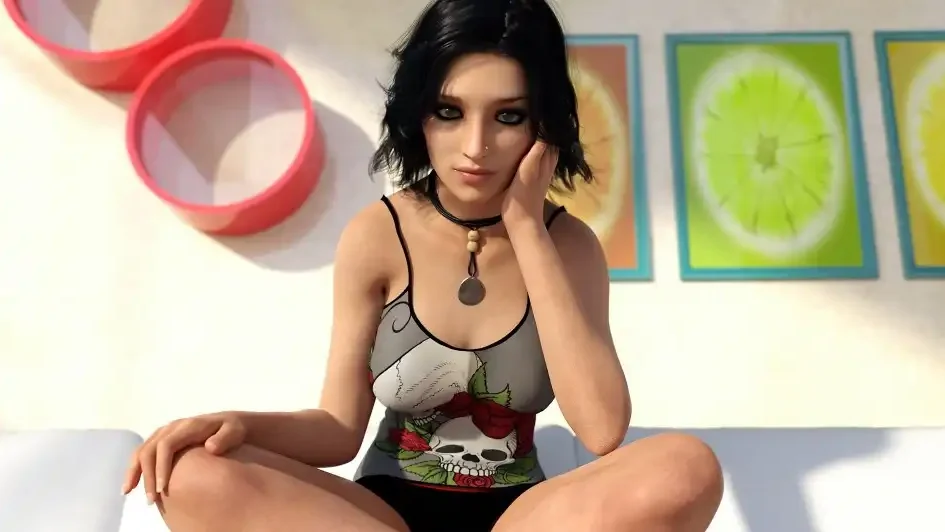
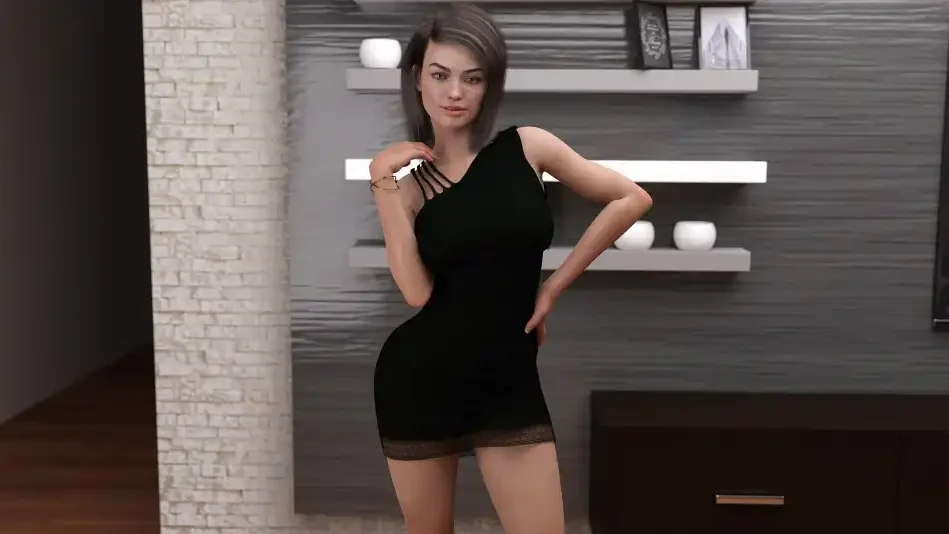
Two completed saves are included. The normal save follows the regular storyline, while the smaller save is specifically for the Emma ending.
- Normal Ending: Completed save file, approximately 1.5 MB.
- Emma Ending: Save for the Emma route, approximately 250 KB.
Installing the Save
- Extract the downloaded ZIP file.
- Back up your existing save folder.
- Copy the extracted save files to the location used by your installation.
Windows:
%appdata%/RenPy/Become_a_Rock_Star
Alternative Game Folder:
[Main Game Folder]/game/saves
macOS:
~/Library/RenPy/Become_a_Rock_Star
Android:
Internal Storage/Android/data/com.becomearockstar.game/files/saves
If the save folder does not exist, open the game and create a save first. On newer Android versions, access to the Android/data folder may require a file manager that supports it.
Cheat Mod
The scrappy cheat mod adds a few gameplay options to Become a Rock Star v1.01. It highlights dialogue choices that can affect points and adds a cheat menu for changing certain stats.
- Dialogue Highlights: Choices that award points are highlighted.
- Cheat Menu: Provides options for adjusting points and stats.
Cheat Mod Installation
- Download and extract the required unren tool into the game folder.
- Run unren and select option 1 to extract the RPA packages.
- Extract the cheat mod files into the main game folder.
- Replace existing files if Windows asks for confirmation.
[Main Game Folder]
Gallery Unlocker
The KoGa3 Gallery Unlocker is a separate modification for version 1.01. It unlocks the game’s gallery so the available artwork can be viewed without having to unlock each item through normal progression.
- Version: v1.01.
- Purpose: Unlocks the in-game gallery.
- Developer: KoGa3.
Gallery Unlocker Installation
- Make sure Become a Rock Star v1.01 is installed.
- Extract the downloaded archive.
- Copy the extracted files into the game’s
gamefolder.
[Main Game Folder]\BecomeARockStar-1.01-pc\game