The Witcher 3: Wild Hunt Save Game & Trainer
This package includes a 100% completion save game for The Witcher 3: Wild Hunt and a separate FLiNG trainer. The save is useful for players who want access to advanced progression without completing the entire game again.
The save and trainer are provided as separate downloads, so you can use only the file you need.
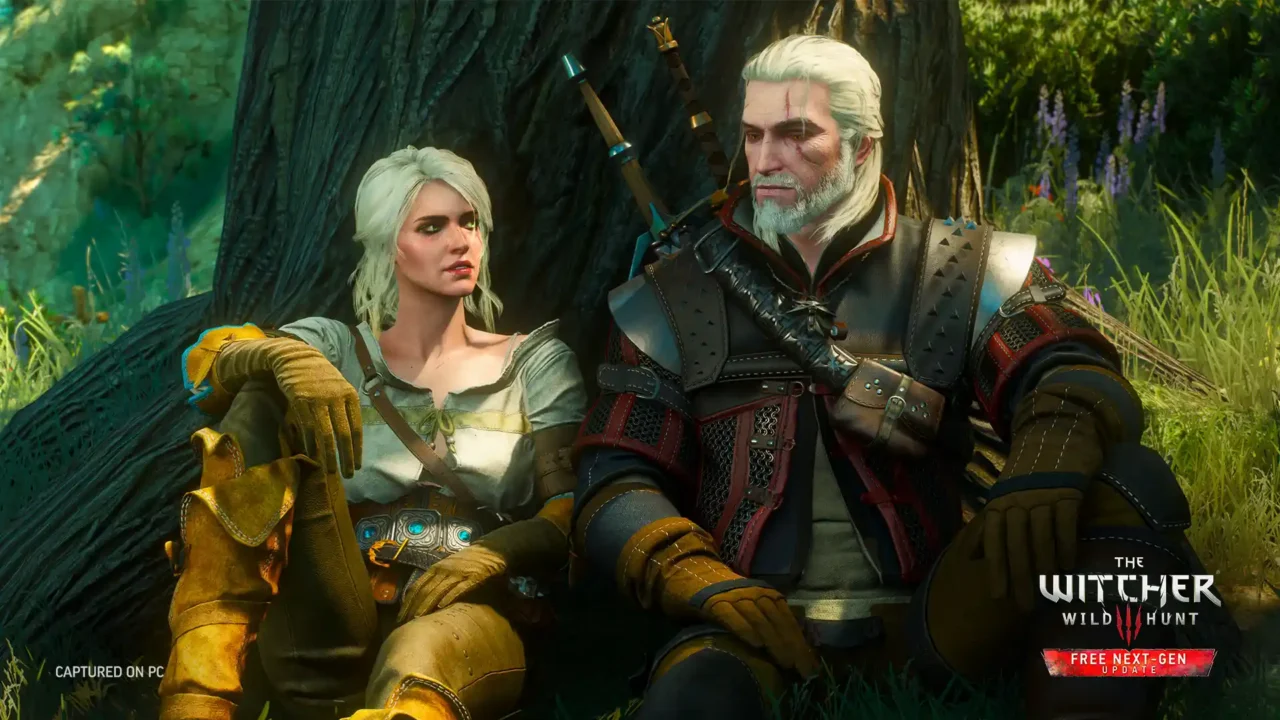
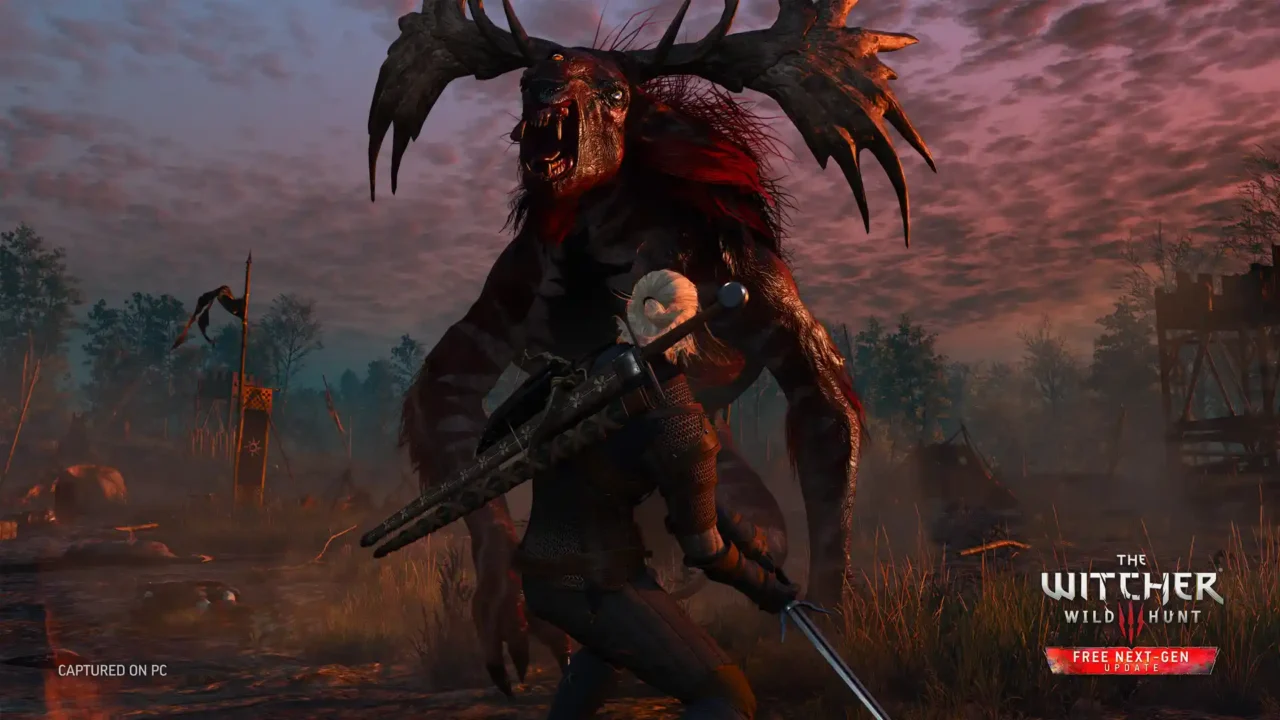
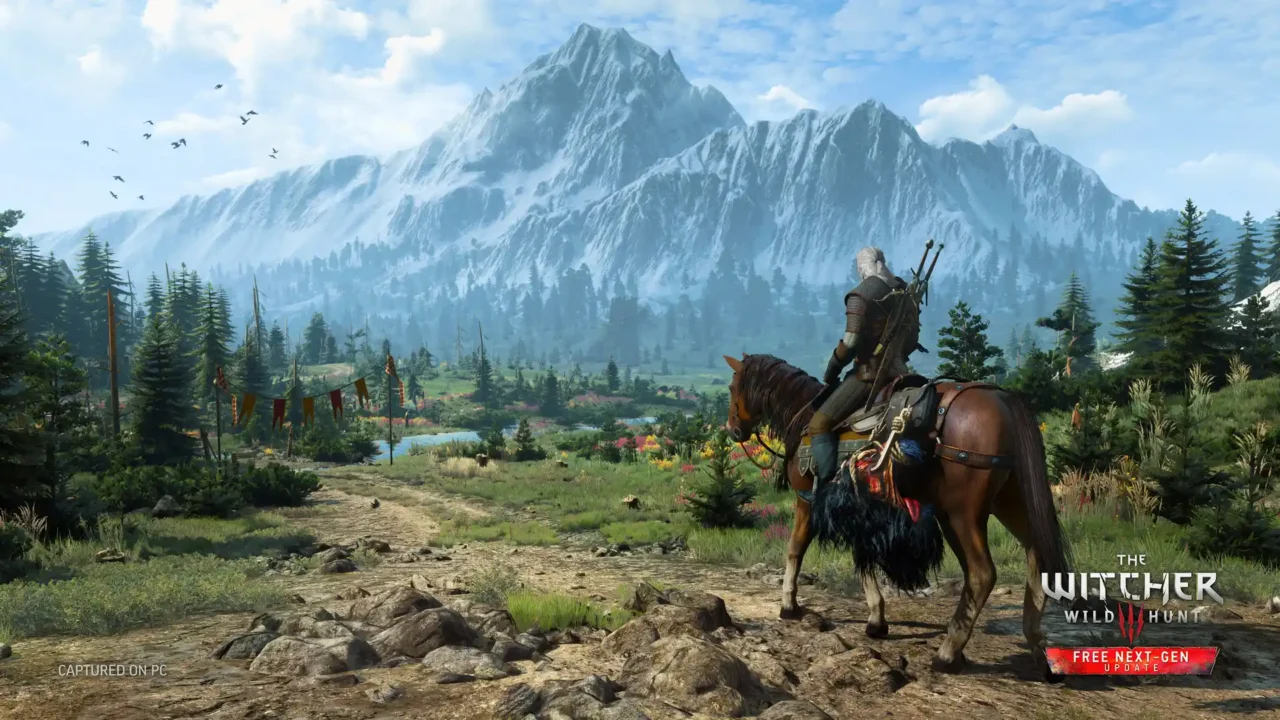
100% Save Game — Author: Ka63oH
- Geralt: Level 100 with fully upgraded skills and mutations.
- Inventory: Oils, decoctions, potions, Viper School set, and 10,000 crowns.
- Chest: Legendary max-level swords, Witcher sets, runes, glyphs, dyes, and Corvo Bianco painting.
- Difficulty: Completed on Deathmatch difficulty.
DOWNLOAD SAVE GAME (.RAR)
File Size: ~1.6 MB (RAR Archive)
How to Install the Save
- Download the save archive.
- Extract the files using 7-Zip or WinRAR.
- Back up your existing saves before replacing them.
- Copy the extracted files to the Witcher 3 save directory.
📁 Path: C:\Users\[Your_Name]\Documents\The Witcher 3\gamesaves\
Start the game and load the installed save from the Load Game menu.
FLiNG Trainer — Author: FLiNG
The trainer includes the following options:
- Num 1 – Infinite Health
- Num 2 – Infinite Stamina
- Num 3 – Infinite Adrenaline
- Num 4 – Zero Toxicity
- Num 5 – Infinite Oxygen
- Num 6 – Infinite Horse Stamina
- Num 7 – Horse Never Panics
- Num 8 – Super Speed
- Num 9 – Slow Motion
- Num 0 – One Hit Kill
- Num . – Infinite Gold
- Num + – Items Won’t Decrease
- Ctrl + Num 1 – Add 1000 EXP
- Ctrl + Num 2 – Infinite Skill Points
- Ctrl + Num 3 – Infinite Potions & Bombs
- Ctrl + Num 4 – Instant Weapon / Armor Repair
- F1 to F4 – Multipliers & Stats Customization
DOWNLOAD FLING TRAINER (.ZIP)
File Size: ~789 KB (ZIP Archive)
How to Use the Trainer
- Download and extract the trainer ZIP file.
- Run the trainer as Administrator.
- Start The Witcher 3.
- Use the listed hotkeys in-game to activate the desired options.
If your security software blocks the trainer, review the detection before allowing it to run.