| INFORMATION | DETAILS |
|---|---|
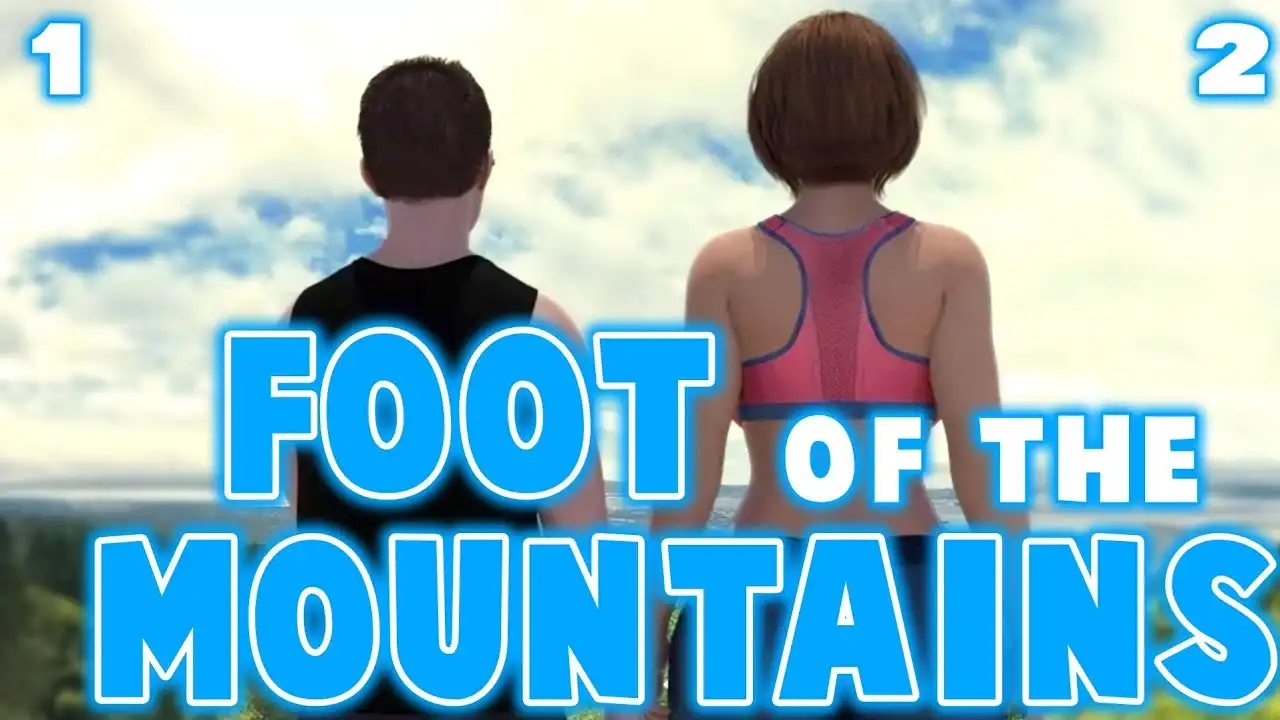
| Game Title | Foot of the Mountains 1 & 2 |
| Developer / Publisher | SerialNumberComics |
| Game Versions | FOTM 1 (v12) & FOTM 2 (v5.0) |
| Save Author | SaveStorage |
| Modders / Contributors | CLD4 (Cheat Menu) & scrappy (Gallery Mod) |
| Package Contents | 100% Save Games, Walkthrough, Cheat Mods & Gallery Mods |
About This Save Game
This package covers both Foot of the Mountains 1 and 2 and includes completed save files for the listed game versions. The files provide different points of progression, making it possible to continue the story without replaying earlier sections.
The download also includes walkthrough material for progression and separate community-made mods for the cheat menu and gallery features. Use the files that match your installed game version to avoid compatibility issues.
Save Details
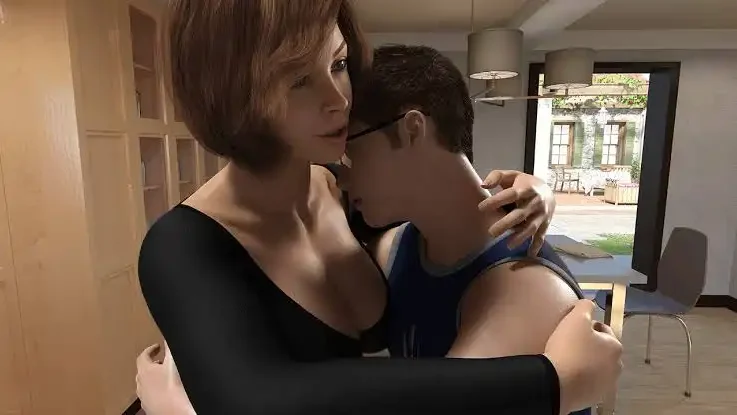
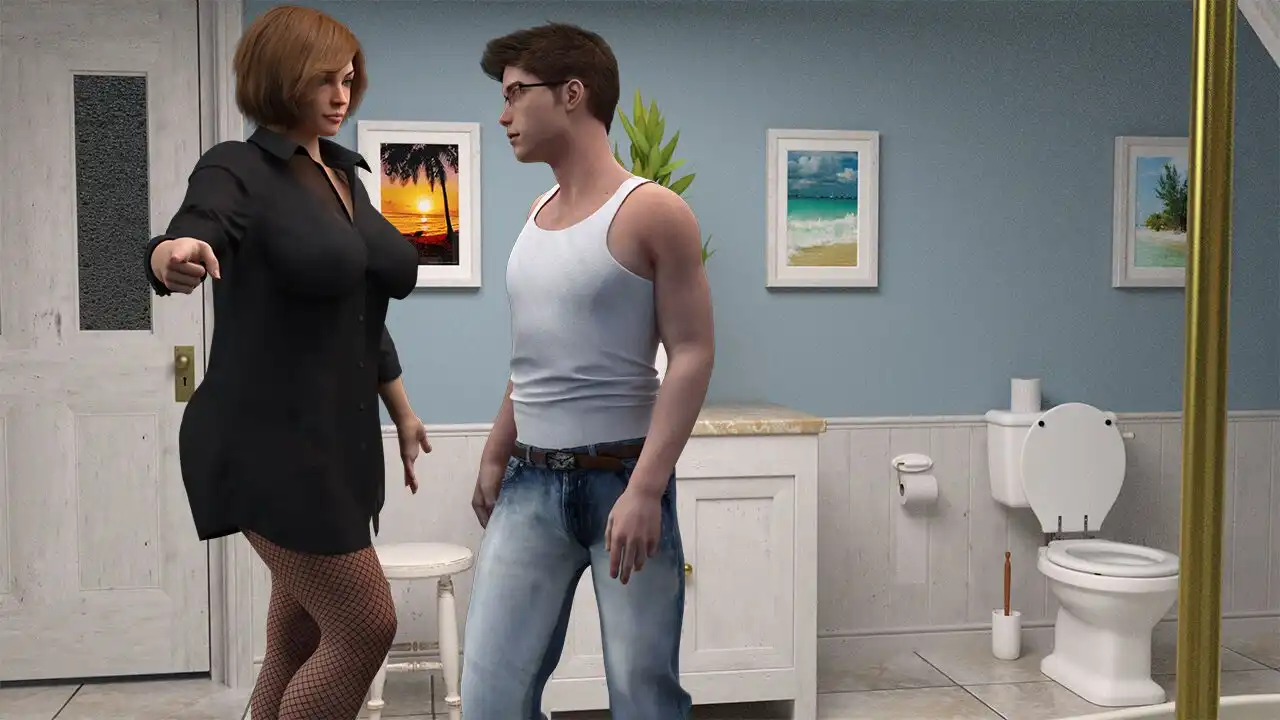
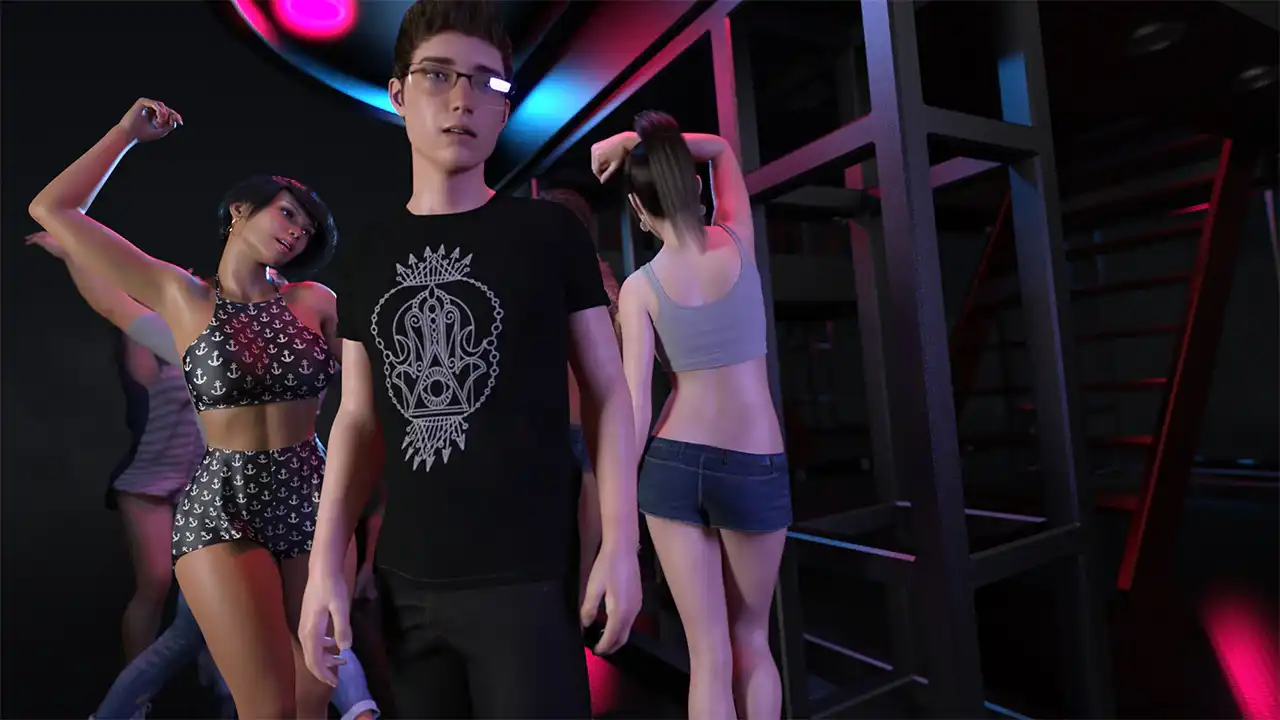
- FOTM 1 v12: Complete save with the available game progression and gallery content.
- FOTM 2: Save files covering the listed story progress for the included versions.
- Walkthrough: Includes progression information and references for locations, items and events.
Save Games & Walkthrough
The main archive contains the save files and walkthrough material for Foot of the Mountains 1 and 2.
How to Install Save Files
Extract the downloaded archive and copy the save files to the appropriate Ren’Py save directory for your system. Make a backup of your existing saves before replacing or adding files.
Windows:
macOS:
Linux:
Android:
Cheat Mods
The package includes separate cheat menu files from CLD4 for the two Foot of the Mountains versions. Use the version that matches your game installation.
FOTM 1: The cheat menu provides options for adjusting progression-related values, money, relationship settings and gallery content.
FOTM 2: The second version includes options for modifying relationship and progression values, money and other game parameters.
To install the cheat mod, extract the downloaded archive into the main FootOfTheMountains game folder as instructed by the included files.
Gallery Mods
The gallery modifications add a replay option that allows previously viewed scenes to be accessed without relying on the original manual save points.
FOTM 1 Gallery Mod: Use this version with the corresponding game installation.
FOTM 2 Gallery Mod: Use this version with Foot of the Mountains 2 v5.0.
Extract the gallery mod into the main FootOfTheMountains folder and follow any version-specific instructions included with the download.