| INFORMATION | DETAILS |
|---|---|
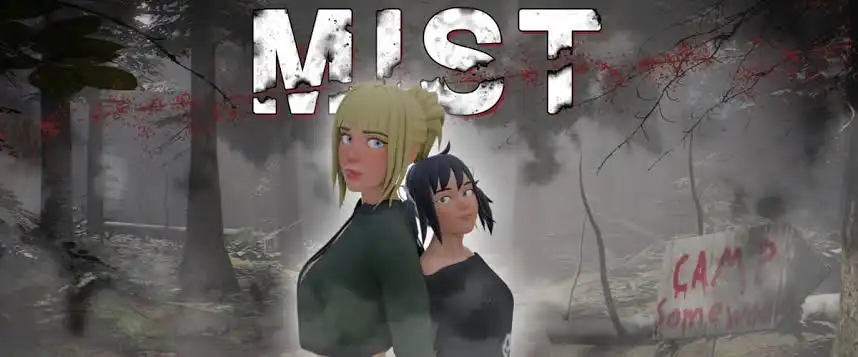
| Game Title | Mist v1.0.3 |
| Developer | 395games |
| Publisher | 395games |
| Mod Developer | The Witcher (Cheat) | Anonymous (Unlocker) |
| Package Contents | Chronological Save Files, Cheat Mod & Gallery Unlocker |
Description
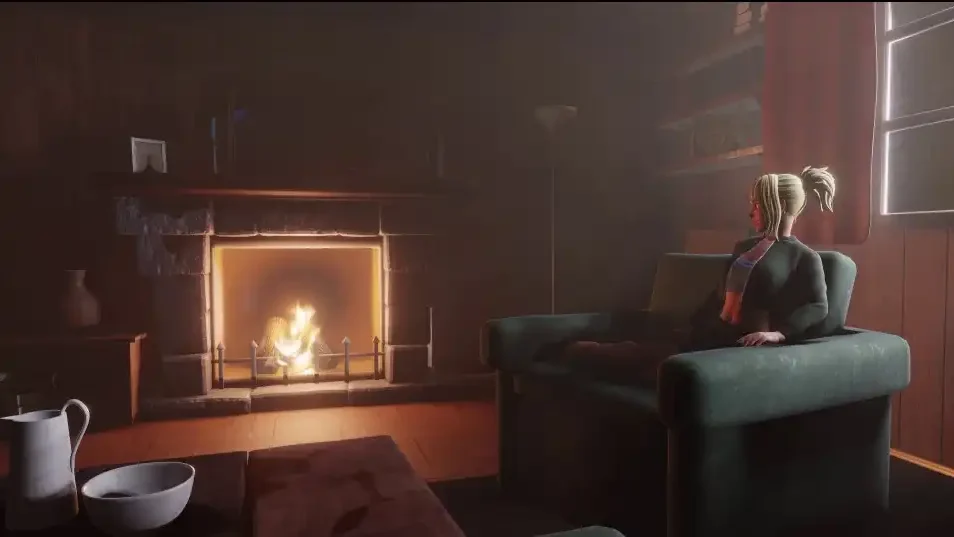
Mist is a visual novel by 395games with a branching story, survival elements, and multiple story events. The save package covers important points throughout the game and is intended for players who want to continue from specific parts of the story.
This package is compatible with version 1.0.3 and includes chronological saves, a cheat mod, and a gallery unlocker.
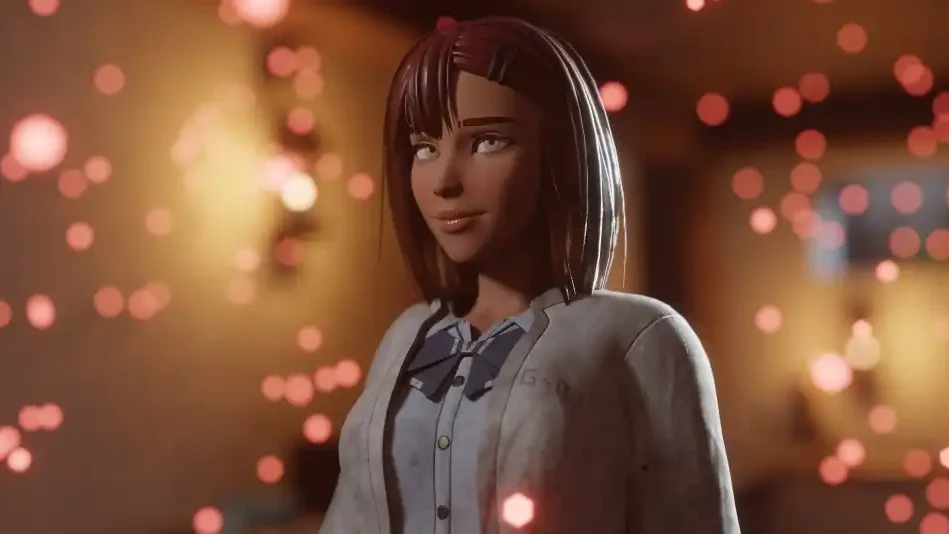
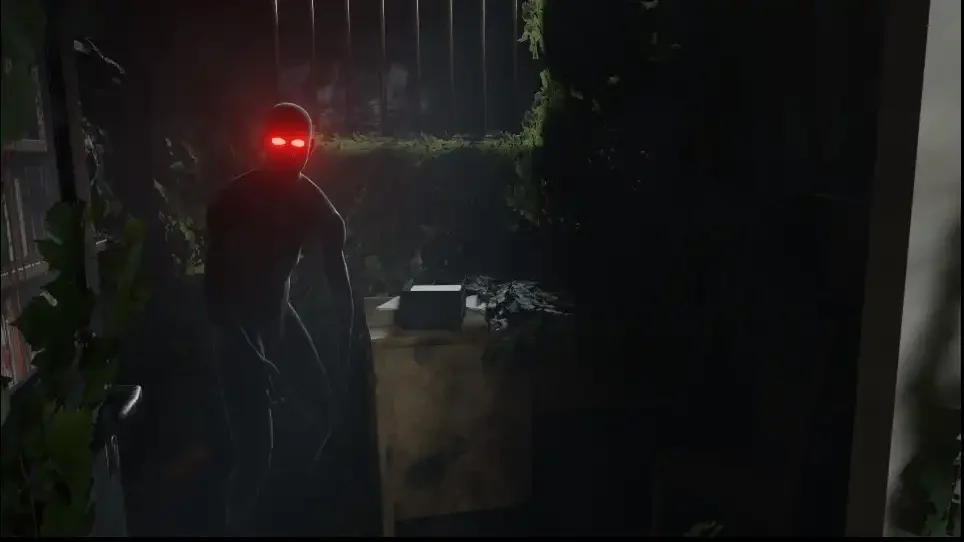
Save Game
- Act 1: 1-1 after the first monster battle, 1-2 basement access, 1-3 making up with Robin, 1-4 first lift sighting, 1-5 found lodge, 1-6 saved Mia.
- Act 2: 2-1 injured after getting wood, 2-2 recovered, 2-3 arriving in the city, 2-4 trapped in the lab, 2-5 escaped lab, 2-6 preparing for attack.
- Act 3: 3-1 before battle, 3-2 start of tunnels, 3-3 after flooding.
How to Install
- Extract the RAR archive using WinRAR or 7-Zip.
- Back up your existing saves.
- Press Win + R and enter the following path:
%APPDATA%\RenPy\ProjectMist\
- Copy the required save files into the folder.
- Launch Mist and load the desired checkpoint.
Cheat Mod
The Witcher’s universal cheat mod supports different game editions and JoiPlay.
- Health & Stamina: Add, reset, or set stamina to zero.
- Resources: Add Ammo, Wood, Stone, Metal, and Supply.
- Food: Add Food and prevent food consumption.
- Curse: Cure the curse or prevent it from increasing.
Note: Avoid using resource cheats excessively. Health and Stamina cheats should be used during exploration or combat and reset before returning to the cabin or cave.
How to Install
- Extract the ZIP archive.
- Copy the
mod/folder into the game’s root directory where the main.exefile is located.
Gallery Unlocker
The gallery unlocker provides access to the game’s gallery content and supports different game versions.
How to Install
- Download the
.rpyfile. - Place it inside the game’s
gamefolder.
[Your Main Game Directory]\game\