| INFORMATION | DETAILS |
|---|---|
| Game Title | Hollow Knight (v1.5.80) |
| Developer | Team Cherry |
| Publisher | Team Cherry |
| Save Author | gghell |
| Trainer Developer | FLiNG |
Description
Hollow Knight is a metroidvania action-adventure game developed by Team Cherry. The game takes place in Hallownest, where players explore different areas, fight bosses, collect abilities, and complete various challenges.
This page includes a 112% completion save file for version 1.5.80 and a Plus 11 trainer from FLiNG. The save is intended for players who want to continue from a highly progressed game state, while the trainer provides several gameplay options such as infinite health, infinite Soul, and Geo-related cheats.
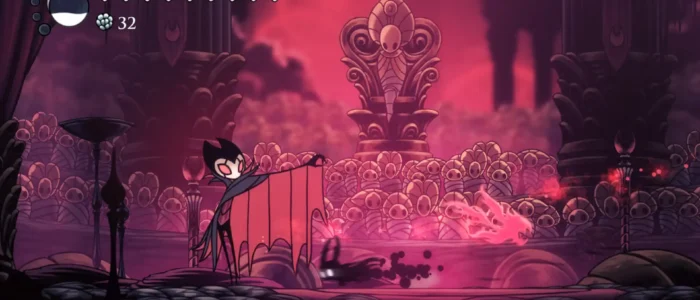
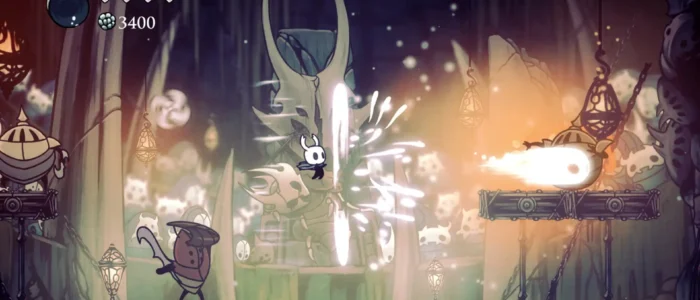
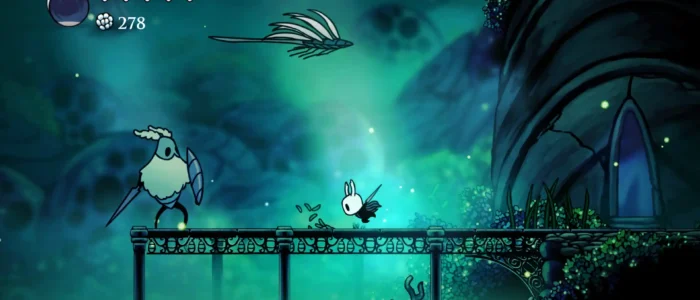
Hollow Knight 112% Completion Save
This save file is listed as a 112% completion save created by gghell. It includes advanced game progress, unlocked abilities, upgraded equipment, and extensive exploration of Hallownest.
- Completion: 112% game completion.
- Abilities: Core abilities and spells are unlocked.
- Equipment: Nail, vessel shards, mask fragments, and other upgrades are included.
- Exploration: Hallownest maps are uncovered.
- Progress: Four Pantheon doors are open.
- Playtime: Approximately 34 hours are recorded on the save.
How to Install
- Extract the downloaded ZIP file using 7-Zip, WinRAR, or another archive utility.
- Back up your current Hollow Knight save files before replacing them.
- Copy the extracted save file to the Hollow Knight save directory below.
- If you want to use another save slot, rename the file accordingly. For example, change
user1touser3for slot 3. - Start Hollow Knight and load the save slot.
Windows Save Location:
C:\Users\YOUR_USERNAME\AppData\LocalLow\Team Cherry\Hollow Knight\
FLiNG Plus 11 Trainer
The FLiNG Plus 11 trainer is a separate tool for the PC version of Hollow Knight. It provides several hotkeys for changing player abilities, resources, movement, and game speed during gameplay.
How to Use
- Extract the trainer ZIP archive.
- Run the trainer before starting Hollow Knight.
- Launch the game’s executable file.
- Use the listed keyboard shortcuts while the game is running.
- Press Ctrl + Shift + Home to enable or disable the trainer hotkeys.