
| Game Title | The Genesis Order |
| Platform | PC (Windows) |
| Developer | NLT Media |
| Save Author / Modder | SaveStorage modder Jong Games |
| Latest Version | v1.05 |
The Genesis Order Save Games
This page contains save files for The Genesis Order, including the latest v1.05 build and older versions.
If you are looking for a specific build, use the list below to download the matching save.
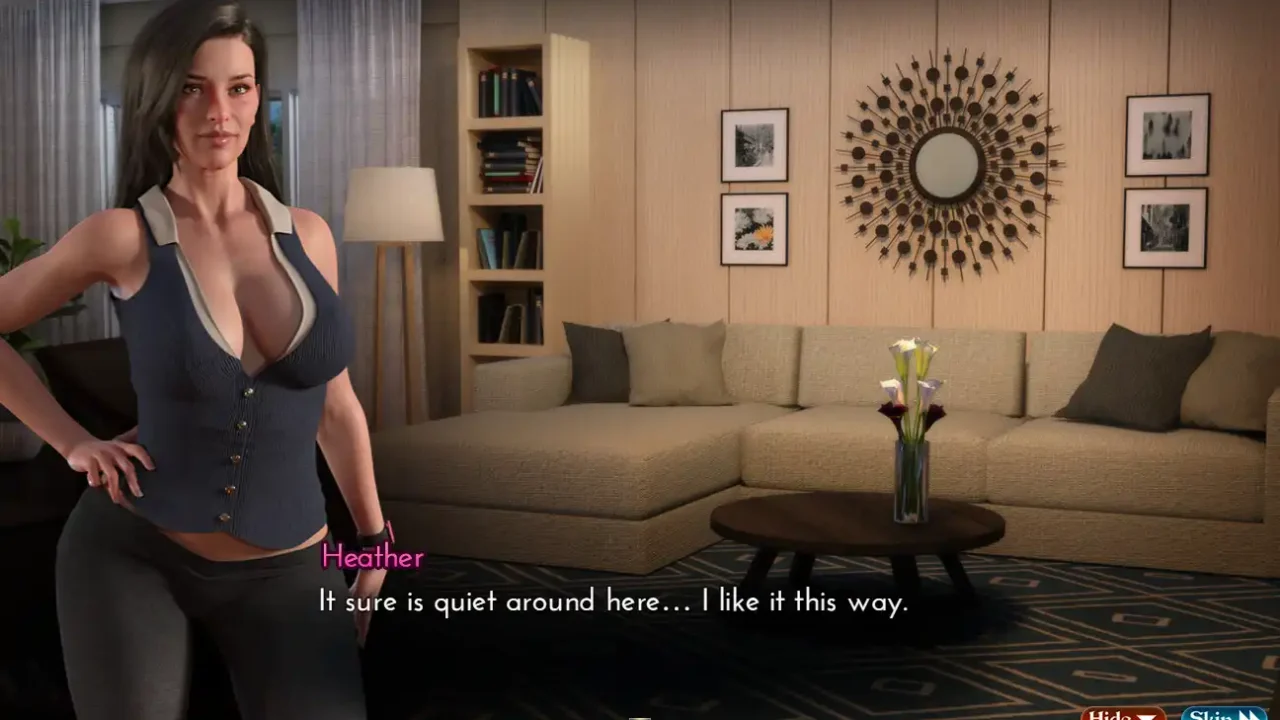


The save pack includes checkpoints from different versions of the game, so you can use the one that matches your installed build.
Save Files by Version
| Build | Download |
|---|---|
| v1.05 Full – Latest | Download |
| v83072 | Download |
| v81071 | Download |
| v75050 | Download |
| v73050 | Download |
| v71043 | Download |
| v65xxx | Download |
| v59012 | Download |
| v55124 | Download |
| v53121 | Download |
| v51113 | Download |
| v49111 | Download |
| v47102 | Download |
| v45101 | Download |
| v43092 | Download |
| v41091 | Download |
| v39084 | Download |
| v37081 | Download |
| v35072 | Download |
| v33071 | Download |
| v31062 | Download |
| v29061 | Download |
| v27053 | Download |
| v25051 | Download |
| v23044 | Download |
| v21041 | Download |
| v19032 | Download |
| v16031 | Download |
| v09013 | Download |
| v02121 / v04122 | Download |
How to Install the Save
Download the save for your game version, extract the archive, and copy the save files into the game’s save folder. Make a backup of your current saves before replacing them.
The Genesis Order Cheat Mod
A separate cheat mod for The Genesis Order is also available. The current file is for v1.05 and is 330 KB.
Using the Cheat Mod
After installing the mod, go to the main character’s house and interact with the item shown in the screenshot to open the cheat menu.
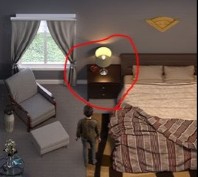
Cheat Mod Installation
Extract the downloaded file and copy its contents into the following game folder:
Back up the original files before replacing them. If the mod does not work, restore the backup and check that you are using the correct game version.