
Looking for a VOID/BREAKER save game with unlocked zones, upgraded weapons, or completed progression? This save collection includes four different save files, allowing you to choose where you want to continue playing.
The collection includes a Zone 6 save with all weapons and upgrades unlocked, earlier Zone 4 and Zone 5 saves, and a completed normal run.
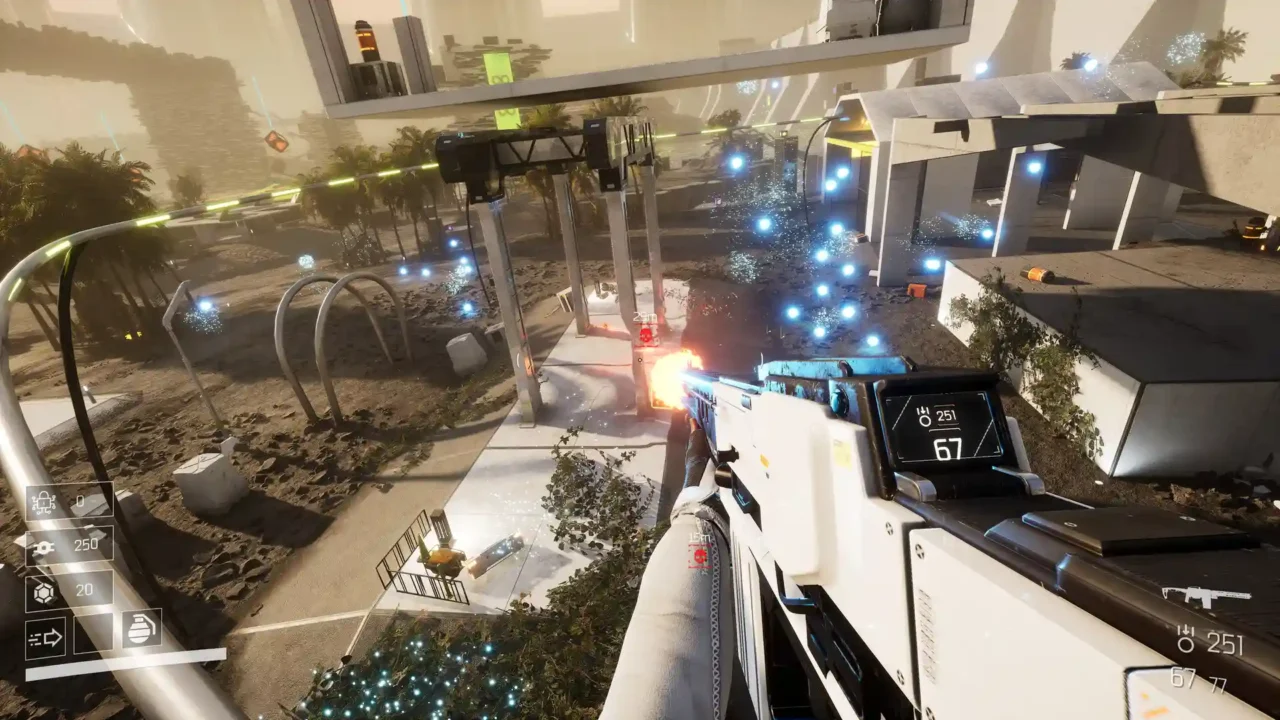
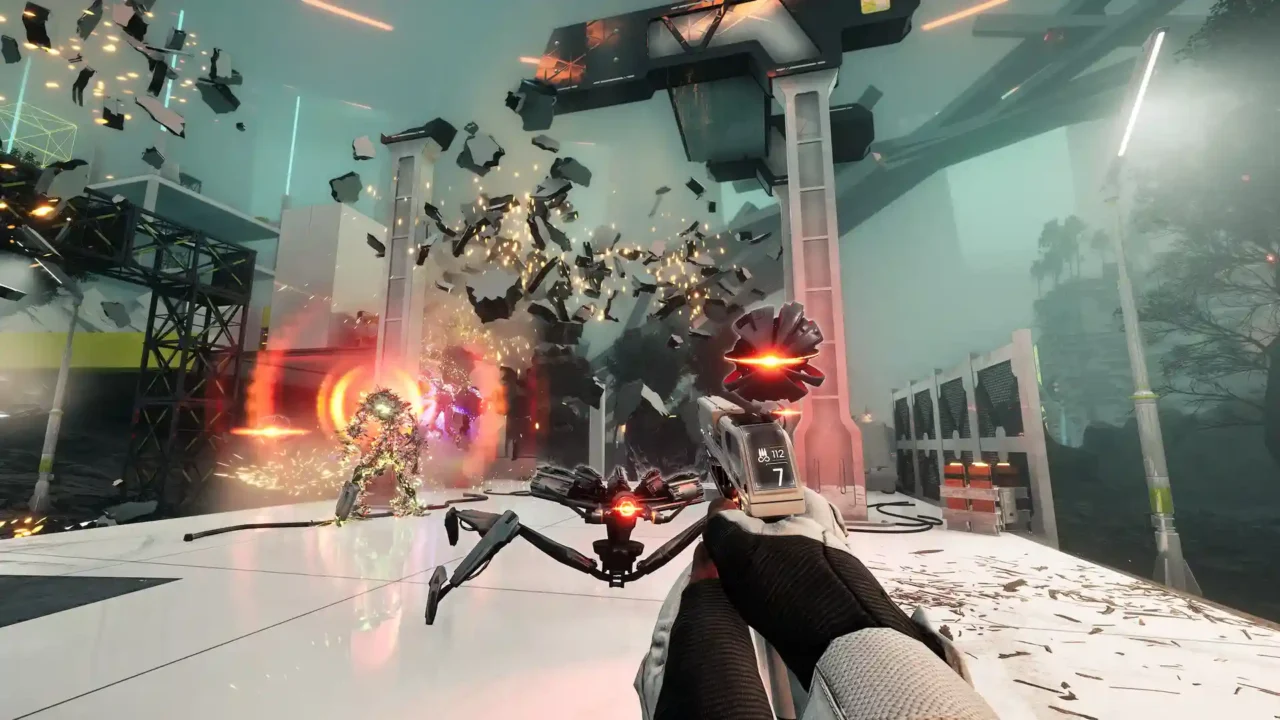
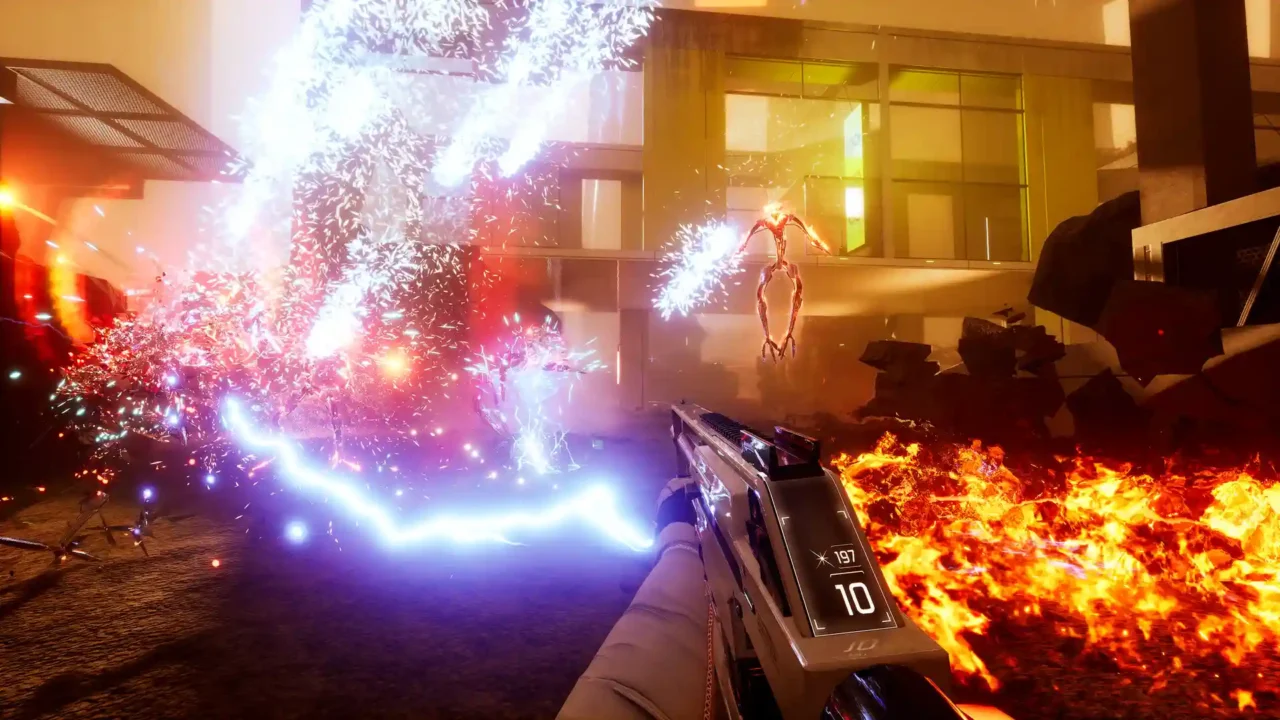
Save Details
Game: VOID/BREAKER
Save Type: Multiple Progression Saves
Number of Saves: 4
File Format: ZIP
Total Size: Approximately 40 KB
Available Save Files
1. Zone 6 Unlocked – All Weapons & Upgrades Maxed
The most advanced save in this collection. Zone 6 is unlocked and cleared, with maximum Chaos Rating, all upgrades maxed, and all weapons unlocked.
- Zone 6 unlocked and cleared
- Maximum Chaos Rating
- All upgrades maxed
- All weapons unlocked
2. Zone 5 Unlocked
A progression save with Zone 5 unlocked and all upgrades maxed. Not all weapons are unlocked, making it a different option from the Zone 6 save.
- Zone 5 unlocked
- All upgrades maxed
- Not all weapons unlocked
3. Zone 4 Unlocked
This save provides access to Zone 4, with all upgrades maxed but not all weapons unlocked.
- Zone 4 unlocked
- All upgrades maxed
- Not all weapons unlocked
4. Normal Run Completed
A completed normal run with a few upgrades maxed. Not all weapons are unlocked in this save.
- Normal run completed
- A few upgrades maxed
- Not all weapons unlocked
How to Install VOID/BREAKER Save Files
- Close VOID/BREAKER if it is running.
- Download your preferred save file.
- Extract the downloaded ZIP archive.
- Press Win + R and open the following location:
- Copy the extracted save files into the SaveGames folder.
- Replace existing files if necessary, after making a backup.
- Launch the game and load your save.
Credits
Original save files created by sunnyboyza.
Re-upload permission was granted by the original creator, provided proper credit is given.