
Download the Demon Boy Saga v0.77 P1 Full Save, featuring a complete game save with all scenes. The download includes both the main save file and the persistent data file, so make sure to install both to use the supplied save correctly.


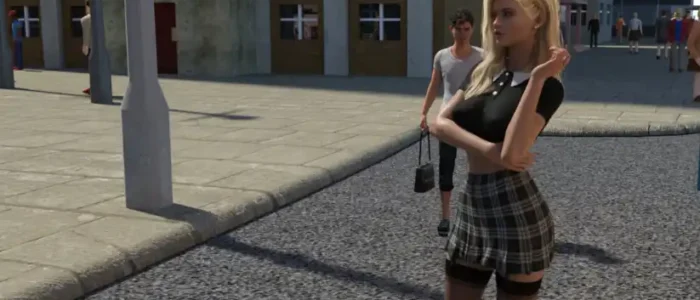
About Demon Boy Saga
Demon Boy Saga is a story-driven visual novel developed by ReidloGames. The story follows a wealthy family facing a major financial setback, creating new opportunities and situations for the protagonist.
About This Save File
This is a 100% complete save for Demon Boy Saga v0.77 P1. All scenes have been completed, and the gallery is fully unlocked. You can load the supplied save to revisit the game’s scenes and browse the unlocked gallery.
The download includes both the main save file and the persistent data file:
- 78-5-LT1.save – The main game save, available on page 78, slot 5.
- persistent – Contains the game’s persistent data, including gallery unlock information.
Download Demon Boy Saga v0.77 P1 Full Save
Download the archive containing both save files below.
How to Install Demon Boy Saga Save Files
1. Close Demon Boy Saga before installing the files.
2. Extract the downloaded archive. You should find these two files:
78-5-LT1.savepersistent
3. Press Windows + R, enter the following location and press Enter:
%APPDATA%\RenPy\
4. Open the folder belonging to Demon Boy Saga. This is the game’s Ren’Py data folder.
5. Copy both files into that folder, placing them directly alongside the existing game save files. Do not put the persistent file inside another folder.
6. Launch the game, open the Load menu and navigate to page 78. The save should appear in slot 5.
Credits
Demon Boy Saga is developed by ReidloGames. Visit the developer’s page for game updates and announcements.