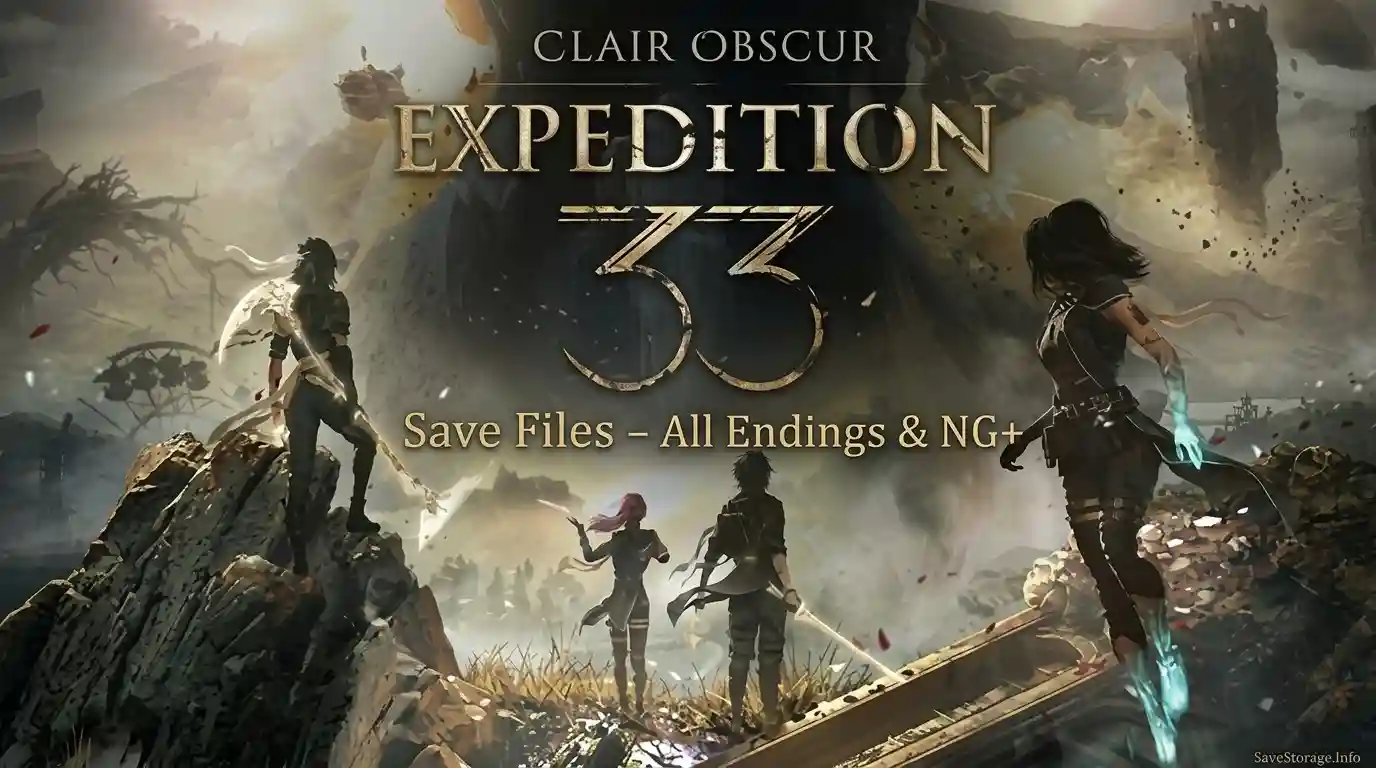
Download Clair Obscur: Expedition 33 Save Files, featuring a collection of 21 Steam saves with completed story progress and New Game+, plus a separate bonus save before the final boss. These save files give you a convenient way to revisit the endgame and work toward both endings.
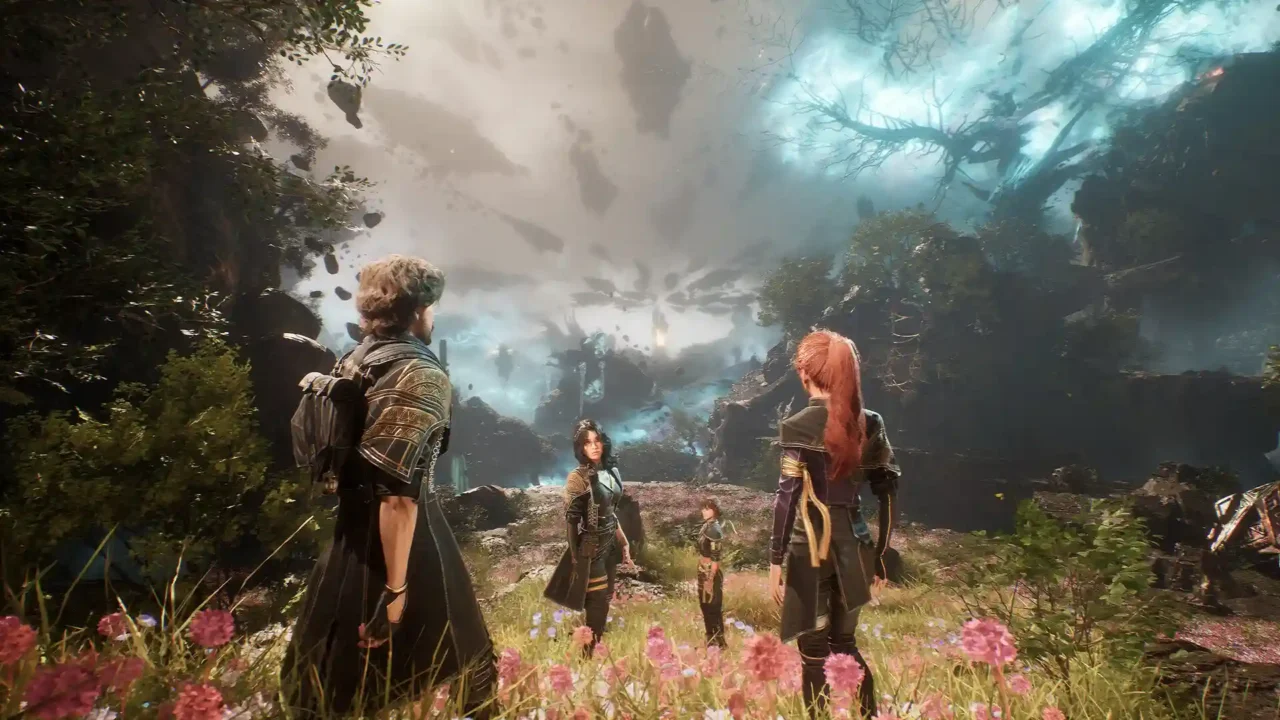
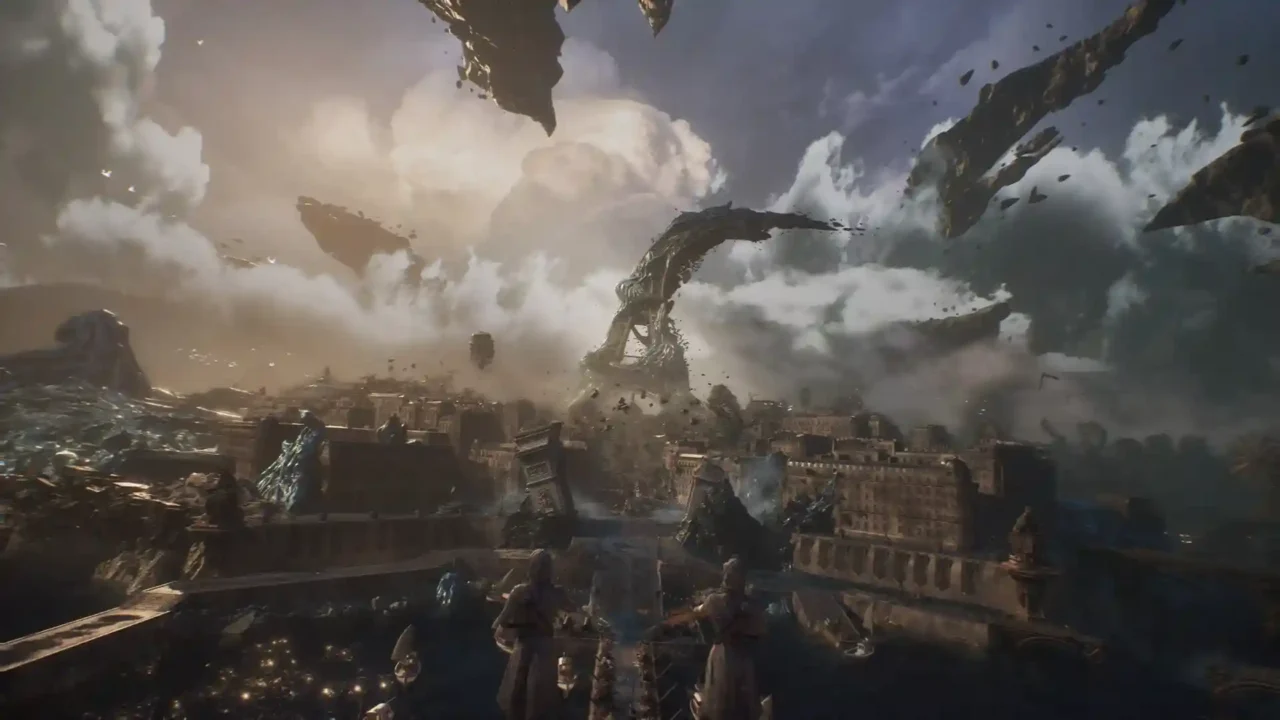
Platform: Windows PC
Main Pack: 21 Steam saves
Story Progress: Completed
New Game+: Unlocked
Bonus Save: Act 3, before the final boss
Ending Routes: Maelle and Verso
Download Save Files
1. Completed Story + New Game+ — 21 Saves
According to the uploader, most of the map is cleared, the main story is completed, and New Game+ is unlocked. The Verso ending has been completed, and older saves may allow you to replay the story toward the Maelle ending.
2. Bonus Save — Before the Final Boss
This is a separate download from the main 21-save pack. It places you in Act 3 shortly before the final boss, allowing you to continue toward the ending choice without replaying the entire story.
Defeat the final boss and continue through the following scenes to reach the ending choice. Select Maelle or Verso to experience your preferred ending. To see the other ending, reload this bonus save and repeat the final sequence.
How to Install the Main Save Pack
- Close the game and back up your existing saves.
- Press
Win + R, enter%LOCALAPPDATA%\Sandfall\Saved\, and press Enter. - Extract the downloaded archive and copy its contents into the
Savedfolder, preserving the archive’s folder structure. - Launch the game and check the available saves.
C:\Users\YourUsername\AppData\Local\Sandfall\Saved\Replace YourUsername with your Windows account name. If the archive contains a SaveGames folder, keep it in the same structure rather than placing its contents in the wrong directory.Bonus Save — Game Pass Location
%LOCALAPPDATA%\Packages\KeplerInteractive.Expedition33_ymj30pw7xe604\SystemAppData\wgs\- Start a new game, return to the main menu, and leave the game running.
- Back up the relevant folders in
wgsbefore changing anything. - Follow the source save’s file structure and replace only the corresponding save files, preserving the filenames expected by the game.
- Return to the game and check whether the save loads correctly.