
Download the My Futa Family v0.23 Full Save to access the provided game progress. The save is listed for Page 9, Slot 1.
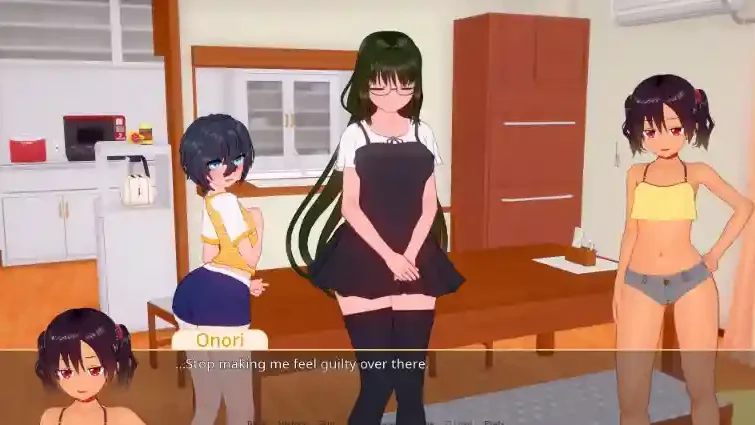


Game: My Futa Family
Version: v0.23
Save Type: Full Save
Load Location: Page 9, Slot 1
Included Files:
Version: v0.23
Save Type: Full Save
Load Location: Page 9, Slot 1
Included Files:
9-1 LT1.save and persistentDownload Full Save
Download the save files and follow the installation steps below.
Save File Location
Windows PC
C:\Users\YourUsername\AppData\Roaming\RenPy\Replace YourUsername with your Windows account name. Open the My Futa Family folder inside the RenPy directory. If it is not there, locate the folder containing your existing game saves.How to Install
- Close MyFutaFamily and back up your existing save files.
- Press
Win + R, enter%APPDATA%\RenPy, and press Enter. - Open the My Futa Family save folder and copy
9-1 LT1.saveandpersistentinto it. Back up the originalpersistentfile before replacing it. - Launch the game, open the Load menu, navigate to Page 9, and select Slot 1.
Note: The exact folder name may vary. If the save does not appear, check that both files are in the correct save directory and that their filenames remain unchanged.