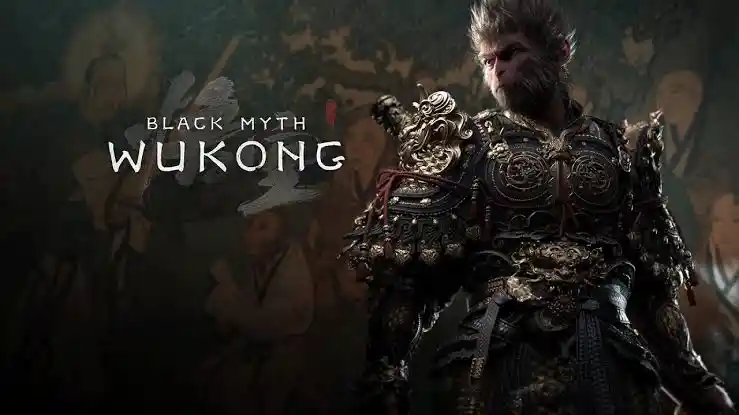
Here are 3 different Black Myth: Wukong saves, covering different points in the game. One is made before several bosses, while the other two are completed saves for starting NG+ and NG++.
Black Myth: Wukong Save Game
| INFORMATION | DETAILS |
|---|---|
| Game Title | Black Myth: Wukong |
| Available Saves | 3 Different Saves |
| Platform | PC / Steam |
| Save Version | 1.0.8.14860 for Saves 2 and 3 |
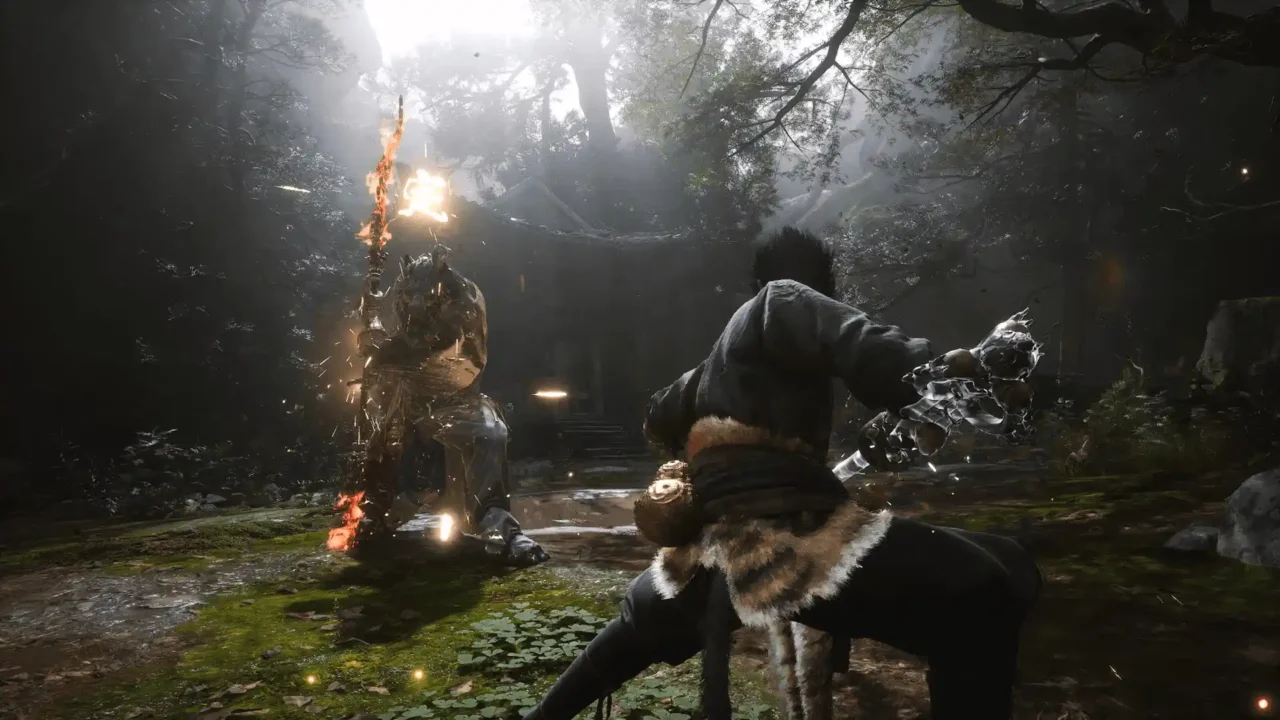
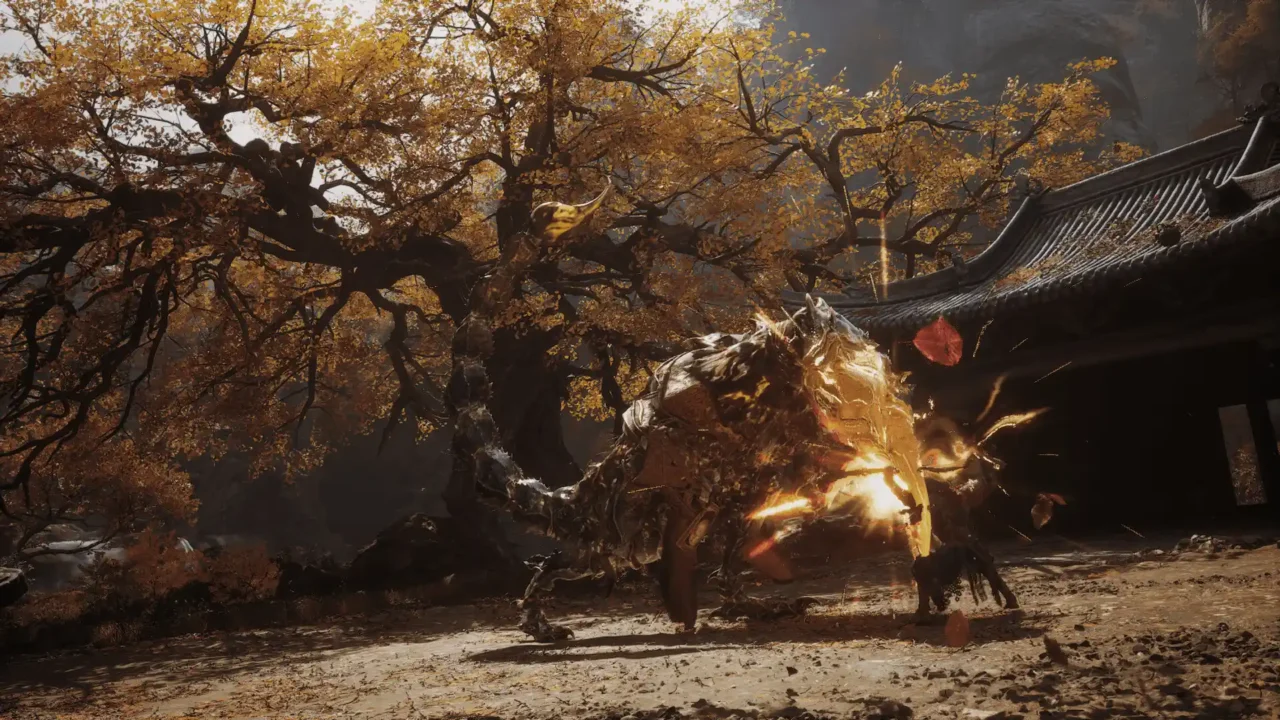
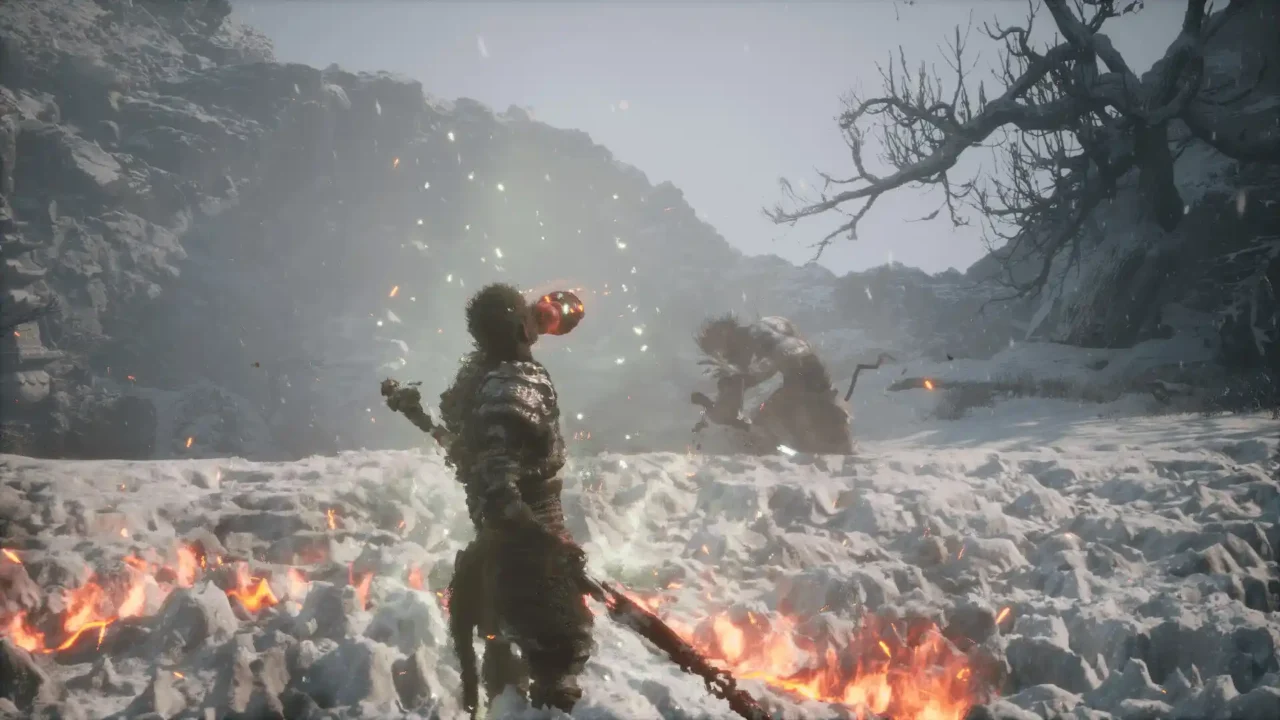
Save 1 – Before Some Bosses
This save is useful if you want to jump back into different parts of the game before some boss fights. The game supports up to 10 save slots, so the included save can be placed in the slot you want to use.
The save is named ArchiveSaveFile.1.sav. You can change the number in the filename from 1 to 10 to use a different save slot. For example, ArchiveSaveFile.2.sav will use slot 2.
Save 2 – 100% NG++
This one is for a much later point in the game. The game has been completed twice to the true ending, with the character at level 216.
- All meditation places opened
- All character quests completed
- Entire journal completed
- Everything collected, defeated, and crafted
- Upgradeable equipment upgraded to Legendary, with headgear upgraded to Unique
- All Steam achievements obtained
- Completed on version 1.0.8.14860
To continue from this save, choose Continue Journey from the main menu and enter the new cycle for NG++.
Save 3 – 100% Before NG+
This save has reached the true ending of the first playthrough, with the character at level 102. It is a good starting point if you want to move into NG+ without going through the first playthrough again.
- True ending completed
- All meditation places opened
- All character quests completed
- Entire journal completed, apart from entries that become available after starting NG+
- Most first-playthrough items collected, defeated, and crafted
- Character level 102
- Completed on version 1.0.8.14860
A few items are missing from this save: Spirit Second Rat Prince, Curiosity Blessed Lantern, Deadly Sting crafting material, and Stained Jade Bottle.
Choose Continue Journey from the main menu and enter the new cycle to start NG+.
How to Install
Close Black Myth: Wukong before replacing your saves. It is recommended to make a backup of your current saves first.
- Download the save you want to use.
- Extract the downloaded archive.
- Open your Black Myth: Wukong installation folder.
- Go to the b1 folder, then open Saved and SaveGames.
- Open the numbered folder inside SaveGames.
- Back up your existing saves.
- Copy the downloaded save into this folder.
- Launch the game and load the save.
For the first save, the game uses names such as ArchiveSaveFile.1.sav. The number can be changed from 1 to 10 to switch between save slots.
Save Location for the Cracked Version
If you are using a cracked version of Black Myth: Wukong, the save location can be different depending on the release you installed. First, close the game and check the existing save files created by your release.
Some releases use a structure similar to the standard PC save location:
- Local AppData Route:
C:\Users\[Your Username]\AppData\Local\b1\Saved - Goldberg Emulator Route:
C:\Users\[Your Username]\AppData\Roaming\Goldberg SteamEmu Saves\1875830\remote
If you cannot find your saves there, check the game’s existing user-data or save folders created by the cracked release. The easiest way to identify the correct location is to start the game, create or save a small amount of progress, close the game, and then check which folder contains the newly updated .sav files.
Once you find the folder containing the game’s current save files, make a backup of them and copy the downloaded save into the same location. Start the game again and check the save/load menu.
“`