
Looking for a late-game save for Leap of Love? This save lets you continue from near the end of the game and access the available story endings without playing everything again.
| INFORMATION | DETAILS |
|---|---|
| Game Title | Leap of Love |
| Devloper | Andrealphus |
| Platform | PC |
| Version | v2.4.3 |
About This Save
This Leap of Love save is intended for players who want to continue from a late point in the game instead of starting from the beginning. The included file can be used to reach the available story endings and continue from the later stages of the game.
The original save also includes a final save for players who simply want to load a completed point and continue from there.

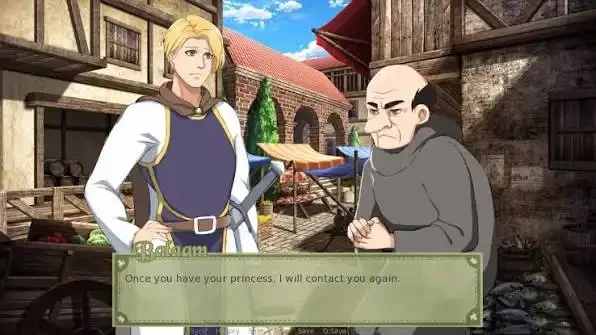

Save Details
- Late-game / final save
- Useful for accessing the different story endings
- Includes a final save file
How to Install
Close Leap of Love before installing the save. It is recommended to back up your current save files first.
- Download the save file from the button above.
- Extract the archive if it is compressed.
- Open your Leap of Love installation folder.
- Open the game folder.
- Open the saves folder.
- Back up your existing save files.
- Copy the downloaded .save file into the saves folder.
- Launch the game and open the Load Game menu.
- Select the installed save and continue playing.
[Steam Library]\steamapps\common\Leap of Love\game\saves\For a default Steam installation, the save folder is usually:
C:\Program Files (x86)\Steam\steamapps\common\Leap of Love\game\saves\If your Steam games are installed on another drive, open the Steam Library folder where Leap of Love is installed and follow the same path.