NieR: Automata Save Game and Trainer
This package includes a 100% completion save game for NieR: Automata along with a FLiNG trainer. The save is intended for players who want access to completed progress, while the trainer provides optional gameplay controls.
The save archive and trainer are provided separately, so you can use either file depending on what you need.
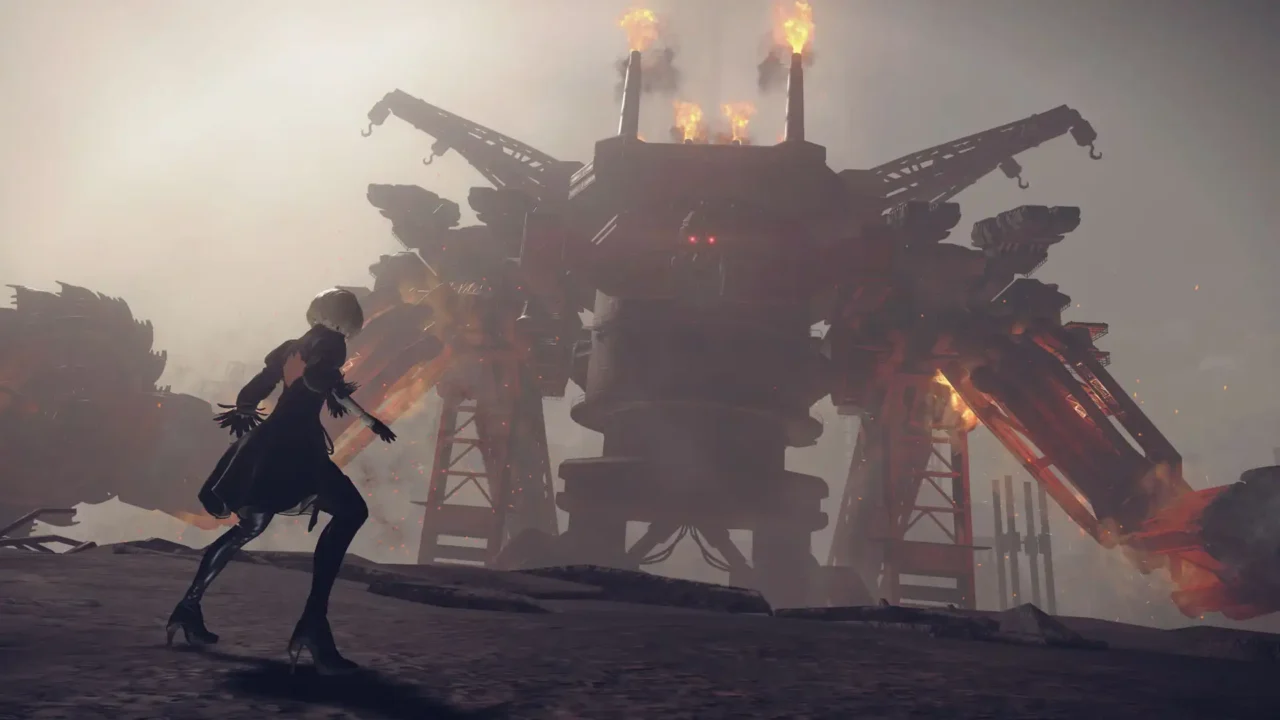

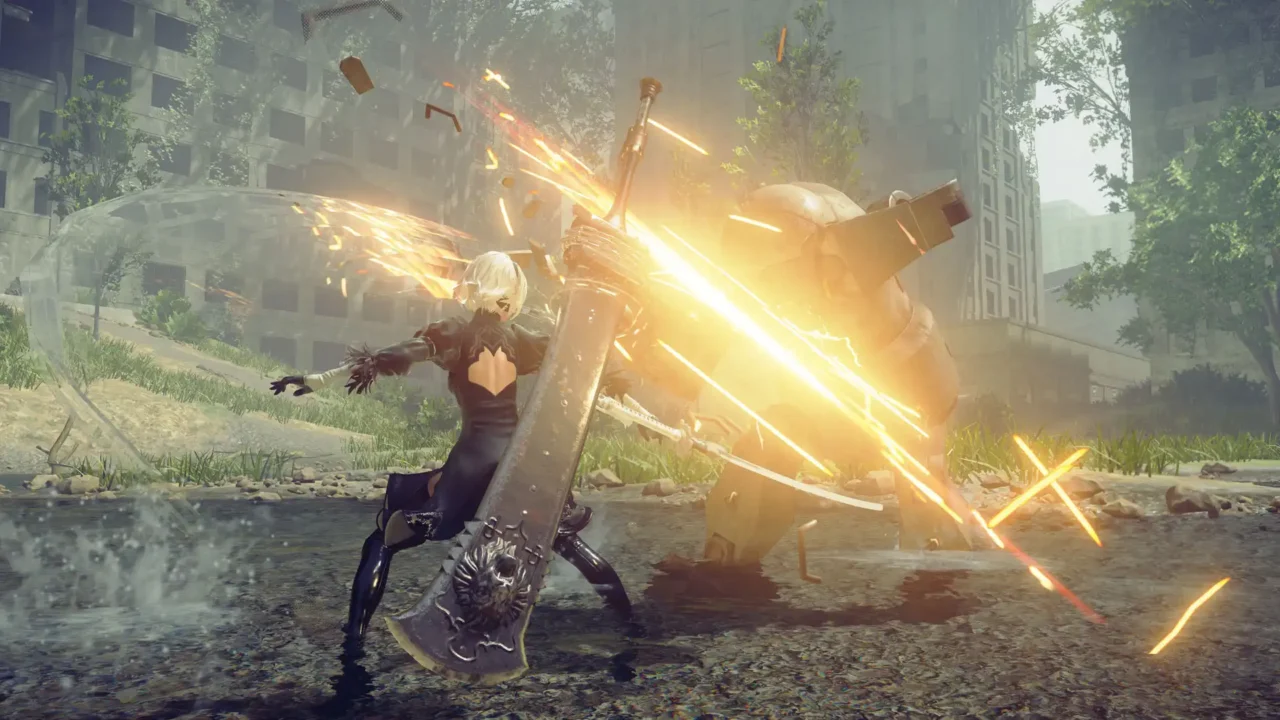
100% Save Game — Author: savestorage
- Completion: 100% save with completed game progress.
- Endings: All endings are unlocked.
- Inventory: Weapons, pods, costumes, and plug-in chips are available.
- Progress: Multiple save files are included for different stages of progress.
DOWNLOAD SAVE GAME (.RAR)
File Size: ~32 KB (RAR Archive)
How to Install the Save
- Download the save archive.
- Extract the RAR file using 7-Zip or WinRAR.
- Back up your existing save files before replacing them.
- Copy the extracted save data to the game’s save folder.
📁 Path: C:\Users\[Your_Name]\Documents\My Games\NieR_Automata\
After copying the files, start NieR: Automata and check the Load menu for the available saves.
FLiNG Trainer — Author: FLiNG
The trainer provides the following gameplay options:
- Num 1 – Infinite Health
- Num + – God Mode / Ignore Hit
- Num 2 – Infinite Hacking Health
- Num 3 – Infinite Hacking Time
- Num 4 – Pod Programs No Cooldown
- Num 5 – Items Won’t Decrease
- Num 6 – Infinite Double Jumps
- Num 7 – Minimum Plug-in Chip Size
- Num 8 – Super Speed
- Num 9 – Slow Motion
- Num 0 – One Hit Kill
- Num . – One Hit Fill Hacking Gauge
- Ctrl + Num 1 – Infinite Money
- Ctrl + Num 2 – Infinite EXP
- Ctrl + Num 3 – Infinite Items
- Ctrl + Num 4 – No Weapon Upgrade Requirements
- Ctrl + Num 5 – No Pod Upgrade Requirements
- Ctrl + Num 6 – Ending E Minigame: Infinite Health
- F1 – EXP Multiplier
DOWNLOAD FLING TRAINER (.ZIP)
File Size: ~863 KB (ZIP Archive)
How to Use the Trainer
- Download the trainer ZIP file.
- Extract the archive using 7-Zip or WinRAR.
- Launch the trainer before starting the game.
- Start NieR: Automata and use the listed keyboard shortcuts to activate the available options.
Trainer options are optional and can be used independently of the save game.
💡 Note: Back up your existing save files before installing a new save.