Here is a complete set of save files for The Coffin of Andy and Leyley. The saves cover different endings and important points throughout the episodes, along with separate files for achievements, stars, and visions.
The files are sorted into folders, so you can pick the part of the game you need instead of replacing everything with one save. The collection was last updated on July 28, 2026 and includes the newer Cleared Burial achievement save.
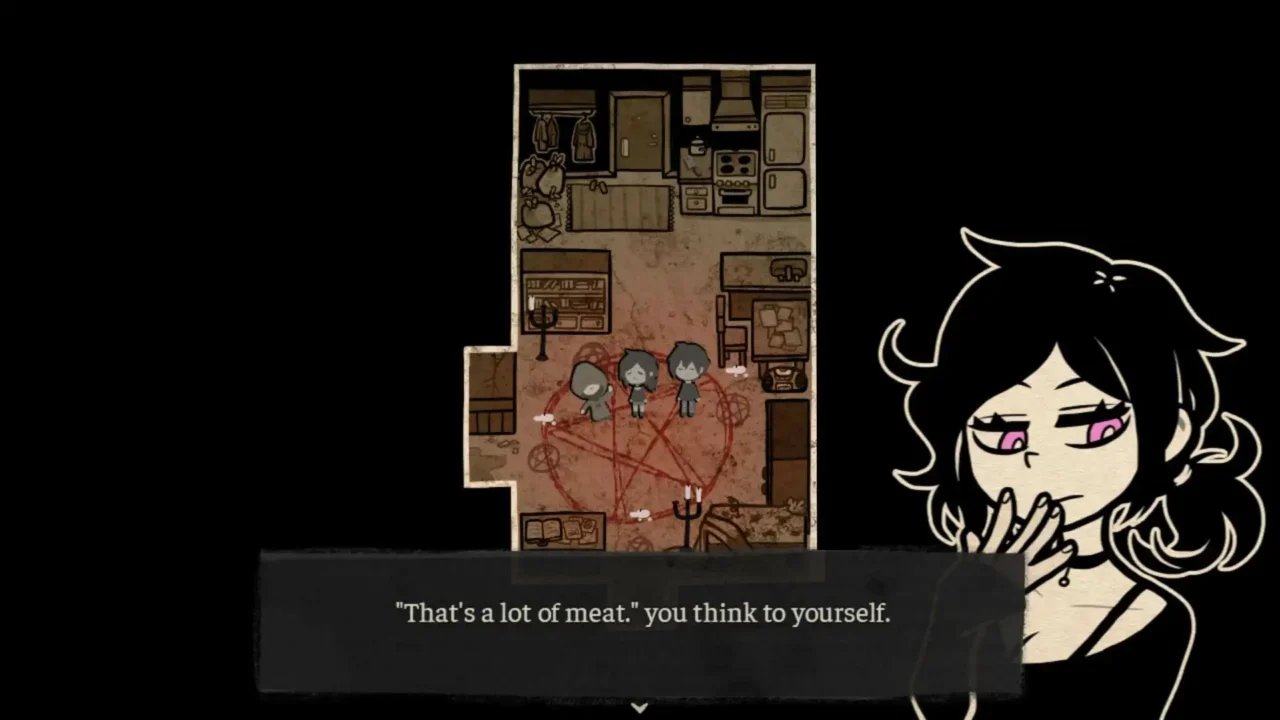
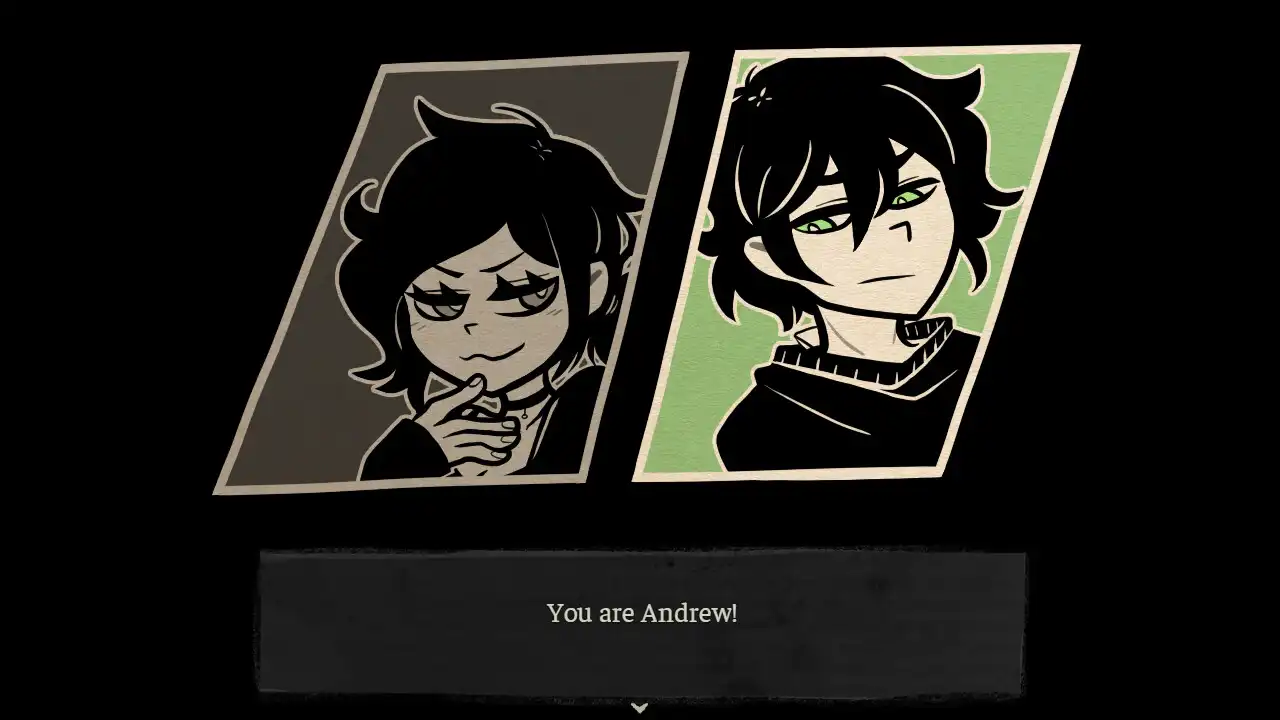
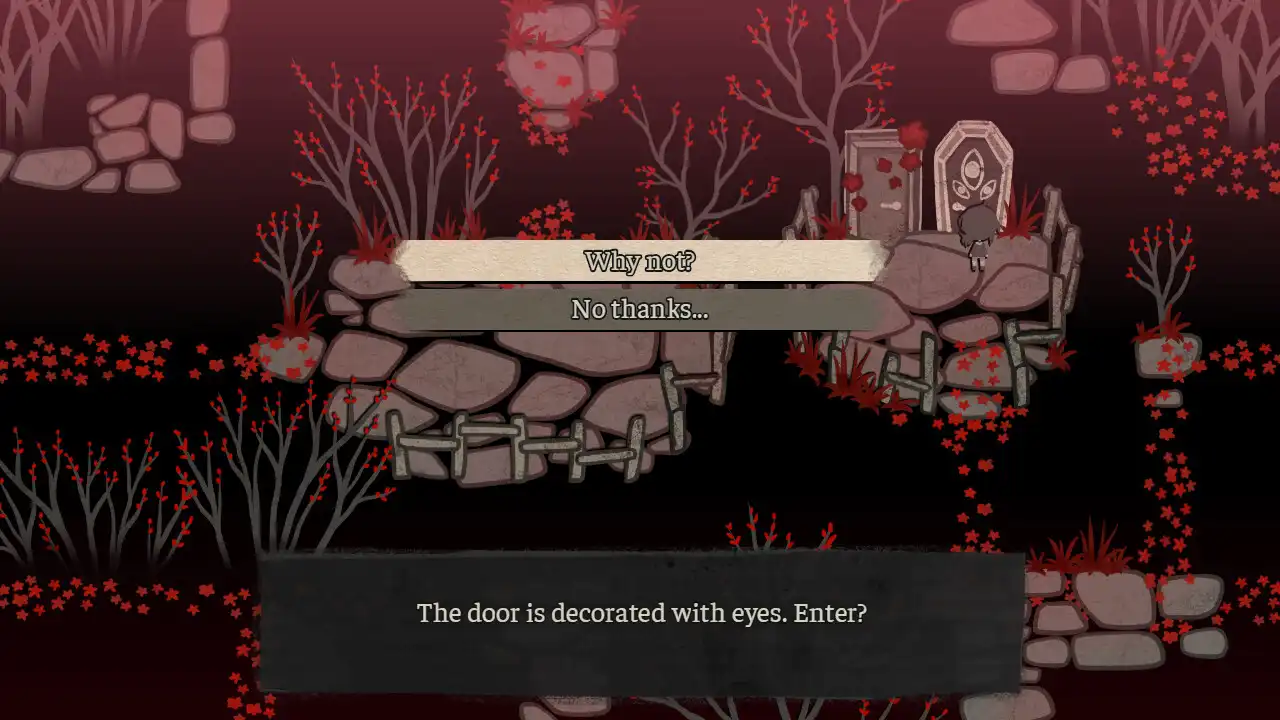
Game: The Coffin of Andy and Leyley
Platform: PC
Author: Vesper
Save collection update: July 28, 2026
What the Save Includes
- Different ending routes
- Episode save points
- Achievement saves
- Star saves
- Vision saves
- Important story and route split saves
- Global progress file
Where to Put the Save
On Windows, open:
%APPDATA%\CoffinAndyLeyleyYou’ll find the game’s numbered save files in this folder. The downloaded files use the same file#.rpgsave format.
How to Use It
- Close the game.
- Extract the downloaded save files.
- Press Win + R and enter
%appdata%. - Open the CoffinAndyLeyley folder.
- Make a copy of your current saves before changing anything.
- Choose the ending, episode or event folder you want from the downloaded files.
- Copy the required
file#.rpgsaveinto your game’s save folder. - Open the game and load that save slot.
You don’t need to copy every folder from the collection. Each folder contains different save points, so just use the one you need.
About the Global Save
The collection also includes global.rpgsave. This file handles global progress, including Vision Room progress. If you’re keeping your own progress, don’t replace your existing global save unless you specifically want to use the downloaded one.
Back up your original saves first. That way you can restore your own progress if you decide to stop using the downloaded files.