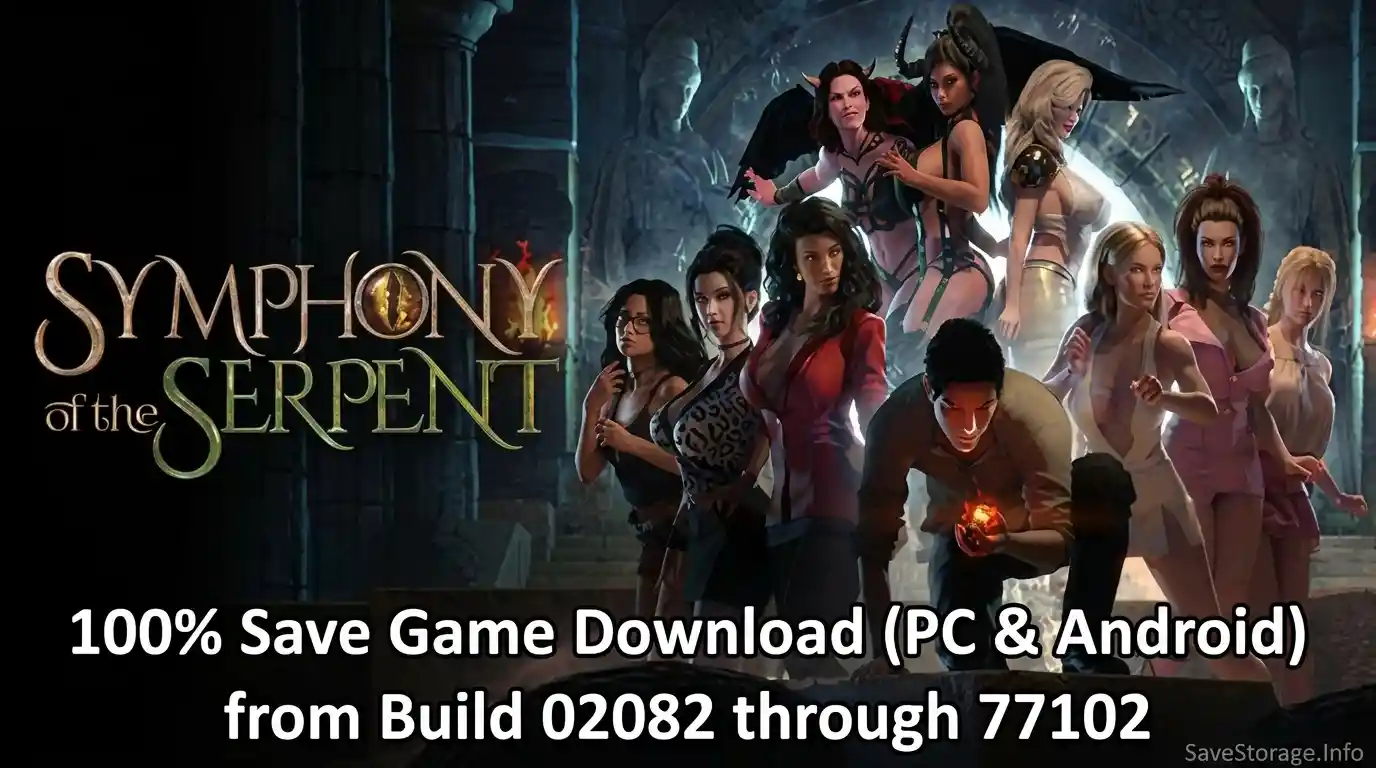
This page collects Symphony of the Serpent save files for multiple game builds, with separate archives for Windows PC and Android through JoiPlay. Choose the save files that match your installed game build, as saves from other versions may not load correctly.
LAST UPDATE: November 8, 2026
New save files for Build 77102 added for Windows PC and Android (JoiPlay).
Save Collection
- 51 build-specific save sets, from Build 02082 through 77102
- Separate Windows PC and JoiPlay Android archives
- All-in-one downloads for both platforms


All-in-One Downloads
Complete Save Collection
Download the full save collection for your platform.
Both downloads are ZIP archives.
Save Credits
Original Save Contributor
Special thanks to AnonimeGamer for creating and sharing the original save files on F95Zone.
This collection is organized and provided for easier access to different game builds and platforms.
Individual Save Files by Build
Select your exact game build below. Use the JoiPlay archive for Android and the PC archive for Windows.
Installation
Windows PC
- Close the game and extract the downloaded ZIP archive.
- Back up your current save folder before replacing files.
- Open the save location:
%LOCALAPPDATA%\SotS\
- Copy the save files for your matching build into the save folder.
- Launch the game and load the save.
Android with JoiPlay
- Download and extract the Android (JoiPlay) save archive for your game build.
- Open JoiPlay and launch Symphony of the Serpent at least once. Then close the game completely.
- Using a file manager, open the game folder that you selected when adding the game to JoiPlay.
- Find the
savefolder inside the game directory. If it does not exist, launch the game, create a manual save, and close it again. - Back up your existing
savefolder, then copy the extracted save files (the.rmmzsavefiles) into it. Allow your file manager to overwrite existing files when prompted. - Reopen the game in JoiPlay and load the installed save from the in-game Load menu.
Important: Do not rename the save files or place them inside an extra nested folder.
macOS (Wine / CrossOver)
No native macOS save path has been verified for this archive. If you run the Windows version through Wine or CrossOver, check inside its Windows prefix:
drive_c/users/<username>/AppData/Local/SotS
Linux (Wine / Proton)
For the Windows version running through Wine or Proton, check the game’s compatibility prefix. A typical Steam Proton location is:
steamapps/compatdata/<game-id>/pfx/drive_c/users/steamuser/AppData/Local/SotS
These are Windows-prefix locations, not confirmed native save paths. The exact prefix and game ID depend on your setup. Back up existing files before replacing them.