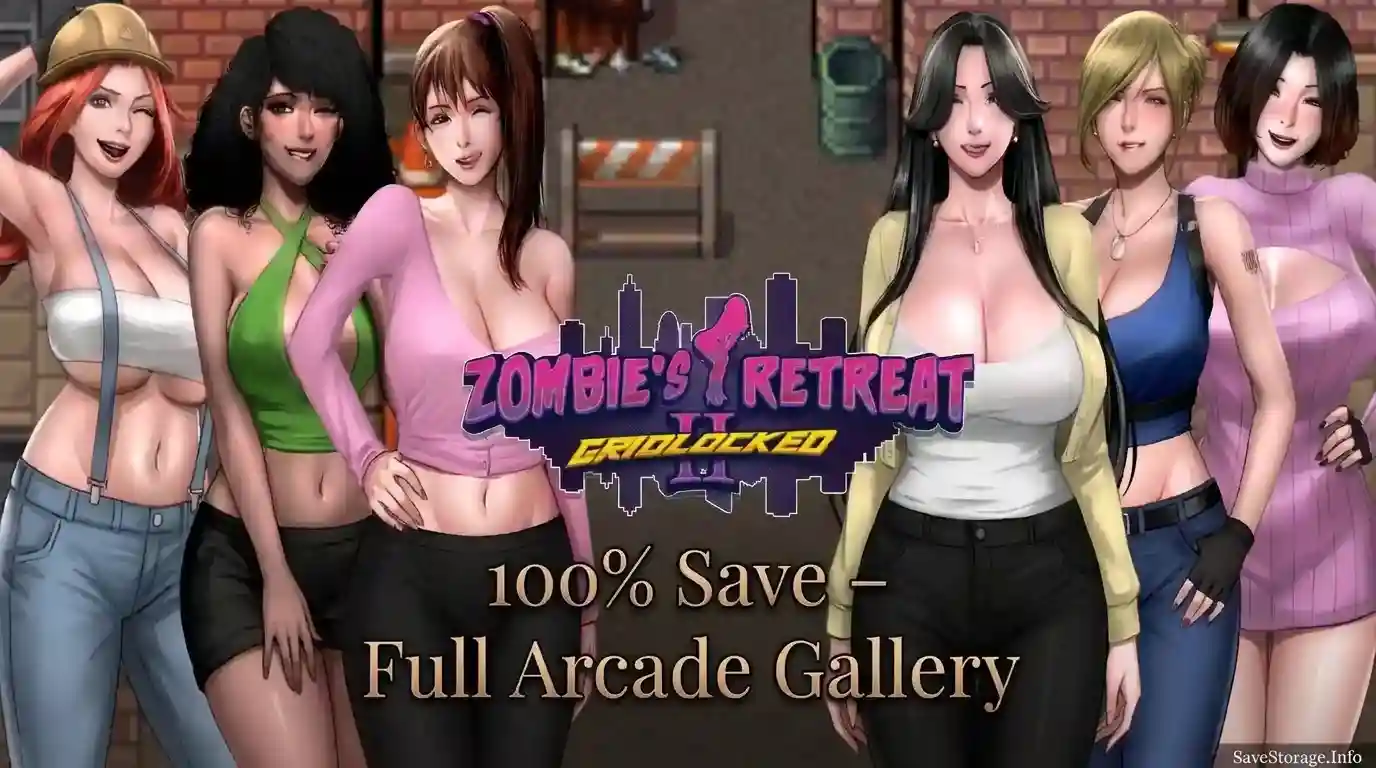
Zombie’s Retreat 2: Gridlocked 100% Save for v1.1.0 includes completed game progress and the full Arcade Gallery. Load the save to access the included progress without starting a new playthrough.
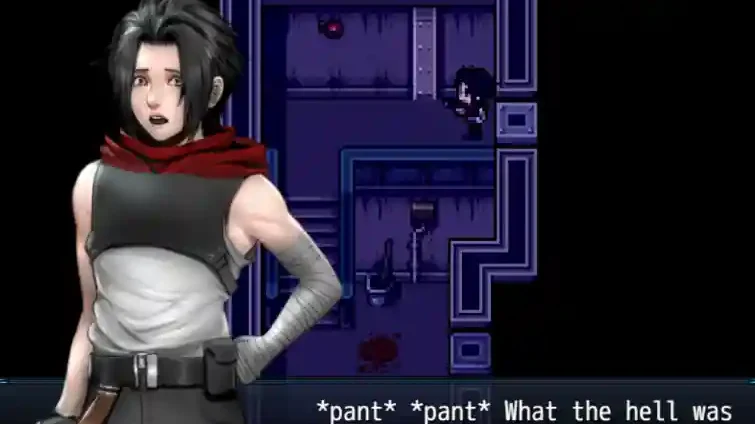
Save File Information
- Game: Zombie’s Retreat 2: Gridlocked
- Version: v1.1.0
- Completion: 100%
- Gallery: Full Arcade Gallery
- Platform: Windows PC
Download 100% Save
Download the save package using the link below.
How to Install the Save
- Close Zombie’s Retreat 2 completely.
- Download the save package and extract it if necessary.
- Open the folder containing your game, then open
wwwandsave. - Back up your existing save files, then copy the downloaded save files into that folder.
- Launch the game and load the save.
Windows Save Location
Zombie’s Retreat 2\www\save
The www\save folder is inside the game’s installation directory. If the folder does not exist, launch the game and save once, then check again.
Compatibility: This save is listed for v1.1.0. Back up your original saves before installing. Compatibility with other versions has not been confirmed.