Download the save game collection for The Alters on PC. The archive contains step-by-step saves with different levels of game progress, including a 100% save.
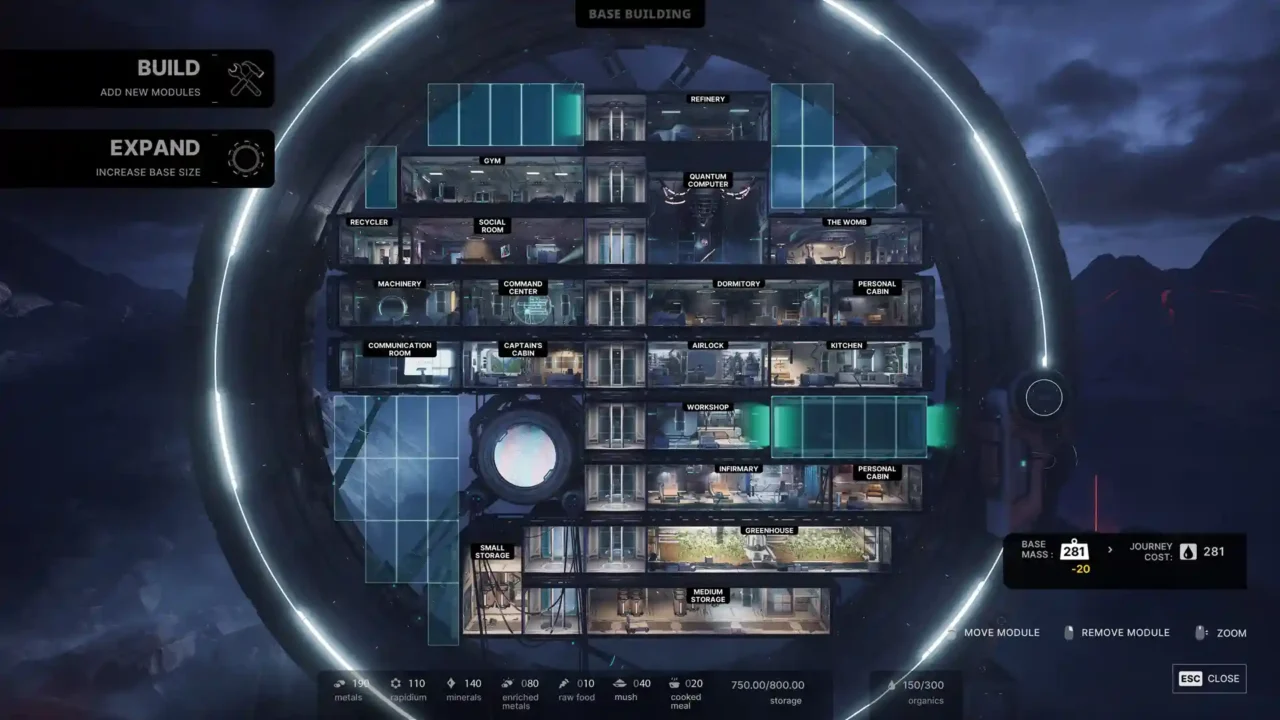
These saves can be useful if you are stuck at a particular part of the story, want to continue from a different stage, or want to see the ending without replaying the entire game.
How to Install
- Download the archive and extract it using 7-Zip or WinRAR.
- Back up your existing save files.
- Open the save location below and copy the downloaded files into the matching folder.
- Launch The Alters and load the save you want to use.
Save File Location
For the Steam version, open this folder:
%LOCALAPPDATA%\11bitstudios\TheAlters\Steam\Saved\SaveGames\
Open the folder matching your user ID. The path may vary depending on your game version or platform.
Note
These saves are intended for the PC version. Compatibility with newer game versions is not guaranteed. Keep a backup of your original saves before replacing anything.
These saves are intended for the PC version. Compatibility with newer game versions is not guaranteed. Keep a backup of your original saves before replacing anything.