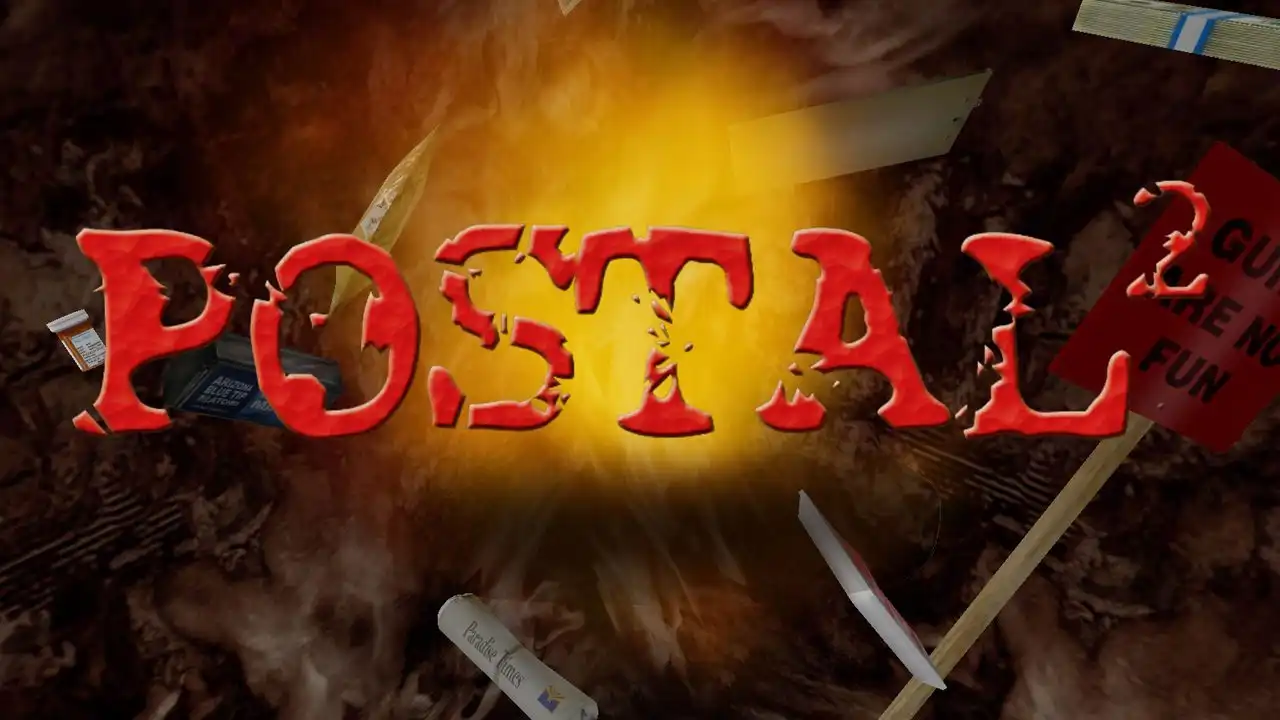
POSTAL 2 Save Game Download
This save package for POSTAL 2 includes completed progress for the main game and several additional campaigns or modifications. It contains separate save folders for POSTAL 2 Complete, Paradise Lost, Corkscrew Zzh0t, Happy Night Director’s Cut xPatch, and Eternal Damnation.
The archive is provided as a 33 MB RAR file. Check the included folders before installing so you can find the saves for the game or modification you use.
| Information | Details |
|---|---|
| Game | POSTAL 2 |
| Platform | PC / Windows |
| Developer | Running With Scissors |
| Archive Size | 33 MB |
| File Format | RAR |
| Save Author | Scorpion_win |
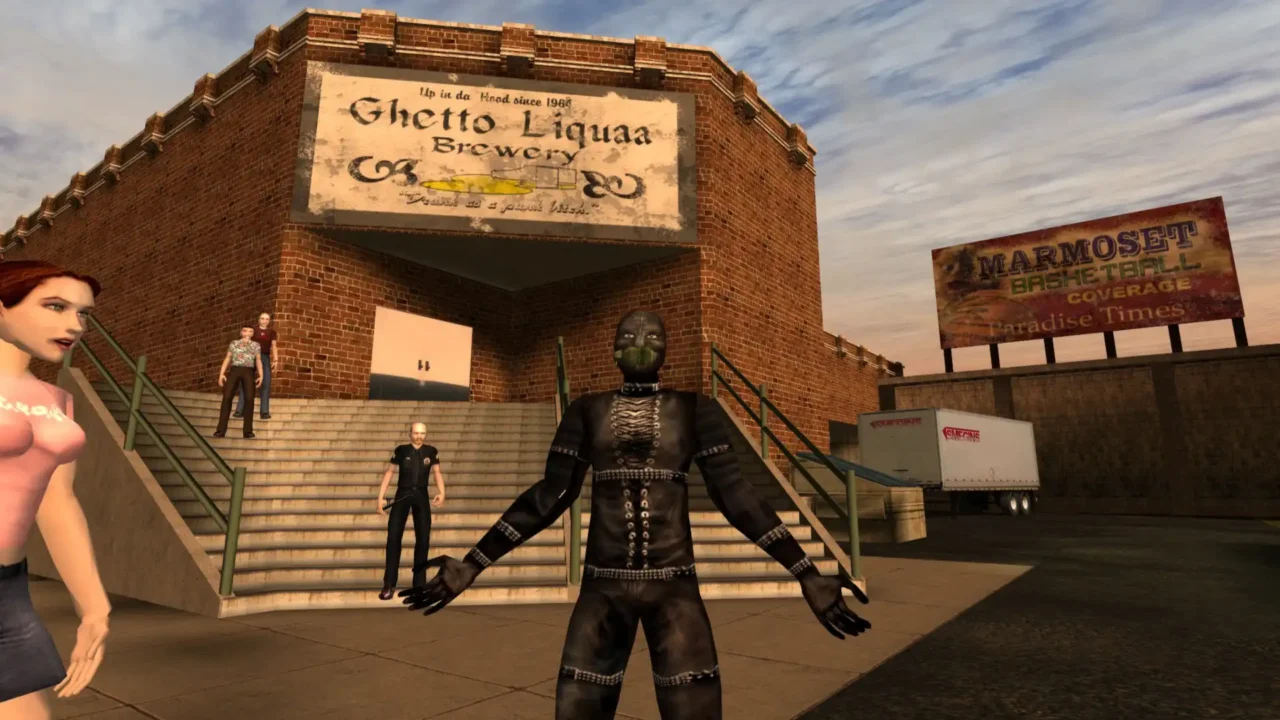
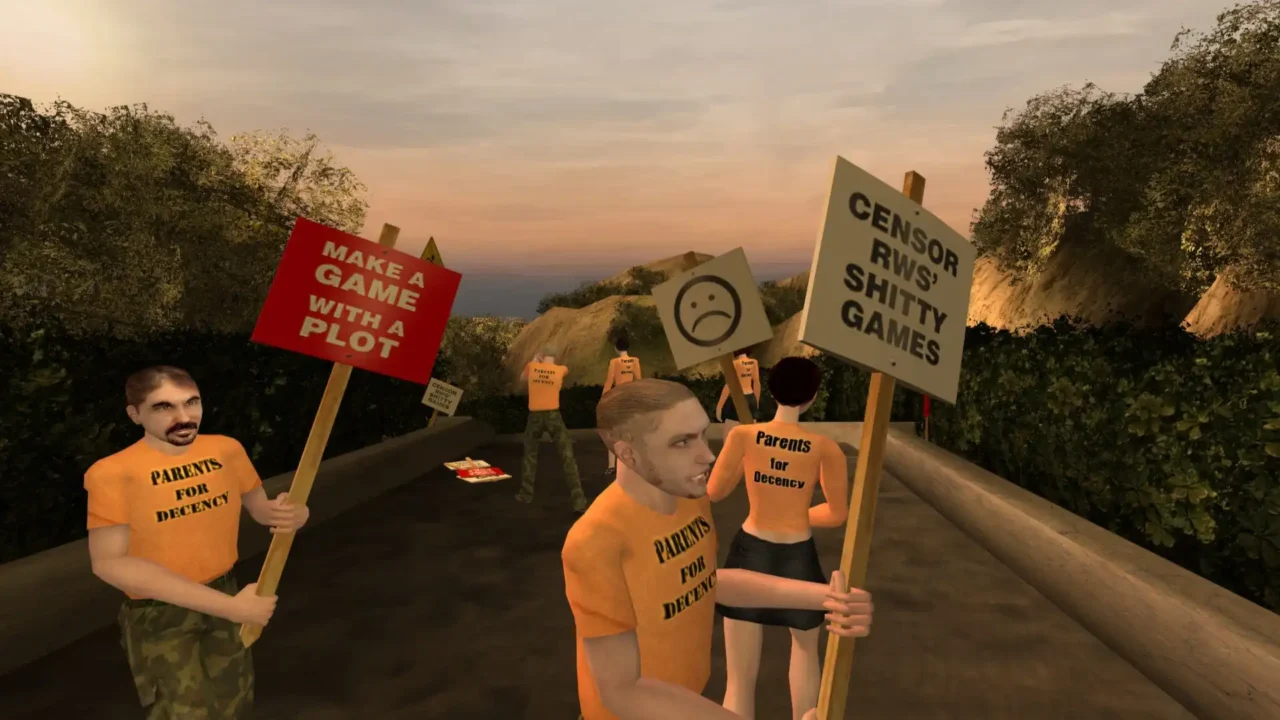
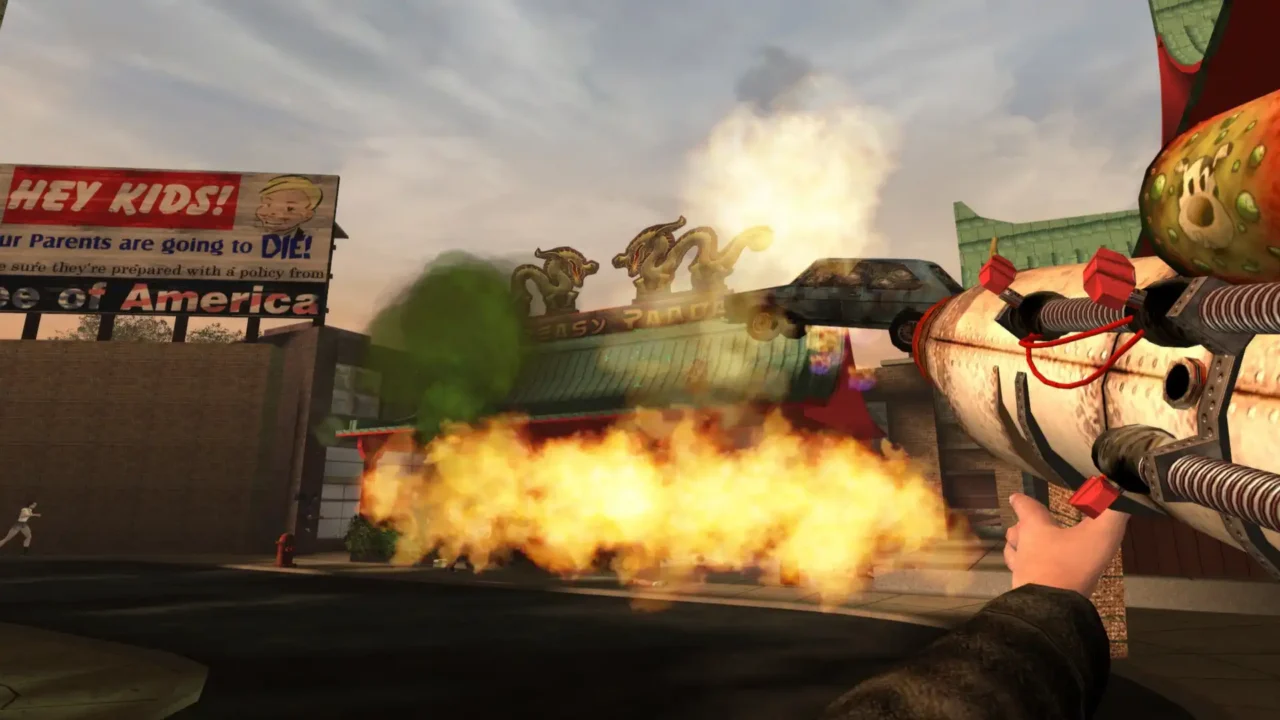
Included Save Files
POSTAL 2 Complete
Includes completed main-game progress, with saves for Weekly and Extended modes.
Paradise Lost
Includes completed expansion progress and equipment.
Happy Night Director’s Cut xPatch
Includes completed progress and an additional save point after the Santa Claus encounter.
Eternal Damnation
Includes completed campaign progress and a save before the final boss.
Corkscrew Zzh0t
Includes completed campaign progress and an additional save near the final section.
Download
Download the POSTAL 2 save archive using the link below.
How to Install
- Download the RAR archive.
- Extract it using 7-Zip or WinRAR.
- Open the extracted folders and locate the save set for your game or modification.
- Back up your existing saves before copying or replacing files.
- Copy the relevant files to the appropriate location for your installed version.
- Launch the matching game or modification and check the Load Game menu.
Save File Locations
The archive lists the following five folder paths. These identify the folders included in the package; they may not be the final save destination for every installation.
1. POSTAL 2 Complete
POSTALRUnlimitedEdition\POSTALRUnlimitedEdition\POSTAL2Complete2. Paradise Lost
POSTALRUnlimitedEdition\POSTAL2Complete\Paradise Lost3. Corkscrew Zzh0t
POSTALRUnlimitedEdition\POSTAL2Complete\CorkscrewRules4. Happy Night Director’s Cut xPatch
POSTALRUnlimitedEdition\POSTAL2Complete\POSTALXX\HappyNight5. Eternal Damnation
POSTALRUnlimitedEdition\POSTAL2Complete\Eternal DamnationCompatibility and Backup
- Use each save with its corresponding game, expansion, or modification.
- Folder locations can vary between releases and installations.
- If a save does not appear in the Load Game menu, check the destination folder and confirm that you launched the matching version.
- Keep a backup of your original saves before making changes.