| Game Title | Outlast 2 |
| Difficulty | Normal |
| Progress | 100% Save |
| Author | Michael101 |
About This Save
This Outlast 2 save is listed as a 100% completed save on Normal difficulty. It can be used if you want to continue the game from a completed save instead of starting from the beginning.


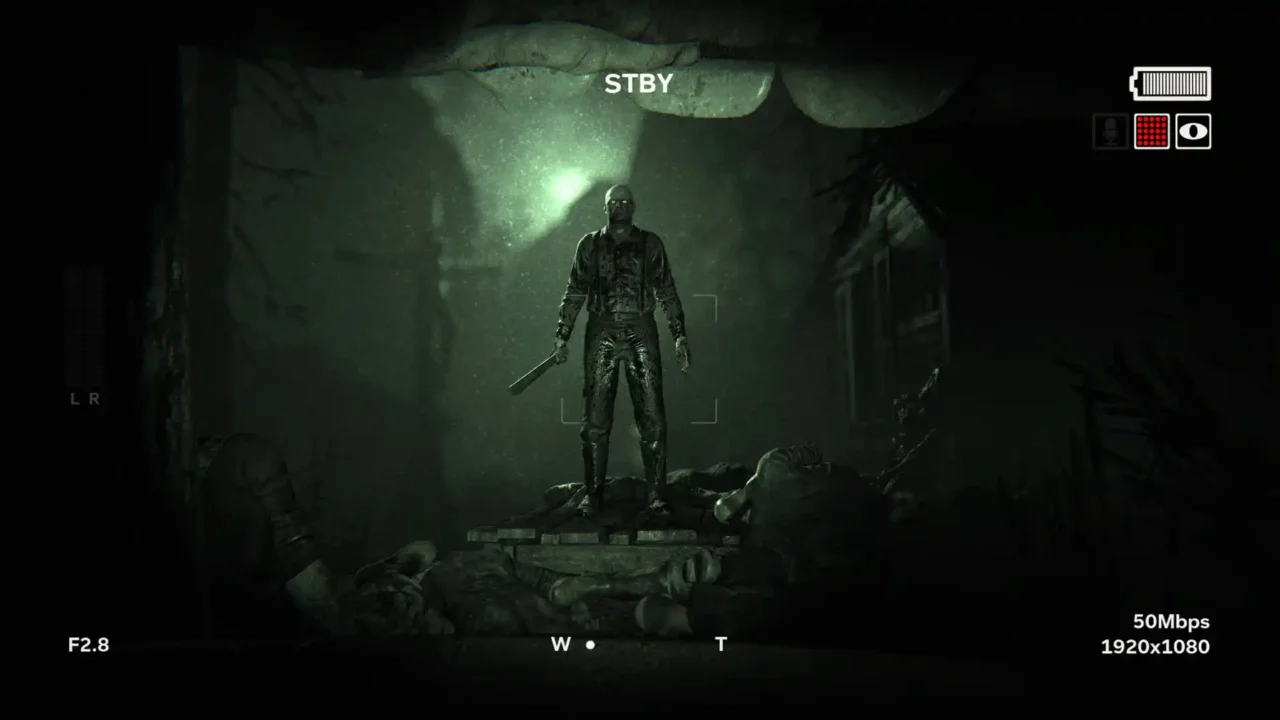
Outlast 2 Save Game
Game: Outlast 2
Difficulty: Normal
Progress: 100%
Author: Michael101
Save Type: CODEX
How to Install Outlast 2 Save
Close Outlast 2 completely before replacing the save files. It is recommended to make a backup of your existing saves before copying the downloaded files.
- Download the save archive from the link above.
- Extract the downloaded archive using 7-Zip, WinRAR, or another archive utility.
- Open the following folder:
C:\Users\Public\Public Documents\Steam\CODEX\414700
- Back up your current save files before replacing them.
- Copy the downloaded save files into the folder above.
- Start Outlast 2 and check the available save data.
Important: The save information provided for this download is for the CODEX version. Make a backup of your original save files before replacing them.
For Steam Version
This save was originally made for the CODEX version. If you want to try it with the Steam version, back up your current Steam save first and copy the downloaded files to:
C:\Program Files (x86)\Steam\userdata\YourSteamID\414700\remote
Note: Steam compatibility is not guaranteed. The 414700 folder is the Steam App ID for Outlast 2.